Introduction: Moving Beyond Silos to a Smart, Connected Factory Floor
Picture a Tuesday afternoon on the plant floor. Sales promised a rush order. Inventory says the parts are on the shelf. Production says they're not. Finance has a third answer. Nobody's lying, they're just looking at different spreadsheets.
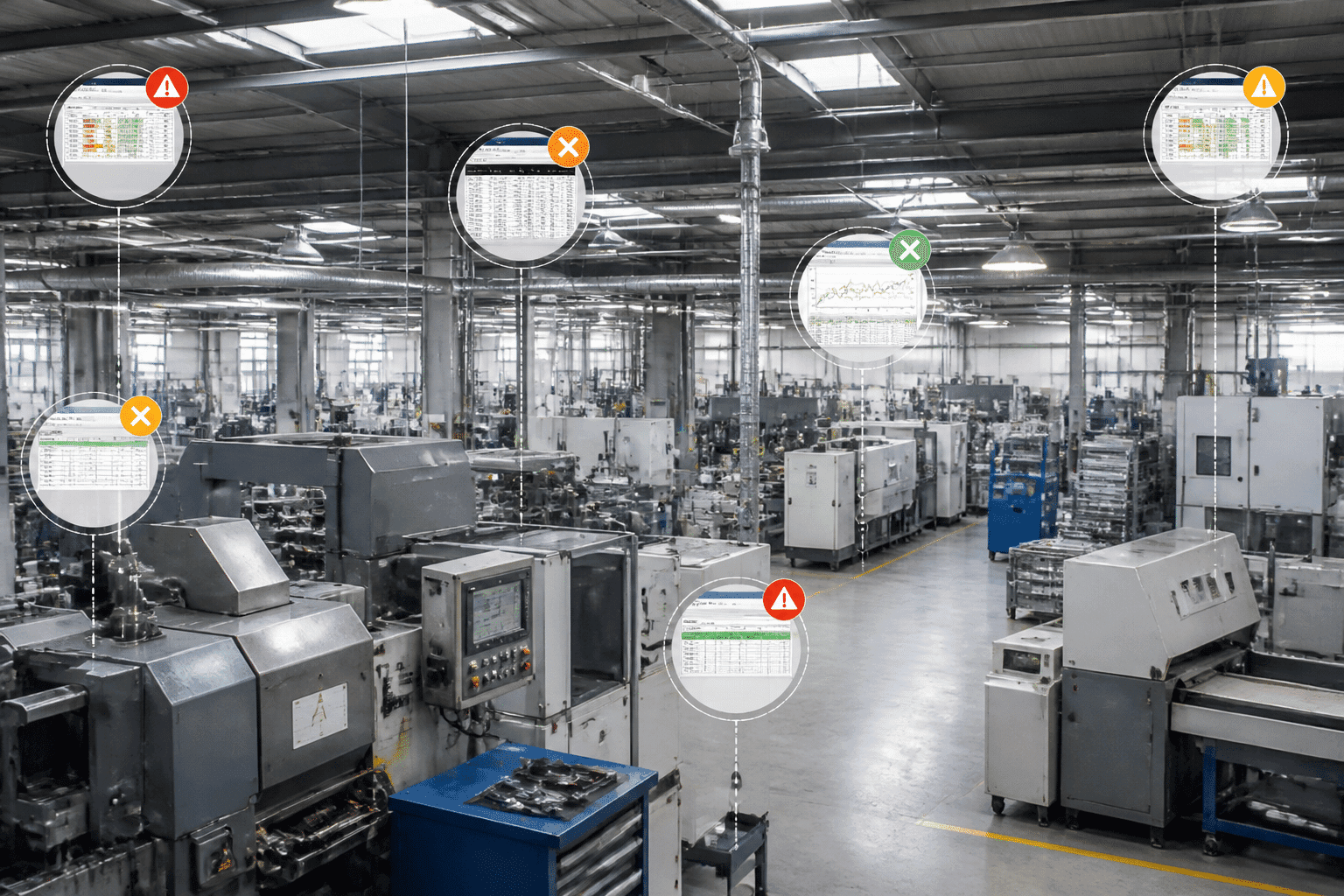
Sound familiar? That's the cost of fragmented data. Sales, inventory, production and finance each run on their own tools, and the gaps between them eat time and money. In one case study, about 20 employees at ATG Access spent roughly 30 minutes a day each hunting for information and re-typing the same entries. That adds up to around 2,500 hours a year. Gone.
And the pressure isn't letting up. In the NAM Q1 2025 Outlook Survey, 76.2% of manufacturers named trade uncertainty as a top challenge, and 62.3% pointed to rising raw material costs. You can't react fast to that when your data lives in five places.
Enter the Central Nervous System
This is where ERP (Enterprise Resource Planning) software comes in. Think of it as the central nervous system of your business. It links orders, materials, machines, people and money in one connected system, so everyone sees the same numbers at the same time.
Deloitte's 2025 Manufacturing Industry Outlook says investment in digital technologies and smart operations is "likely to continue in 2025." Connected systems are quickly moving from a nice-to-have IT project to a basic tool for staying steady.
What You'll Get From This Guide
This guide is written for CTOs, IT Directors and Product Managers who want the real business benefits of ERP software for manufacturing, not a vendor brochure. We'll look at what makes a manufacturing ERP different, how it helps with visibility, planning, inventory and new tech like AI and cloud, and how to pick the right partner. Let's start with the basics.
1. What is a Manufacturing ERP System? (And How It's Different)
Let's clear up the basics first. What is manufacturing ERP, exactly? It's business software built around how things get made, from the first customer order to the final invoice. It tracks the whole production lifecycle in one place.
How the Pieces Fit Together
Think of it as a relay race. Each module hands the baton to the next one, and nothing gets dropped.
Step | Module | What it does |
|---|---|---|
1 | Sales order | Captures what the customer wants and when |
2 | Production planning | Turns demand into work orders and material needs |
3 | Tracks what's actually happening on the line | |
4 | Inventory | Updates raw materials, work in progress and finished goods |
5 | Shipping | Sends the order out with the right lot or serial info |
6 | Finance | Posts costs, invoices and payments |
When step 3 changes, steps 4 and 6 update on their own. No re-typing.
Where It Beats a Generic ERP
A generic ERP is fine for accounting and purchasing. But a factory needs more. Here are the modules that make the difference:
Bill of Materials (BOM): The recipe for your product. A multi-level BOM lists the raw materials, parts, subassemblies and quantities needed to build a finished item.
Production scheduling: Matches orders against materials, labor and machine time.
Quality management: Handles inspections, nonconformance records and lot traceability.
Shop floor control: Records labor time, machine output, scrap and work in progress, then feeds it back to planning and costing.
Here's an easy way to remember it. The BOM says what should be made. Shop floor control shows what's really happening.
Skip these, and trouble follows. ECI points out that a basic ERP often lacks multi-level parts lists, revision control, automated job costing and detailed shop floor data capture. Sound boring? It is, until a wrong revision ships to a customer.
Discrete vs. Process: Not the Same Game
Manufacturers don't all build things the same way, and the ERP needs to match.
Discrete manufacturing (cars, electronics, machinery) makes countable items from parts. You can take a finished product apart and see every piece. So the focus is on BOMs, routings, serial numbers and engineering changes.
Process manufacturing (chemicals, food and beverage, pharma) blends ingredients into batches. You can't un-bake a cake. So you need formulas, yield tracking, batch and lot traceability, shelf life and sometimes co-products or by-products.
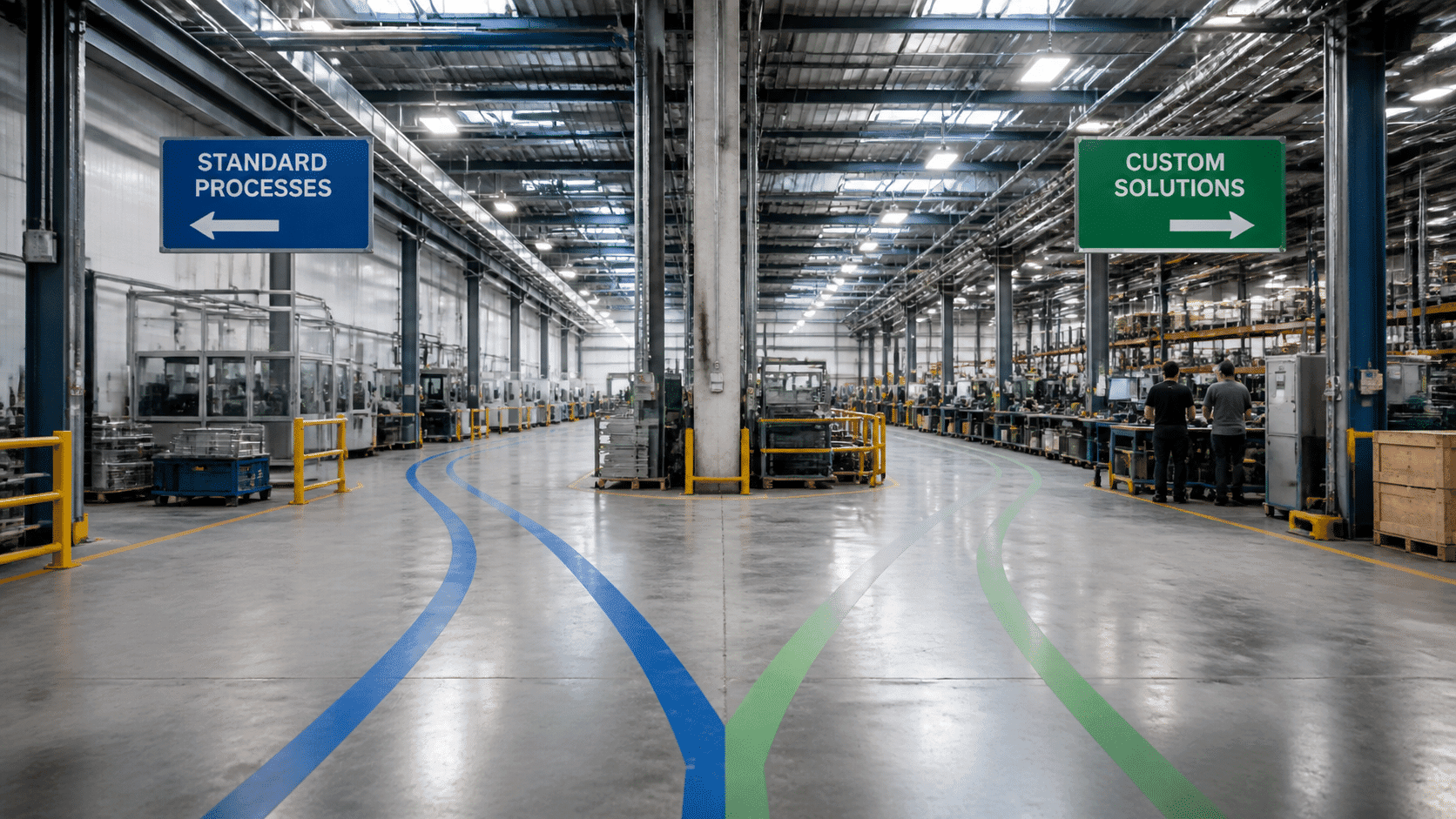
Some plants mix both, which is where it gets tricky. If your processes don't fit a standard mold, custom ERP development for production can fill the gaps.
2. Benefit #1: Unify Data for Radical Operational Visibility
Here's the first big win, and honestly, it's the one that makes all the others possible. One database. One set of numbers. Everybody looking at the same thing.
One Source of Truth, Not Five
In a siloed plant, sales keeps orders in one tool. The warehouse has its own. Finance runs a third. Each team trusts its own version, and each version is a little bit different. HuWise's 2025 study found that 55% of companies are still held back by data silos, both technical and organizational. Old legacy systems are often the reason. They were built to do one job, and they weren't built to talk to anything else.
A manufacturing ERP fixes that by putting everything in one central database. Change a due date in sales, and planning and purchasing see it right away. Here's how the two setups compare:
Siloed systems | Integrated ERP | |
|---|---|---|
Where data lives | Spreadsheets and separate tools | One shared database |
Updates | Re-typed by hand, often late | Flow to every team automatically |
Reports | Built manually, days old | Live dashboards |
Arguments about numbers | Frequent | Rare |
Month-end close | Slow and stressful | Faster, with fewer fixes |
The scale of the mess can be wild. ContiTech, a global manufacturer in 40 countries, had more than 13 ERP systems running on their own. Moving to one unified SAP core gave them real-time visibility across countries and faster, better-informed decisions.
See What's Happening Now, Not Last Week
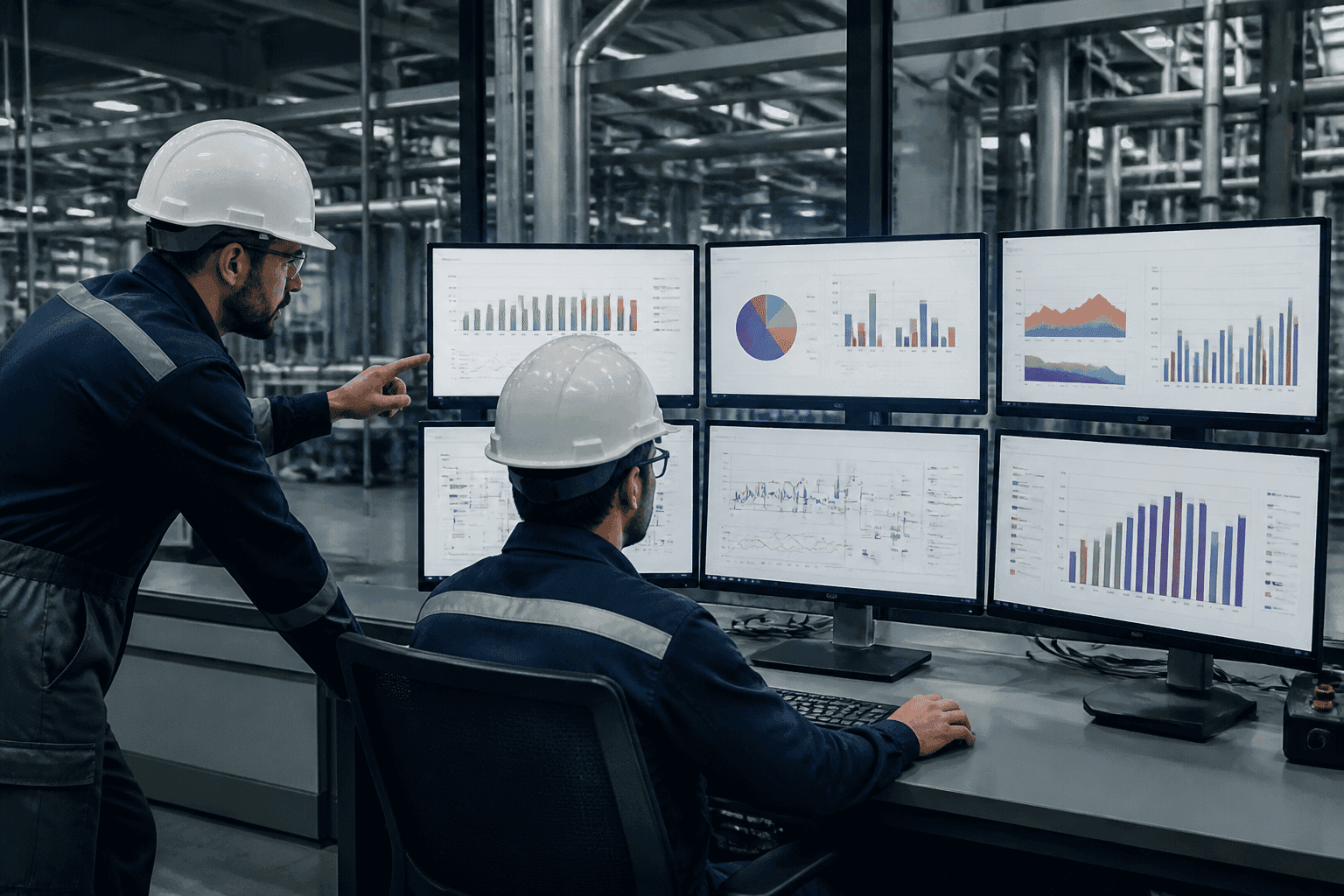
Now picture a plant manager at 8am. Instead of waiting for a Friday report, she opens one screen. Production status, stock levels and machine performance are right there. If a line slows down, she sees it while it's still fixable.
Speed matters here. At Suzhou Universal, IBM reports that questions across systems used to take up to 30 minutes to answer. After the company pulled ERP, execution, scheduling and quality data together, those same questions took seconds. They also reported scheduling efficiency up by more than 30%.
That's the difference between reacting and guessing.
Money That Matches Reality
Visibility isn't only about the shop floor. It changes your books too.
When labor hours, material use and scrap get logged at the machine, they flow straight into job costing and the general ledger. Nobody re-keys numbers at month end. Nobody wonders if the cost sheet is two weeks stale. Your costs show what really happened, not what somebody remembered.
So your finance team spends less time chasing and more time analyzing. And when a customer asks why a quote changed, you've got an actual answer.
Once everyone sees the same truth, planning gets a lot smarter. That's where we're heading next.
3. Benefit #2: Optimize Production Planning and Shop Floor Efficiency
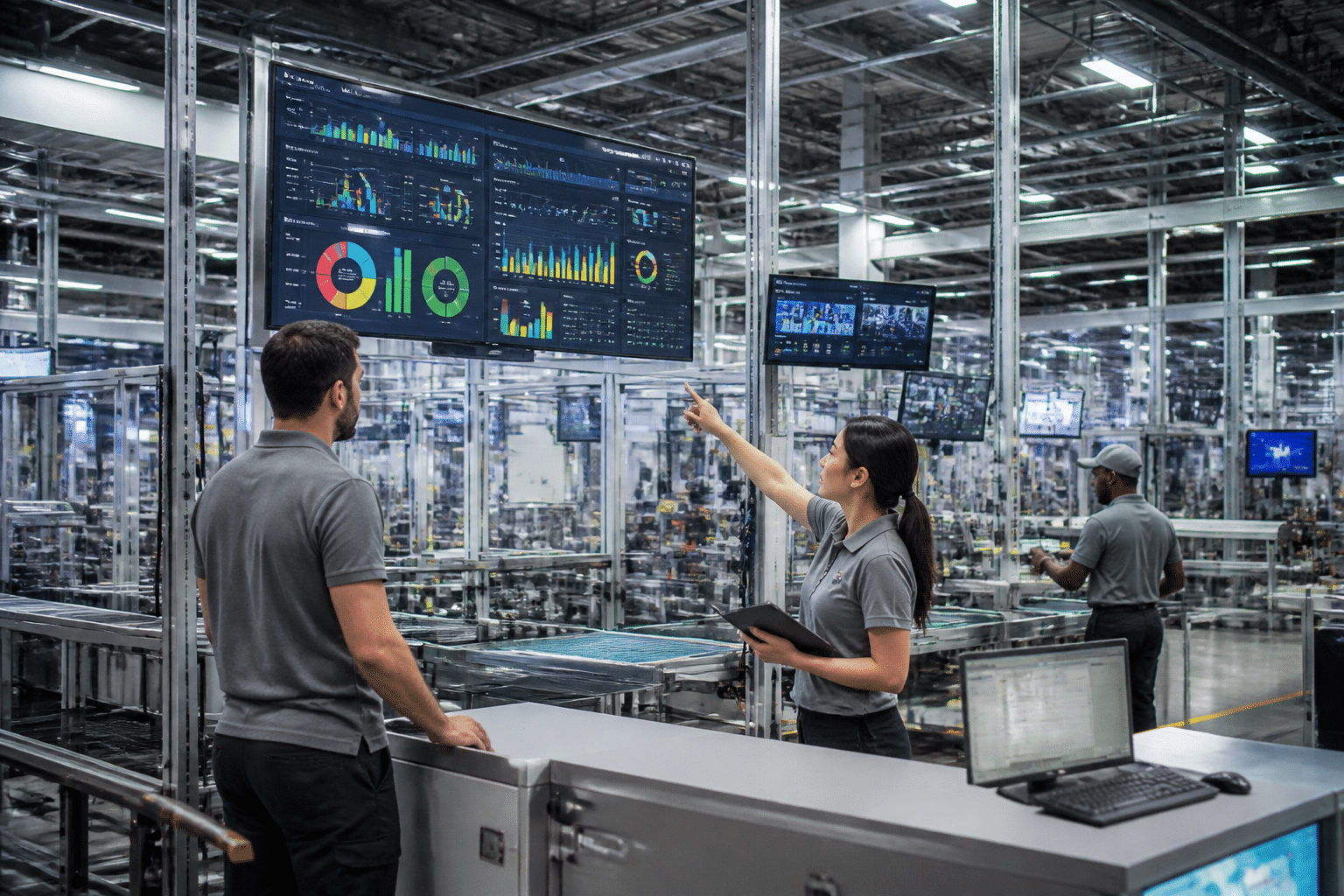
Ever watched a planner rebuild the weekly schedule for the third time by Wednesday? A rush order lands, a supplier slips, and the whole plan goes sideways. I've seen it happen. It's painful.
Once your data lives in one place, planning finally gets smarter.
From Forecast to Schedule
Demand forecasting looks at past sales, open orders and customer signals to guess what you'll need. Then material requirements planning (MRP) takes over. It reads the BOM, checks what's on hand and what's on order, and works out what to buy and when. So your schedule rests on real numbers, not gut feel.
Good ERP software for manufacturing also weighs labor and machine capacity. That matters, because a plan that works on paper isn't the same as a plan that works on Thursday with the people you actually have. Jobs stop waiting around for parts or open machines, and lead times shrink.
A customer moves a due date? MRP reruns, shortages show up early, and you fix them before the line stops.
Shop Floor Control Keeps the Plan Honest
Plans only help if you can see how they're going. Shop floor control sends work orders to the floor, and operators log starts, finishes, scrap and rework as they go. Supervisors watch job progress live instead of waiting for an end-of-shift report.
Here's what a simple planning dashboard might show:
Dashboard view | What you spot | What you can do |
|---|---|---|
Work order status | A job running behind | Shift labor or resequence jobs |
Capacity utilization | One machine at 95%, another at 40% | Move work to the open machine |
Material availability | A part short for Friday's job | Expedite the purchase order |
Scrap and rework | A spike on one line | Pause and check the setup |
That's how bottlenecks get caught while they're small. SAY Plastics used real-time production dashboards in DELMIAWorks to find bottlenecks, adjust schedules and assign resources. They reported on-time delivery "nearing 100%." Pretty great, right?
What It Means for Your Bottom Line
Downtime is where the money leaks out fastest.
$25,000 per hour
The rough cost of unplanned downtime for a mid-sized manufacturing plant.
That estimate comes from a 2026 manufacturing downtime benchmark. It varies a lot by plant (high-value or highly automated sites can lose far more), but you get the idea. Every hour you save pays for itself fast.
Better scheduling also means fewer rushed changeovers, less scrap and more finished goods out the door. And customers notice. One 2025 ERP case study reported a 47% improvement in on-time delivery after deployment. A separate MRPeasy customer survey found a 39% average gain. Neither is an industry-wide promise (one is a single case, the other comes from a vendor's own customers). Still, the direction is consistent.
Higher throughput, less waste and happier customers all land on your profit line. Next up: what happens when the same connected data starts steering your stock and suppliers.
4. Benefit #3: Enhance Inventory Management and Supply Chain Resilience
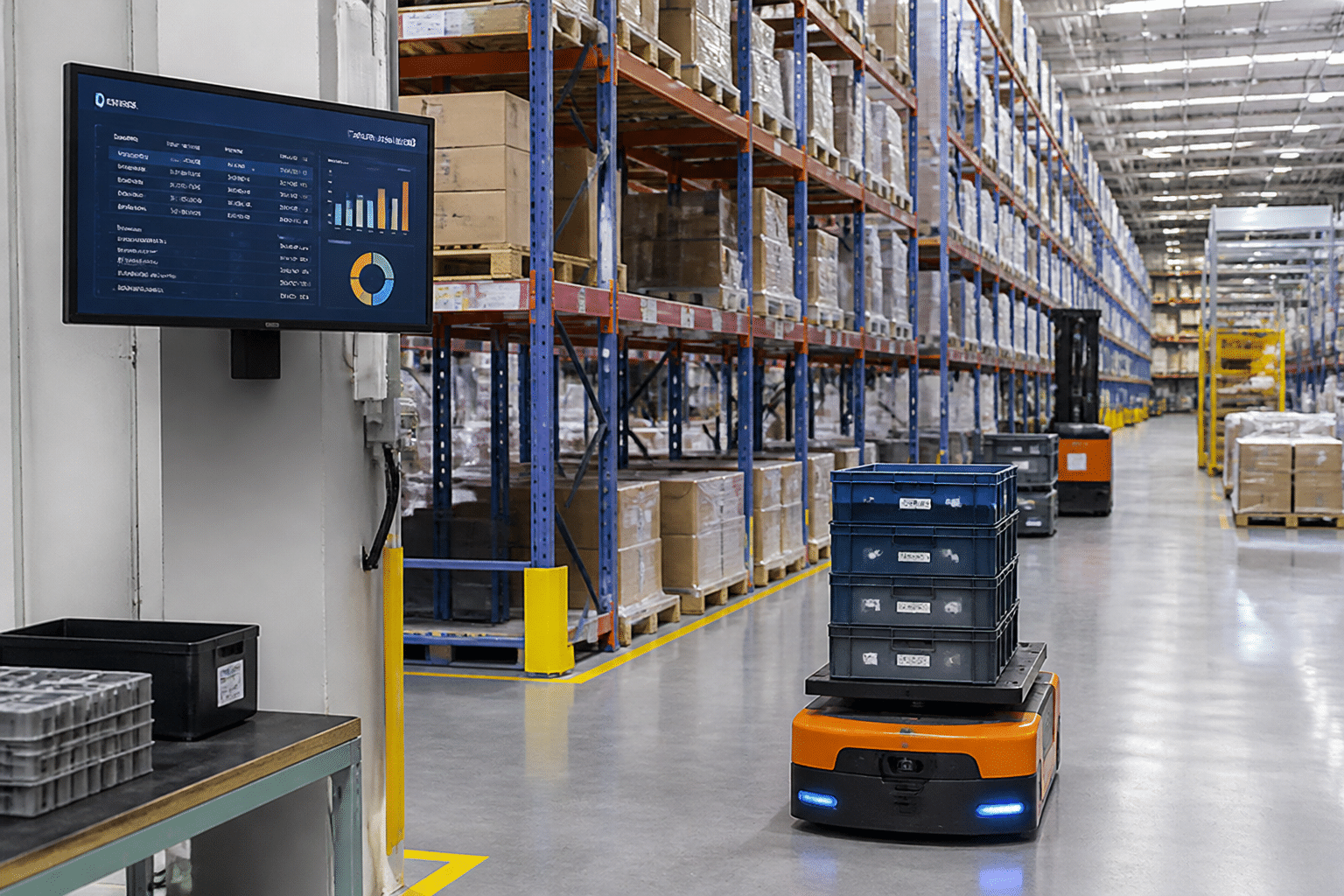
Here's a question. How much cash is sitting on your shelves right now, doing nothing?
Inventory is where good plans and bad data collide. Too little, and the line stops. Too much, and you're paying rent on parts that might never ship.
Stop Paying to Store Stuff You Don't Need
Carrying costs add up fast. Manufacturing inventory carrying costs often run 20% to 30% of inventory value every year. That covers capital, warehouse space, insurance, handling and parts that go stale. And it's a lot of money to spend on boxes.
Overstock is common, too. One benchmark found that 55% of small and midsize businesses carried at least 20% excess stock. Not great.
A manufacturing ERP helps by tracking every move in real time. Receipts, picks, scrap and shipments all update stock the moment they happen. Then you can set reorder points based on actual usage and supplier lead times. When a part dips below its limit, the system flags it or drafts the purchase order. No one has to remember to check. So you avoid stockouts without stuffing the warehouse "just in case."
Here's how the two approaches stack up:
Metric | Manual (spreadsheets, clipboards) | ERP-automated |
|---|---|---|
Accuracy | Counts drift, errors show up at audit time | Updates with every transaction |
Carrying cost | Extra safety stock to cover the unknown | Reorder points based on real demand |
Labor time | Hours of counting and re-typing | Scans and short cycle counts |
Stockout risk | Found when the line stops | Flagged before it happens |
Reorders | Someone has to remember | Triggered automatically |
Seeing the Whole Supply Chain
Inventory is only one piece. A good ERP also follows the path from procurement and supplier management to logistics and final delivery. You can see open purchase orders, promised dates, late shipments and which jobs depend on them.
That visibility turns into resilience when something breaks. In a 2025 case, a Pakistani manufacturing SME (the study doesn't name it) used ERP dashboards to re-optimize cash flow and diversify suppliers within days during the COVID-19 disruption. Days, not months.
A 2026 study describes an automotive supplier that paired demand sensing with SAP Integrated Business Planning during the chip shortage. It reportedly spotted at-risk suppliers up to eight weeks ahead and cut stockouts by 30%. Those are reported findings, not guarantees. Still, early warning beats a surprise phone call every time.
Lot and Serial Tracking When Things Go Wrong
Nobody likes talking about recalls. But if you make food, medical devices, auto parts or anything regulated, you need a plan.
Lot traceability and serial number tracking give every batch or unit a history. You can see:
Which supplier lot went into which batch
Which work orders used it
Which customers received the finished goods
So instead of pulling everything off the market, you can pinpoint the affected products in minutes. That saves money, and it protects your reputation.
It also helps with audits. ERP software doesn't make you compliant on its own. But it keeps controlled records, approvals and audit trails that support standards like FDA 21 CFR Part 11, ISO 9001 and ISO 13485.
With stock, suppliers and traceability under control, the next question is what newer tech can add on top.
5. Benefit #4: Leverage Advanced Technology: AI, IoT, and Cloud ERP
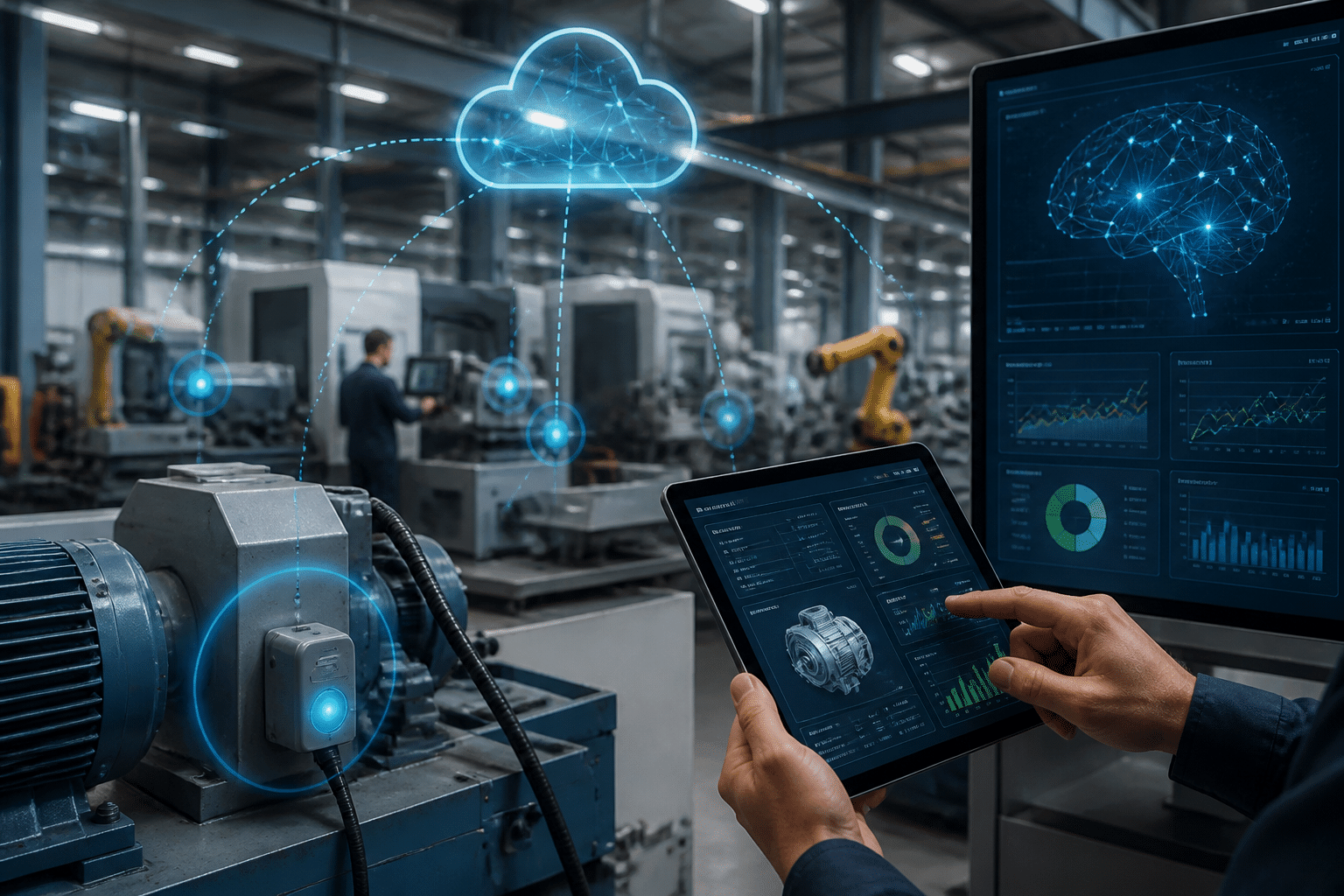
Here's the fun part. Once your data sits in one system, you can start adding smarter tools on top. Three of them matter most right now: cloud, sensors and AI.
Cloud ERP for Manufacturing: Less Upfront Cost, More Reach
Old-school ERP meant buying servers, hiring people to babysit them and paying a big bill before anyone logged in. Cloud ERP for manufacturing flips that. You pay a subscription, the vendor runs the infrastructure, and you add users or plants as you grow.
The shift is already happening. One 2026 summary found that 73.5% of surveyed ERP projects used a cloud deployment model. (That's projects, not every manufacturer on earth, so treat it as a rough signal.)
Plus, a planner at home, a supervisor on the floor and a buyer on the road all see the same live data. Handy for a spread-out team.
One catch. Security isn't automatic. The vendor protects the platform, but you still own user permissions, connected equipment and network setup. Ask for multifactor login, audit logs and tested backups before you sign anything.
IoT Sensors: Let the Machines Speak Up
Sensors on your equipment track vibration, heat and output. Feed that into your ERP, and you get real-time asset performance without anyone walking the line with a clipboard.
The big payoff is predictive maintenance. At Buckeye Precision Manufacturing in Columbus, Ohio, provider-reported results include a 97% drop in unplanned downtime and AI alerts spotting possible failures up to three weeks ahead. Those numbers come from the technology vendor, not an outside audit, so take them with a grain of salt.
A clearer ERP example: an auto-parts maker used predictive alerts to create maintenance work orders about 48 hours before a likely failure. Across 40 CNC machines, unplanned downtime fell 40%. The ERP handled the follow-up, so nobody had to remember to schedule the repair.
AI and Machine Learning: Better Guesses, Earlier Warnings
AI-powered manufacturing ERP tools learn from your own history. They look at past orders, seasonality, scrap rates and machine data, then spot patterns people miss.
That usually shows up in three places:
Demand forecasts that adjust as new orders and market signals come in
Production runs sequenced to cut changeovers and idle time
Quality checks that flag drifting settings before a bad batch is made
AI is only as good as your data, though. Messy records give you confident nonsense. And older machines may need custom connectors, which is where custom ERP development for production (the kind a firm like Buildera does) can bridge the gap.
How the Three Work Together
Layer | Job | Example output |
|---|---|---|
IoT sensors | Collect live machine data | Vibration and temperature readings |
AI and ML | Find patterns and predict | Failure risk, demand forecast |
Cloud ERP | Store, share and act | Work orders, purchase orders, dashboards |
Sensors listen. AI thinks. ERP acts. Of course, none of it works if you pick the wrong system or the wrong team to set it up. So let's talk about that next.
6. How to Choose the Right ERP and Implementation Partner
You've seen what ERP can do. Now comes the part that trips people up: picking the right system, and the right people to build it into your plant. Get this wrong and the benefits stay on the brochure.
Off-the-Shelf or Custom? Start With Your Own Needs
Before you watch a single demo, write down how your plant really runs. Where do orders get stuck? Which steps do your people do by hand because no tool fits? That list drives everything else.
Here's how the two paths usually compare:
Off-the-shelf ERP | Custom ERP development | |
|---|---|---|
Cost | Lower upfront, with ongoing license fees | Higher upfront, fewer recurring license costs |
Implementation time | Usually quicker to get started | Longer, since it's built around you |
Scalability | Grows within the vendor's limits | Grows however your plant does |
Specificity | Fits common processes, workarounds for odd ones | Matches your routings, rules and equipment |
Neither one wins every time. If your processes are fairly standard, off-the-shelf manufacturing ERP systems probably do the job. If you run odd routings, older machines or a mix of discrete and process work, custom ERP development for production might save you years of workarounds. A hybrid is common too: a standard core with custom pieces where you truly differ.
Also, think about next year. Will you add a plant, a product line or a new cloud setup? Pick something that grows with you, not something you'll outgrow by 2028.
A Checklist of Features to Look For
The right features depend on what you make. Use this as a starting point.
Discrete manufacturers: multi-level BOMs, routings, revision control, serial numbers and engineering change handling.
Process manufacturers: formulas, batch and lot traceability, yield tracking, shelf life and co-product support.
Regulated industries: electronic signatures, audit trails, validated workflows and full lot genealogy (think FDA 21 CFR Part 11 or ISO 13485).
Integrations: clean connections to CRM, PLM, CAD, MES and warehouse tools, ideally through open APIs.
Key Questions Checklist
* Does it handle our production style, discrete, process or both?
* Can it prove compliance records to an auditor?
* Which of our current systems must it connect to on day one?
* What are the security terms, backups and login controls?
* What happens to cost and speed when we double our users?
Why Your Partner Matters as Much as the Software
Here's something vendors rarely lead with. Projects usually fail for people reasons, not software reasons. One failure analysis citing Panorama Consulting data put weak change management at 42%, poor data migration at 38% and inexperienced implementation teams at 35%.
So look hard at the partner. You want real factory experience, not just a good sales deck. Ask for references from plants like yours. Ask how they clean and move legacy data, and who signs off on it. And ask what support looks like after go-live, because that's when the surprises show up.
Timelines matter too. A typical mid-sized manufacturer should plan for roughly 6 to 12 months, and that stretches with multiple sites or messy data. For a longer list of questions to put to a shortlist, ArcherPoint's partner guide is a decent place to start.
If your systems are old or your processes don't fit a standard mold, a custom engineering firm like Buildera can handle the modernization and the integrations in one effort. Either way, the goal is a partner who sticks around long enough to help you hit the ROI you were promised.
So what does all of this add up to? Let's wrap it up.
Conclusion: Your Blueprint for a Future-Ready Manufacturing Operation
So, where does all this leave you? Honestly, ERP software for manufacturing has stopped being a "maybe next year" upgrade. Trade worries, rising costs and tight labor aren't going away, and a plant running on five disconnected tools will feel every one of them.
Here's the short version of what we covered:
Unified data: One database means one set of numbers, and fewer arguments on a Tuesday afternoon.
Smarter operations: Better planning, live shop floor control and less downtime.
Supply chain resilience: Real-time stock, early supplier warnings and fast recall tracing.
Connected tech: Cloud, sensors and AI all work better when ERP is the hub.
The payoff can be big. A commissioned Forrester study of four manufacturers using Epicor Kinetic reported 270% ROI and a 20-month payback. That's one study, not a promise. Your results depend on your data, your people and your partner.
Looking ahead, analyst Robert Kramer of Moor Insights & Strategy says he's an advocate for Industry 5.0, where humans guide and oversee robotic systems. That fits. The future plant won't be all automation. It'll be machines, AI and people sharing the same clear picture.
Your Next Step
Start small. Write down where orders get stuck, which jobs your team still does by hand, and which systems don't talk to each other. That list is your starting point.
Then bring in someone who's done this before. Buildera helps manufacturers modernize old systems, connect their tools and build custom ERP solutions that fit how their plants really run.
Ready to Modernize Your Operations? Talk to Our ERP Experts