The Strategic Crossroads: Choosing the Right ERP to Drive Manufacturing Growth
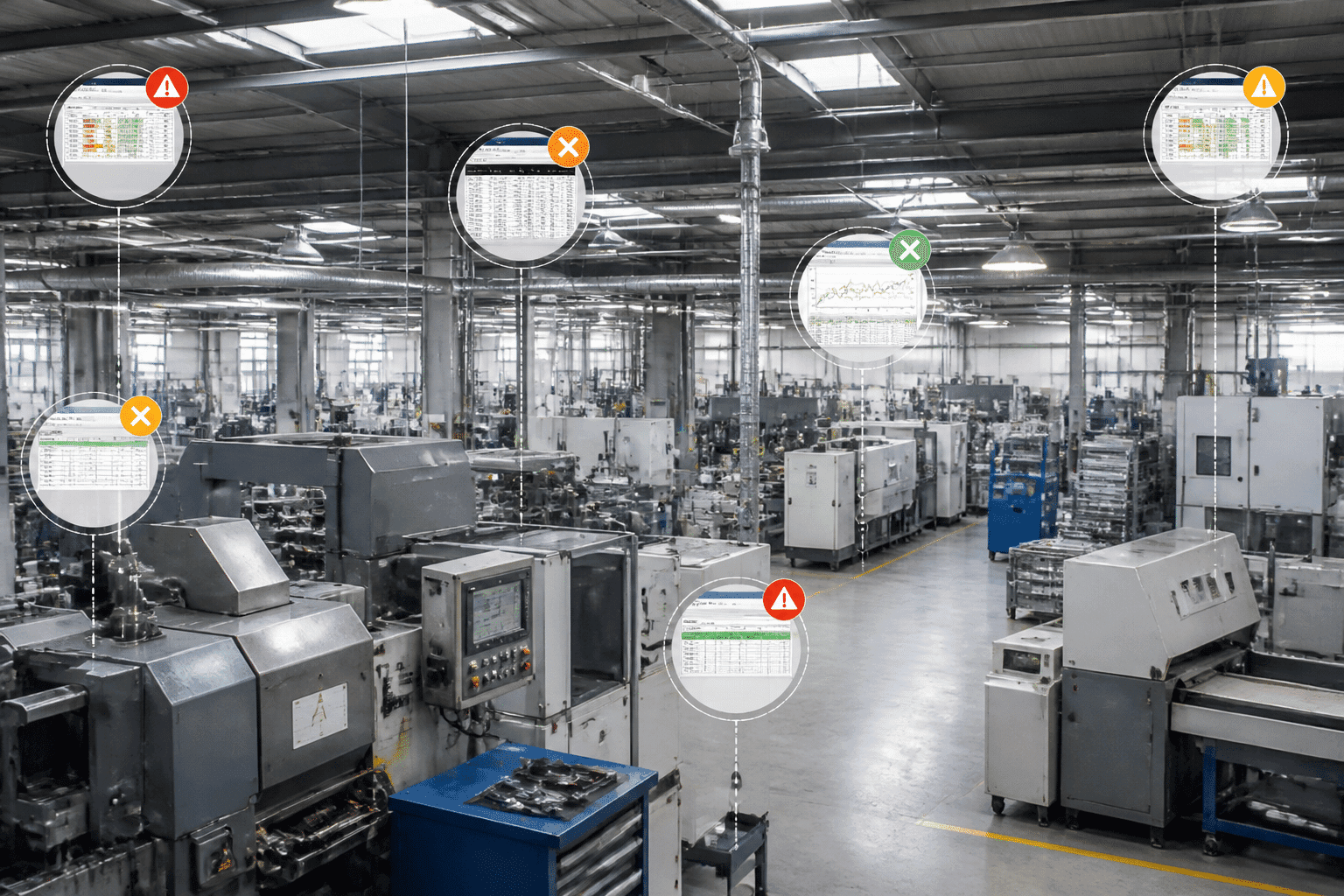
Picture a plant manager on a Monday morning. A key supplier is late again. Production data sits in three spreadsheets, and nobody can say for sure what's on the shelf. Sound familiar?
You're not alone. A 2025 survey from Dun & Bradstreet found that 97% of manufacturers felt negative effects from supply chain complexity. Quality problems, late deliveries and poor visibility topped the list. That's a big deal.
Here's the thing. Your ERP used to be a back-office tool for invoices and inventory counts. Now it's closer to a nervous system. It ties together suppliers, schedules, machines and money. When it works, you spot trouble early. When it doesn't, you find out from an angry customer.
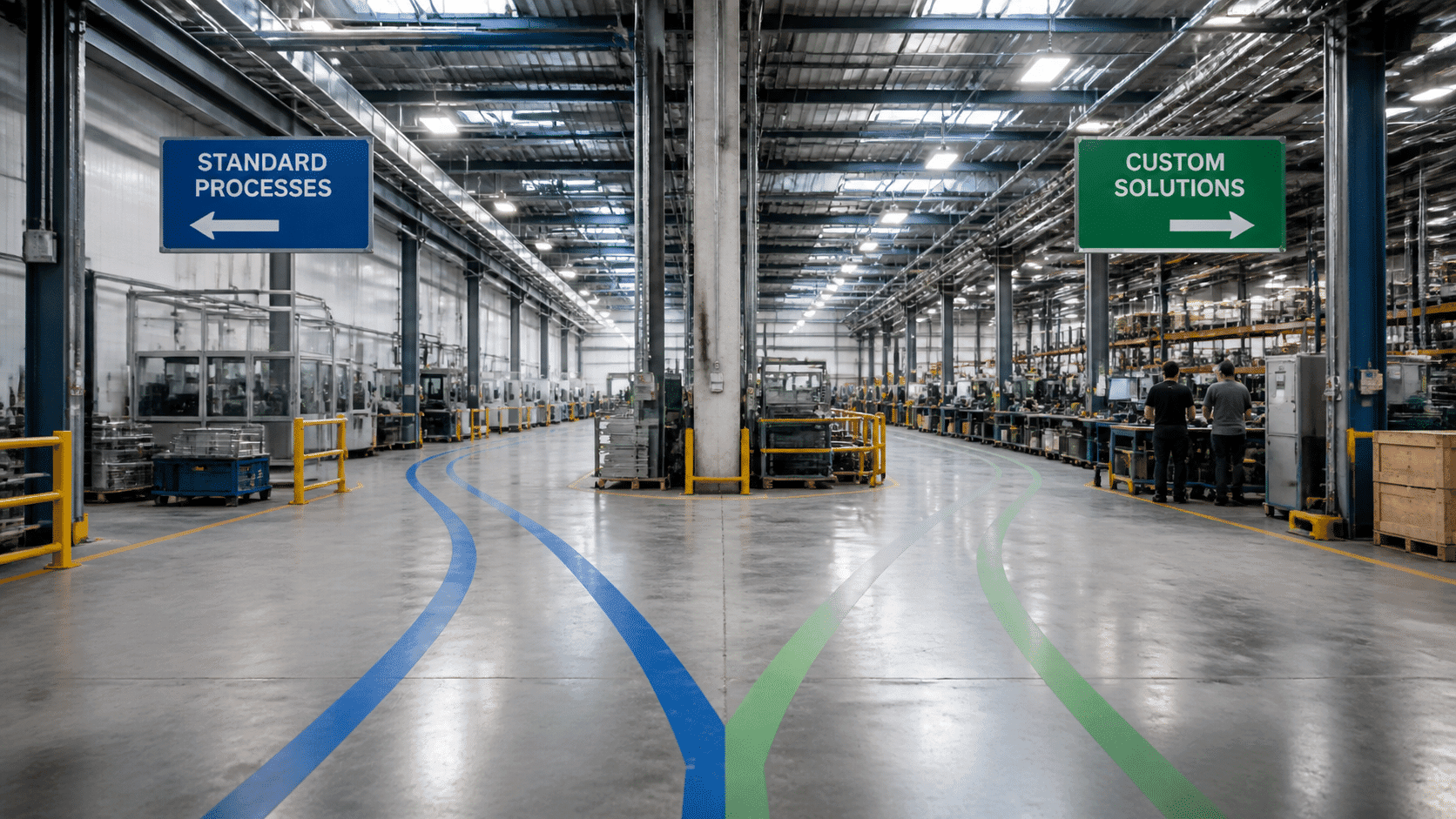
So if you're a CTO or IT Director, you're probably facing a tough call. Do you build a custom manufacturing ERP shaped around how your plant really runs? Or do you buy a proven, off-the-shelf ERP and adapt to it? Both paths can work. Both can also go badly wrong.
Think of it like buying a suit. Off the rack is quick and costs less. Tailored fits better but takes more time and money.
This article gives you a practical, data-driven way to weigh your options. We'll look at cost, speed, fit, risk and long-term growth, so you can pick the ERP software for manufacturing that matches where your business is headed. Let's start by getting clear on what each option really means.
Understanding the Contenders: Defining Custom vs. Off-the-Shelf ERP
Before we compare anything, let's get the labels straight. People toss around "custom" and "off-the-shelf" like everyone agrees on what they mean. They don't. (And that confusion alone has sunk a few projects.)
What Off-the-Shelf (COTS) ERP Really Is
Off-the-shelf ERP, often called COTS, is software that's already built. A vendor made it for a wide market, tested it, and sells it to lots of companies. You configure it, load your data, and go.
Most options come with industry-specific modules for things like bills of material, shop floor tracking and quality. Names you'll probably recognize include SAP S/4HANA, Oracle NetSuite and Epicor. One third-party estimate of the discrete manufacturing market puts SAP, Oracle and Microsoft at roughly 22.4%, 14.6% and 10.8% shares. Treat those as estimates, not audited numbers. But they show who dominates.
What Custom ERP Really Is
Custom ERP is the opposite. It's a bespoke system built from the ground up around your processes, your workflows and your data model. Nothing is there that you didn't ask for.
So if your plant sequences jobs in a way no vendor has ever seen, a custom build can model that exactly. Fair warning: you also own everything. Design, security, upgrades, all of it.
The Real Difference: Who Bends?
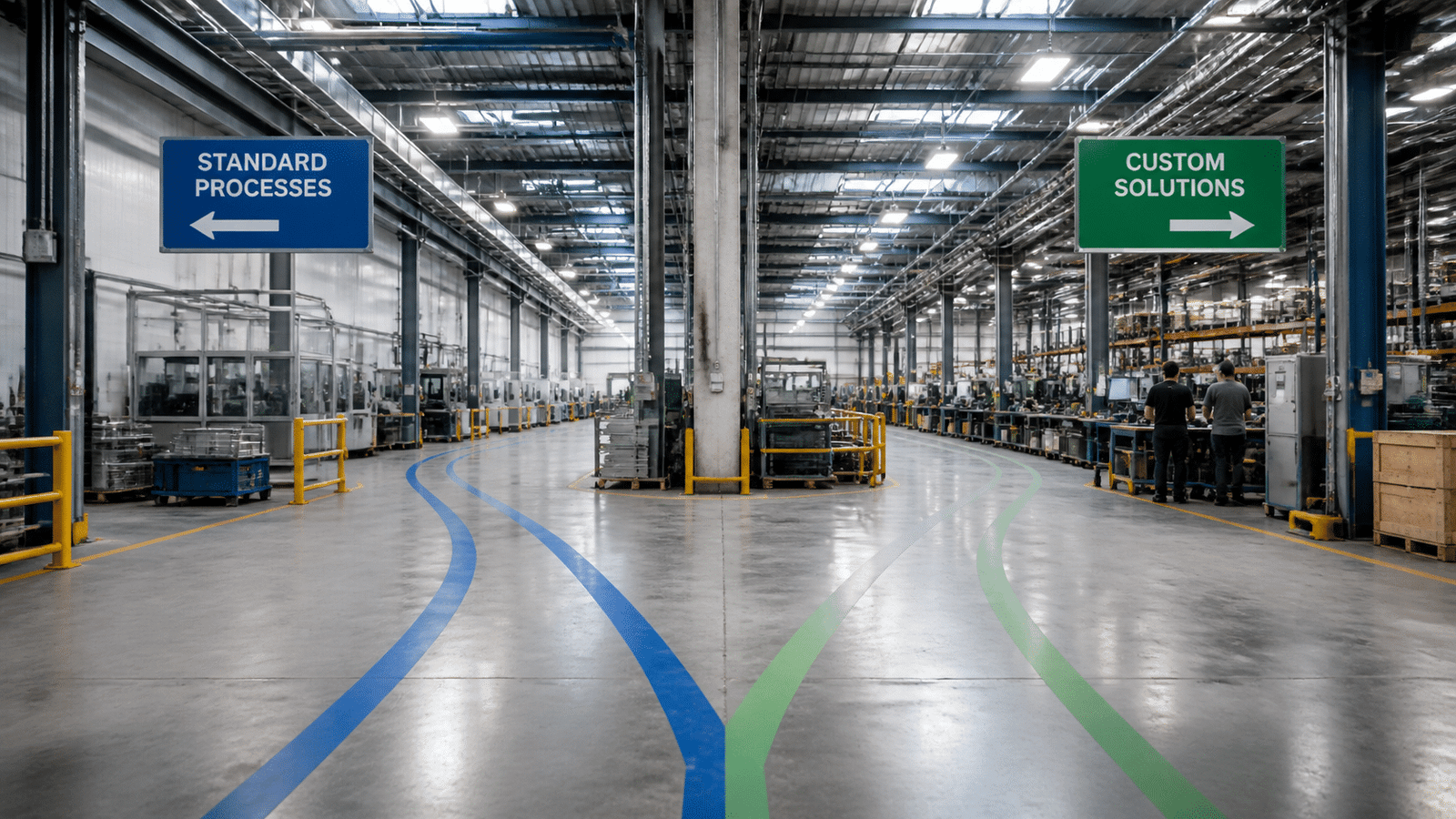
Here's the philosophical bit, and honestly it's the heart of this whole decision. With COTS, your business adapts to the software. With custom, the software adapts to your business, including the future version of it you're aiming for.
Software-centric (COTS) | Business-centric (Custom) | |
|---|---|---|
Starting point | The vendor's standard workflows | Your current and ideal workflows |
Who adapts | Your team and processes | The software |
Built for | A broad market | One company |
Typical path | Configure, then extend | Design, build, then maintain |
Best when | Your processes are fairly common | Your process is your edge |
Many modern products sit in between, with standard modules plus room for configuration and extensions. That middle ground matters, and we'll come back to it later.
For now, keep this simple question in mind: do you want to change how you work, or change the tool? Next, we'll put the two options side by side and compare them on cost, speed and risk.
Head-to-Head: A 5-Point Comparison for Manufacturing ERP Solutions
OK, definitions done. Now let's put both options in the ring and see how they actually perform. I'm using five points that tend to decide these projects: fit, cost and time, growth, integration, and who owns the edge.
One caution first. No option wins every round. Anyone who tells you otherwise is probably selling something.
Points 1 and 2: Fit, Speed and Cost
Point 1: Process fit. Off-the-shelf systems come packed with best practices. That's great if your plant runs like most plants. But if your quoting, routing or compliance steps are unusual, you'll feel the rigidity fast. You either bend your process or pay for workarounds.
Custom is the reverse. It models what you really do. Take Custom Cubes, a container-modification manufacturer. It tailored its ERP workflows around its unusual production steps instead of squeezing them into a generic template. (To be fair, that case study doesn't publish hard numbers, so it shows fit, not proof of profit.)
Point 2: Time and total cost of ownership. This is where people get tripped up. COTS looks cheap on day one. A custom build looks scary on day one. But the sticker price isn't the whole story.
For COTS, published budgeting ranges are wide. One 2026 benchmark puts five-year TCO for a 50-user manufacturer at $140,000 to $415,000. Another comparison of mid-market platforms lists roughly $675,000 for Business Central and $1.2 to $1.4 million for NetSuite for a 150-person company. Those are examples, not guarantees.
Timelines differ too. A configured COTS rollout often runs 6 to 12 months, or 12 to 18 months with manufacturing modules and several integrations. Custom is slower. I'd plan for 18 to 36 months or more for a full build, but that's my planning estimate, not a verified industry average.
Here's the twist, though. With COTS, you keep paying. Per-user fees climb as you hire. Heavy customization makes every upgrade a mini project. With custom, you pay more up front, then own the asset. You also own the maintenance bill. Neither is free.
Points 3 and 4: Growth and Connections
Point 3: Scalability and future-proofing. Both can scale. Big vendors have handled huge plants for decades. The difference is freedom. If you want to add IIoT sensor feeds, AI-driven predictive maintenance or your own analytics, a custom system lets you do it on your schedule. With COTS, you wait for the vendor roadmap or buy an add-on.
That said, you don't always have to pick one side. Modern composable ERP designs are built around APIs and modular services, so you can swap in new capabilities without replacing the core. Worth keeping in mind if you're eyeing legacy ERP modernization.
Point 4: Integration. COTS usually wins on speed here. Pre-built connectors exist for common tools like CRM, e-commerce and payroll. Plug in, test, done (well, mostly).
But factories aren't common. You may have a 15-year-old machine with its own protocol, a homegrown MES, or a PLM system nobody dares touch. That's where custom shines, since you can build the exact bridge you need.
It matters, because integration is a real fear. Aptean's 2025 research found that one in three manufacturers feared the complexity of system integrations. Fair enough. Whichever route you pick, ask hard questions about APIs early.
Point 5: Competitive Advantage and Who Owns the Edge
This one's strategic. If you run the same ERP as your top three rivals, you share the same workflows, the same reports and the same limits. That's fine for payroll and accounts payable. Nobody wins customers with a slicker general ledger.
But if your scheduling logic, your yield tricks or your traceability steps are why customers pick you, putting them inside software you own starts to look like a moat. BAE Systems is a good example. It used Mendix to build an application that replaced an aging, costly legacy system, and Siemens reported £40 million in savings. Big number. Still, it's a savings figure, not a full ROI calculation, and it doesn't prove custom is always cheaper.
So ask yourself: is this process my edge, or just paperwork?
The Scorecard
Here's everything side by side. Use it as a quick gut check, not a final verdict.
Criteria | Custom ERP | Off-the-Shelf ERP |
|---|---|---|
Process fit | ✅ Built around your workflows | ⚠️ Best practices, but you adapt |
Time to launch | ⚠️ Usually 18 to 36+ months (planning estimate) | ✅ Often 6 to 18 months |
Upfront cost | ⚠️ Higher | ✅ Lower and more predictable |
Long-term cost | ✅ You own the asset, but you fund upkeep | ⚠️ Licenses, per-user fees, upgrade costs |
Scalability | ✅ Add IIoT, AI and analytics freely | ✅ Scales well, within the vendor's roadmap |
Integration | ✅ Deep links to legacy, MES, PLM, machines | ✅ Quick with common tools, harder with odd ones |
Competitive edge | ✅ Proprietary asset | ⚠️ Same tools your rivals use |
Notice how often the answer is "it depends"? That's honest. Next, we'll look at when going off the shelf is the smart move.
The Case for Off-the-Shelf: When a COTS ERP is the Smart Choice
Custom gets all the glamour. But I'll say it plainly: for plenty of plants, buying a proven system is the smarter move. Here are the three situations where I'd lean that way.
Scenario 1: Your Processes Look a Lot Like Everyone Else's
Quoting, purchasing, inventory, bills of material, work orders, shipping. If that's the core of your day, a packaged system already knows the routine. Years of best practice are baked in.
Take Boston Centerless. It runs Aptean's industry-specific manufacturing ERP, a packaged product, not a bespoke build. Or look at Emerald Technologies. It has used Aptean's Made2Manage edition since 2004 and kept adding visibility and cleaner workflows over time. No rip-and-replace needed.
The test is simple. If you can keep the business result and just change the steps a little, standard is fine.
Scenario 2: Speed Matters and the Budget Is Tight
Need to be live in months, not years? Off the shelf wins. A configured rollout often lands in 6 to 12 months, as we covered earlier. A custom build rarely does.
Smaller shops get a real boost here too. MRPeasy says it now serves 2,000 manufacturers with a cloud ERP built for small plants. Their reported gains (like better inventory accuracy) are vendor numbers, so treat them as hints, not promises.
Price also stays easier to predict. You know your license or subscription cost up front, which helps when the CFO wants a hard number.
Scenario 3: You Don't Have a Team to Build and Babysit It
This one gets overlooked. A custom system needs developers, testers, security patches and someone who remembers why the code works. If your IT group is three people already juggling the help desk, that's a lot to ask.
With a packaged product, the vendor handles upgrades, fixes and support. KCL Manufacturing, a medical-device maker, switched after a previous provider raised prices by 900%. The new SME-focused system met its needs without another giant platform. (Yes, vendor lock-in is real. But so is the cost of staffing a software team.)
A Quick Gut Check
An off-the-shelf ERP might be right for you if...
Your core workflows match what most manufacturers do.
You'd rather be live in under 18 months than design every screen yourself.
Your upfront budget is firm, and surprises make your finance team nervous.
You don't have in-house developers to maintain a bespoke system long term.
Your processes aren't what customers pay you for.
Nodded along to most of those? COTS probably deserves a serious look. But what if your process really is your edge? That's where the next section picks up.
The Strategic Imperative: When to Invest in a Custom Manufacturing ERP
Off the shelf is often the smart play. But sometimes it's the wrong one, and you can usually feel it before you can prove it. Your team keeps building spreadsheets around the system. Every upgrade breaks something. Here are the three situations where I'd seriously consider a custom manufacturing ERP.
Scenario 1: Your Process Is the Secret Sauce
Some plants win because of how they make things. Maybe it's a scheduling method that squeezes extra yield out of every shift. Maybe it's a quality gate nobody else runs. If that logic is why customers pick you, forcing it into a vendor's template can water it down.
Here's a real example, though the company isn't named. A plastics manufacturer replaced a legacy ERP with a custom ERP and production-scheduling platform. The vendor reported about 30% lower downtime across three production lines. Cleaner production and financial records also helped when the company was later sold. Fair warning: that's vendor-reported, with no cost or payback published. Still, it shows the pattern. The software matched the floor, not the other way around.
Scenario 2: Your Equipment and Systems Don't Speak Standard
We touched on this earlier. Common connectors cover common tools. But what if your plant runs proprietary machines, a homegrown MES and a PLM system with its own quirks?
Then you're not buying an ERP. You're buying a pile of bridges. At some point, building the bridges into a system designed for them costs less than paying for endless workarounds. Heavily regulated sectors like aerospace, pharmaceuticals and food often hit this wall first, because traceability and compliance rules get very specific. (Though plenty of regulated firms do fine with a configurable package. Industry alone isn't the test.)
Scenario 3: You Want to Own the Roadmap
This one is about control. With COTS, the vendor decides what ships next, what it costs and when old versions retire. Remember KCL Manufacturing and that 900% price hike? That's lock-in in action.
If your plan includes scaling in an unusual way, adding AI or IIoT on your own timeline, or just not being at a vendor's mercy, owning the stack makes sense. You pay more up front. You also keep the asset.
A Quick Reality Check
Custom is a serious commitment. Before you go there, make sure you can say yes to most of these:
You can name the specific process that sets you apart.
Workarounds are already costing you real hours every week.
You have budget and patience for a longer build.
You can staff upkeep, either in-house or with a partner like Buildera.
Your leadership team agrees on what "done" looks like.
Mostly yes? Custom deserves a place on your shortlist. But there's a middle road that many manufacturers overlook. We'll look at it next.
The Hybrid Model: Augmenting COTS with Custom Development

Here's something I wish more vendors admitted: you don't have to pick a side. The "build vs buy ERP system" question sounds like a coin flip. It really isn't. Plenty of manufacturers do both.
Think of it like a house. You don't mill your own lumber or make your own plumbing pipes. You buy the solid frame and the standard parts. Then you hire someone to build the one custom kitchen that makes the place yours.
How a Hybrid ERP Works in Practice
The idea is simple. Keep the boring, standard stuff in a proven ERP. Finance, HR, purchasing and inventory records all work fine off the shelf. Then build custom modules only for the work that sets you apart, like shop floor control, quality checks or advanced planning.
Here's a real one. Al Ghurair Iron and Steel runs SAP Cloud ERP Private as its core. SAP's standard planning didn't fit its low-stock, made-to-order production, so the company built custom planning and quality processes on SAP's Business Technology Platform. Its schedules now factor in machine availability, yield, width, grade and thickness. The ERP stayed stable. The special sauce lived on top.
A useful rule of thumb: customize only the 20 to 30% of operations where you compete differently. That's a practitioner guideline, not a proven benchmark. But it's a handy gut check.
What Holds It All Together: APIs and Platforms
So how do the pieces talk to each other? Mostly through APIs, which are just agreed-upon ways for one system to ask another for data. Your custom scheduling app can read orders from the ERP, then send back confirmations. Nobody has to crack open the ERP's core code.
Cloud extension platforms (PaaS) make this even smoother. You build on a managed layer beside the ERP, not inside it. That means vendor upgrades are less likely to break your work. It's also how legacy ERP modernization often happens in steps instead of one scary big bang.
Here's the layout in plain terms:
Layer | What lives here | Who owns it |
|---|---|---|
Core COTS ERP | Finance, HR, purchasing, inventory records | The vendor |
API and integration layer | Secure connections, events, data mapping | Shared, with clear rules |
Custom modules | Shop floor control, quality, advanced planning | You, or your build partner |
It isn't free of trade-offs. More moving parts mean more integration work and tighter data rules. The fix is to give every piece of data one system of record, and to write down who owns each connection.
That's where an experienced engineering partner like Buildera earns its keep. Building the custom layer, designing stable APIs and keeping the whole thing upgrade-friendly is exactly that kind of work.
Now the big question: how do you decide which path fits you? That's up next.
A Decision Framework for Manufacturing Leaders

You've seen the options. Now you need a way to choose without guessing. I like to think of it as three steps, plus one rule: nobody picks alone.
Here's the deal. Most failed ERP projects don't fail because of the software. They fail because the decision was rushed or made in one meeting room.
Step 1: Audit Your Processes
Start by mapping how work really gets done, from quote to cash and from plan to produce. Then sort every process into one of two buckets: standard or unique.
Be honest here. A lot of "unique" steps are really just habits. Label each difference as legally required, customer-mandated, a real edge, or plain old preference. If a step isn't one of the first three, it can probably change.
A good business process analysis workbook tracks a few things for every process:
Who owns it and what the steps are
Today's baseline (cycle time, scrap, on-time delivery)
Pain points, like spreadsheets or double entry
Whether the standard software handles it, needs configuration, or needs custom code
That last column is your fit-gap check. Lots of gaps in core areas like costing or inventory? That's a warning sign for off-the-shelf.
Step 2: Tie It to Your 5-Year Goals
Where will your plant be in 2031? More sites? New product lines? Sensor data feeding AI maintenance tools? Write it down.
Then ask a simple question: will this ERP software for manufacturing help us get there, or slow us down? Goals like faster launches or tighter traceability might need room to grow. If you're also dealing with legacy ERP modernization, plan for that in steps, not one giant leap.
Step 3: Model the Real Total Cost of Ownership
Sticker price isn't the number. Build a five-year total cost of ownership ERP model for both paths, and a ten-year view if you can stomach it.
Include the stuff people forget:
Licenses, subscriptions and per-user fees as you hire
Implementation, data cleanup and training
Integrations and API charges
Upgrade costs after customization
Internal staff time (this one is huge)
Support, security and maintenance for anything you build
Then measure benefits against your own baseline, not a vendor's brochure. Think inventory turns, scrap, schedule attainment and order-to-ship time. A simple formula works: benefits minus costs, divided by costs.
Get Everyone in the Room
I'll admit it: I've seen leaders skip this part. Don't.
The operator who runs the 15-year-old machine knows things the C-suite doesn't. Finance knows what a close really takes. Quality knows the audit headaches. Bring in the shop floor, supply chain, finance, quality, IT and executives early. Run demos using your actual bills of material and routings, not canned examples.
Why it matters? Weak buy-in is a classic reason people keep using spreadsheets after go-live. And then nobody trusts the data.
Your ERP Decision Scorecard
Here's a simple scorecard. Rate each row from 1 to 5 for how well each option fits you, then add it up. Weight the rows that matter most to your plant.
Criteria | Key question | COTS score (1 to 5) | Custom score (1 to 5) |
|---|---|---|---|
Process fit | Do standard workflows cover our core steps? | ||
Competitive edge | Is any process why customers choose us? | ||
Speed | Do we need to be live in under 18 months? | ||
5-year TCO | Have we modeled all costs, not just licenses? | ||
Integration | Can it connect to our machines, MES and PLM? | ||
Growth | Can we add IIoT or AI on our own schedule? | ||
Team capacity | Can we staff upkeep long term? | ||
Vendor risk | What happens if prices jump or support ends? |
Also, put these questions to your vendors:
Which of our needs are configuration, and which need custom code?
Are customizations upgrade-safe?
Is there a published API for items, BOMs, work orders and quality data?
Are API calls and sandboxes included in the license?
Who owns the integration code if we switch partners?
What happens to our data if the contract ends?
Ask them to show answers in a sandbox, not on a slide. If you'd like help scoring, a partner like Buildera can walk through it with your team. Once you've picked a direction, there's one more thing worth getting right: how this choice shapes everything that comes after.
Building Your Future: Your ERP is More Than Software, It's Your Foundation
So where does all this leave you?
The choice isn't really about features. Every vendor has a long feature list. It's about fit. Off-the-shelf gives you speed, standard practices and a price you can predict. Custom gives you software that matches how you win, and it becomes an asset you own. Neither one is wrong. The wrong move is picking without looking at your own processes first.
Here's my honest take. If your plant runs like most plants, buy something proven and move on to the real work. But if your process is why customers choose you, and your growth plans are big, a custom or hybrid setup often pays off most over time. Keep the standard stuff standard. Build the parts that make you different.
One more thing. Microsoft's team put it well in a 2026 piece: "The real differentiator will be who can turn AI from concept into action, from tool into capability, and ultimately into resilience." Your ERP is where that turning happens. It's the foundation, not just another tool.
Still not sure which way to lean? That's normal. Mapping your processes, modeling five-year costs and testing vendors takes real effort, and you don't have to do it alone.
Not sure if you need a configurable ERP or a custom build?
Book a 30-minute manufacturing systems assessment with Buildera. We'll look at your current workflows, spot integration gaps and map out practical options for your technology roadmap, with no predetermined answer.
Bring your current ERP, spreadsheet or integration headaches. Leave with a clearer next step.
Ready to build software that actually works for your business?
Free discovery call · 15 minutes · No obligation