Introduction: Why Your Current ERP is Holding Your Business Hostage
Imagine paying $100 million for a new system and watching almost $100 million in yearly turnover slip away. That's roughly what happened at SPAR in South Africa, according to a 2026 review of recent ERP failures. Ouch.
Now, I'll be fair. That one was a messy upgrade, not a story about old software alone. But it shows how much is riding on the system at the center of your business.
The Quiet Cost of an Aging System
Most companies don't plan to get stuck. It just happens. One workaround here, one custom patch there. Then one day nobody dares touch the thing.
How old is yours? Estimates for enterprise ERP vary a lot. Some studies put the average near 6 years, while others say more than 13 for companies in the German-speaking market. Either way, plenty of teams are running systems built for a different decade. And the pain is familiar: slow reports, endless spreadsheets, and integrations that break whenever someone sneezes.
You're not alone in feeling it. In a 2025 survey of campus technology leaders, 60% said legacy infrastructure was hampering innovation. That's one sector, sure. But I'd bet your own leadership meetings sound similar.
From Filing Cabinet to Brain
Here's the big shift. For years, ERP software was basically a digital filing cabinet. It stored orders, invoices and stock counts. Nothing more.
The future of ERP looks different. Modern ERP systems are turning into the thinking core of the business. They spot problems, suggest next steps and plug into the tools your teams actually like using. Think less "system of record," more "system of action."
What's Coming Up
We'll look at four ERP trends for 2026 that tackle the hostage problem head on:
AI and automation that handle routine work on their own
Composable design so you can swap pieces instead of replacing everything
Industry-specific cloud ERP that fits your sector from day one
Better user experience so people actually want to open the thing
First up: what happens when your ERP starts making moves without waiting to be asked.
Trend 1: AI and Hyperautomation Are Making ERPs Autonomous

Picture this. A supplier ships late, and your ERP spots it before anyone on your team does. It flags the risk, suggests a backup order and drafts the paperwork. You just click approve.
That's where AI in ERP is heading. And it's not as far off as it sounds.
From Simple Rules to Real Predictions
Old-school automation follows fixed rules. If invoice equals purchase order, then pay. Fine, but it breaks the second something looks unusual.
AI works differently. It learns from your past data and looks for patterns. In supply chain, that can mean catching a delay early or suggesting when to reorder stock. In finance, it can mean forecasting cash flow instead of just reporting last month's numbers. In resource planning, it can mean matching staff and materials to demand before things get tight.
The shift is happening fast. Gartner predicts that 40% of enterprise apps will include task-specific AI agents by 2026, up from less than 5% in 2025. Gartner analyst Johan Jartelius describes the move as going from transactional to intelligent platforms. Basically, the ERP stops being a recorder and starts being a helper.
Some industry summaries report gains like 20% better forecasting accuracy and 15% lower operating costs. I'd treat those as benchmarks, not promises. The methods behind them aren't always clear, and your results will depend on your data.
Hyperautomation: Where AI, ML and RPA Team Up
Hyperautomation sounds like a buzzword. It's really just three tools working as a team.
RPA (robotic process automation): software bots that click, copy and paste like a person would
Machine learning: the part that learns from past decisions and gets better
AI: the part that reads documents, understands requests and decides what to do
On their own, each one is useful. Together, they can handle a job from start to finish. Take an invoice. AI reads it, ML codes it to the right account, and a bot posts it. Vendors like NetSuite now offer AI-assisted bill capture, coding and anomaly detection built right into the ERP.
Here's how that changes everyday back-office work:
Task | The manual way | The AI-automated way |
Invoice processing | Someone keys in each invoice, then chases approvals by email | AI reads the invoice, codes it and routes only odd ones to a person |
Month-end close | Spreadsheets, reconciling by hand, late nights | Agents match transactions and flag exceptions as they happen |
Employee onboarding | HR sends separate requests for accounts, equipment and payroll | One trigger starts every step and tracks what's still open |
Expense checks | Spot checks after the money is gone | Unusual claims get flagged before payment |
One catch. Autonomous doesn't mean unsupervised. Oracle's 2026 direction, for example, uses agentic workflows where AI handles multistep tasks but humans still approve the big actions. That's the right balance, I think.
Turning Data Into Answers You Can Use
Here's my favorite part. You no longer need an analyst to pull a report.
SAP's Joule assistant lets people ask questions about business data in plain English. NetSuite has a similar tool called Ask Oracle. A finance lead can type "why did freight costs jump?" and get an answer, plus a suggested next step. No export. No waiting two days.
That speed is a real edge. Decisions happen while the problem is still small.
But let's be honest about the limits. AI is only as good as the data feeding it. If your records are messy or stuck in an aging system, the smartest assistant will still guess wrong. That's why many teams start with cleanup and integration before adding AI features. It's also where a custom engineering partner like Buildera often comes in, connecting older systems to modern AI tools without ripping everything out.
So what if you don't want one giant platform doing all this? That's where the next trend comes in.
Trend 2: The Shift to Composable and Headless ERP Architectures
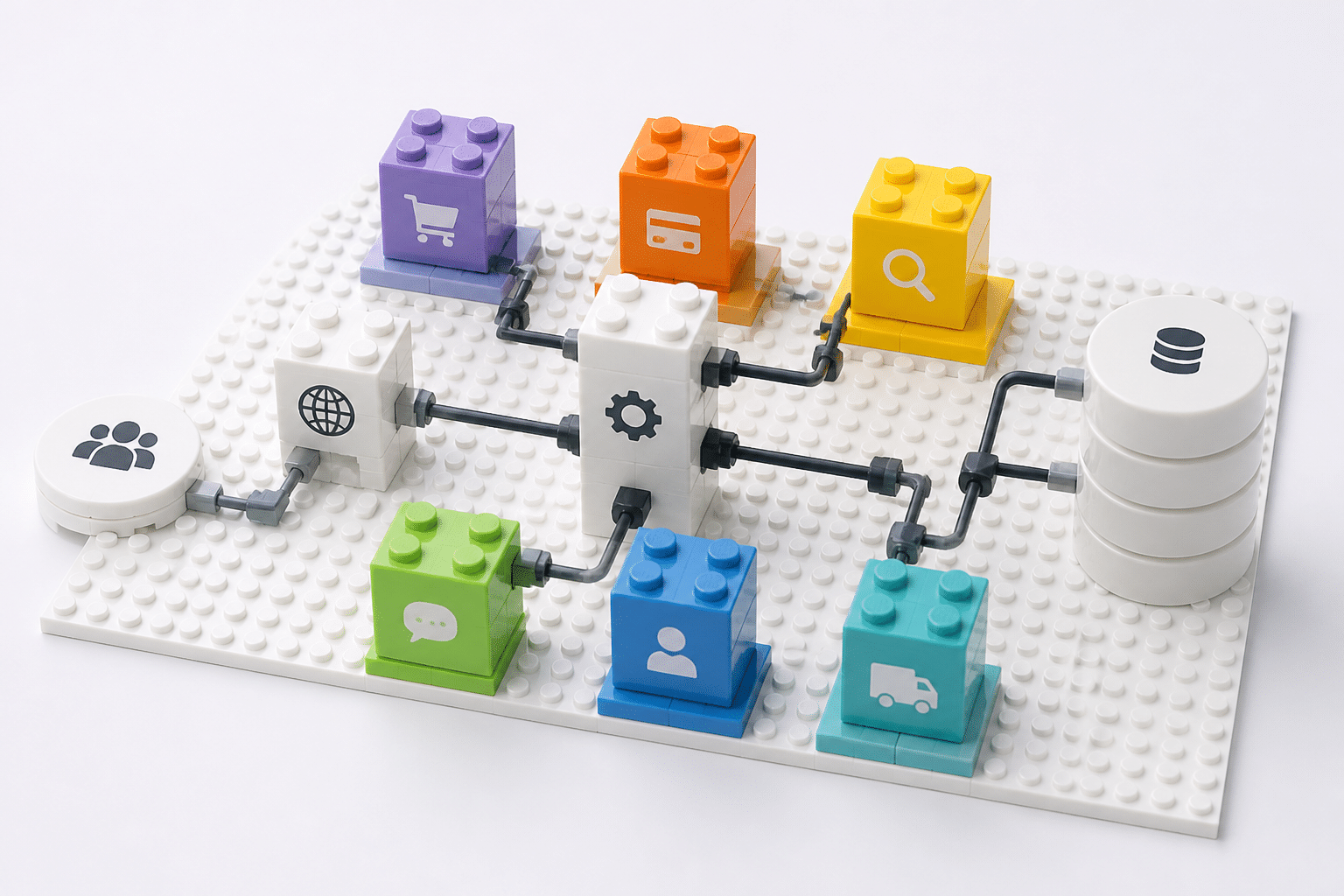
Ever changed one tiny setting in your ERP and watched three other things break? Yeah. Me too, or at least I've sat in the room while someone else did. It's a special kind of pain.
That pain is the reason composable ERP is getting so much attention from CTOs and IT directors this year.
What "Composable ERP" Actually Means
Here's the plain version. Instead of buying one giant suite that does everything (okay, sort of), you build your system from smaller pieces that each do one job well. Think of it like LEGO bricks versus a carved wooden statue.
Four ideas make this work:
Microservices: pricing, inventory, tax and payments each run as their own small service. You can swap one without touching the rest.
APIs: documented connections let those pieces, and your other tools, talk to each other.
Cloud-native design: the pieces scale up and update without a big weekend outage.
Headless front ends: the screens your customers and staff see are separated from the back-end logic. Your ERP stays the system of record, but your web store, mobile app or sales portal can look however you want.
You'll hear the first four letters spelled out as MACH (Microservices, API-first, Cloud-native, Headless). Same idea, catchier name.
Here's how the two approaches stack up side by side:
Feature / Aspect | Monolithic ERP | Composable, API-driven ERP |
Structure | One big, tightly linked suite | Separate services connected by APIs |
Changing a feature | Touches shared code, needs lots of testing | Update one service on its own |
Adding new tools | Custom integrations that break during upgrades | Plug in through standard APIs |
Front end | Locked to the vendor's screens | Any app, portal or store can sit on top |
Vendor choice | One vendor runs the show | Best-of-breed pick for each job |
Upgrades | Big, risky, scheduled projects | Smaller, more frequent releases |
Why It Beats Patching a Monolith
Let's talk about the thing you probably live with. Customizing an old monolithic system means every patch is stitched into the same tangled code. Upgrade day arrives and your custom work gets tested all over again. Nobody wants that job.
Composable flips this. A few big wins stand out:
Less vendor lock-in. If one piece stops serving you, you replace that piece. Not the whole thing.
Faster integration of new tech. Want to add an AI forecasting tool or a new payments service? You connect it through an API. This is where an engineering partner like Buildera usually helps, building those connectors so new capabilities slot in without a rip-and-replace project.
More agile product work. Your team can ship a new customer portal without waiting on a full ERP release.
Gartner is pointing the same way. In April 2025, VP Analyst Ray Valdes said that traditional enterprise application vendors will need to refactor their products to serve composable GenAI solutions invoked by prompts. Translation: rigid suites are on the clock.
Does It Work in the Real World?
Sometimes, yes. Bakery-ingredient supplier Dawn Foods put a headless front end on top of its existing ERP. According to implementation partner Creatuity, order processing got 30% faster. Keep in mind that's a vendor-reported number, not an audited one. Still, it shows the idea: leave the core steady, and modernize what people actually touch.
The Catch (Because There's Always One)
Composable isn't magic. More pieces means more things to govern. You'll need clear API standards, clean master data, good monitoring and someone who owns each connection. Pick services at random and you'll just build a fancier mess.
So start small. Pull out one painful capability, like pricing or customer ordering, and rebuild it as a service. See how it feels. Then keep going.
Next up: what if the pieces came pre-shaped for your industry?
Trend 3: The Rise of Industry-Specific Cloud ERP Solutions (Vertical SaaS)
Here's a question. Would you buy a suit off the rack and ask a tailor to rebuild it into a lab coat, a chef's uniform and a hard hat? Of course not. Yet that's what lots of companies do with a generic ERP.
They buy the standard package, then spend months bending it to fit their industry. It works, kind of. Until upgrade day.
Why One-Size-Fits-All Falls Short
A general-purpose ERP handles the basics well: finance, purchasing, inventory, payroll. But every industry has quirks the basics don't cover.
Healthcare needs patient privacy rules, insurance billing codes and links to medical records.
Retail needs stock counts that stay accurate across websites, stores and warehouses at the same time.
Manufacturing needs production schedules, batch tracking and quality checks tied to every part.
So teams add custom code to fill the gaps. Each patch adds testing, cost and risk. That's the same hostage situation we talked about at the start, just wearing a different hat.
What Industry Cloud ERP Brings to the Table
Industry cloud ERP (sometimes called vertical SaaS) starts with your sector's rules already built in. A few perks stand out:
Built-in compliance. A healthcare system can ship with HIPAA-style controls from day one, not as an afterthought.
Pre-configured workflows. Approvals, reports and screens match how your industry actually runs.
Industry data models. Fields like patient IDs, SKUs or lot numbers already exist, so you aren't inventing them.
Speed is the other draw. One 2026 comparison estimates 6 to 9 months for an industry-specific ERP versus 12 to 18 months for a generic one in mid-sized rollouts. And a separate industry comparison puts five-year cost of ownership 30% to 50% lower. Both numbers come from vendors and consultants, not independent studies, so treat them as ballparks.
Here's what that looks like in healthcare:
Feature | Generic ERP | Healthcare ERP |
Patient data security | Standard access controls, privacy rules added by custom work | Privacy and audit controls built for HIPAA-style requirements |
Billing and coding compliance | Basic invoicing, coding logic bolted on | Insurance billing and coding workflows included |
Interoperability with EMRs | Custom integration project | Ready-made connectors to electronic medical records |
Supply and inventory | General stock tracking | Tracking for clinical supplies, expiry dates and lot numbers |
Setup effort | Heavy configuration | Lighter, since the sector's basics are already there |
Retail: One Stock Count, Everywhere
Now picture a shopper who buys a jacket online, then returns it at a mall store in Denver. Without the right setup, your website still shows it as sold out. Whoops.
An omnichannel retail ERP keeps one live view of inventory across web, stores and warehouses. Oracle NetSuite's retail edition is one example, tying together multi-location finance, ecommerce and point-of-sale data.
A quick reality check, though. Many "vertical" products are really standard cloud ERPs with industry modules or partner add-ons. That's fine, but ask how deep the industry features go before you sign. A demo using your own messy scenarios will tell you more than any brochure.
If your sector has odd needs that no package covers, a partner like Buildera can build the missing pieces on top of a vertical core. That beats rebuilding the whole thing from scratch.
So the system fits your industry. But will your people actually enjoy using it? That's next.
Trend 4: Consumer-Grade UX and Embedded Analytics Drive Adoption
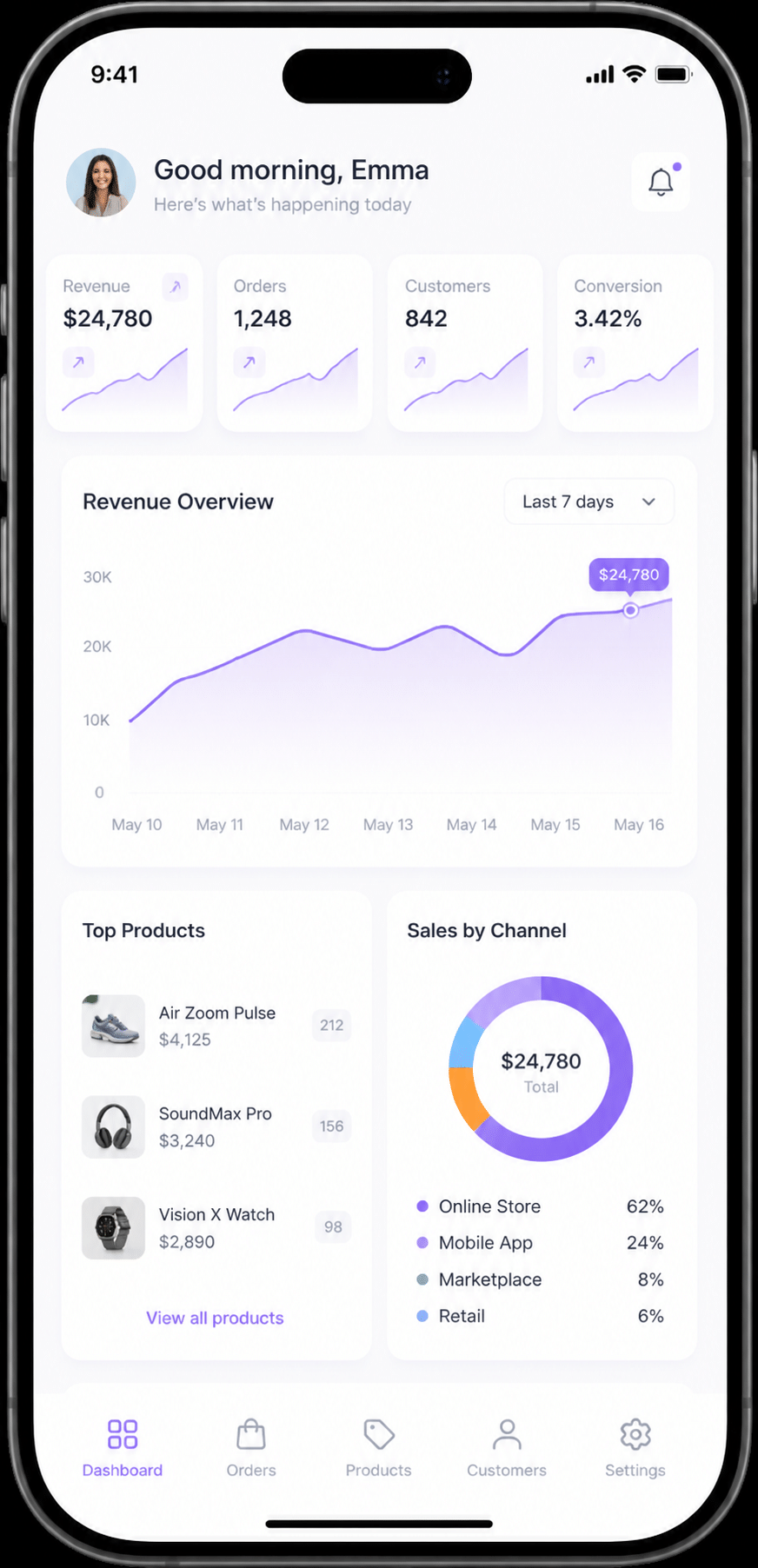
Quick question. How many apps on your phone needed a training manual? Probably zero. Now think about your ERP.
For decades, ERP screens looked like tax forms from 1997. Dense menus, cryptic codes, fields everywhere. And the people stuck using them found ways around the thing. They kept their own spreadsheets, emailed numbers back and forth and asked the one coworker who "knows the system" for help.
The Hidden Price of a Clunky Screen
Bad design doesn't show up as a line item. It hides in slow onboarding, typing mistakes, support tickets and people who quietly quit using the tool. One consultancy audit from Nexoris Technologies found that poor enterprise UX added 8% to 15% to operating costs in the business units it reviewed. That's consultant data, not a peer-reviewed study, so take it as a hint rather than a rule.
Still, it matches what most of us have seen. A system nobody likes using is a system nobody uses well. And bad habits mean bad data, which feeds right back into the AI problems we talked about earlier.
Apps That Feel Like Apps
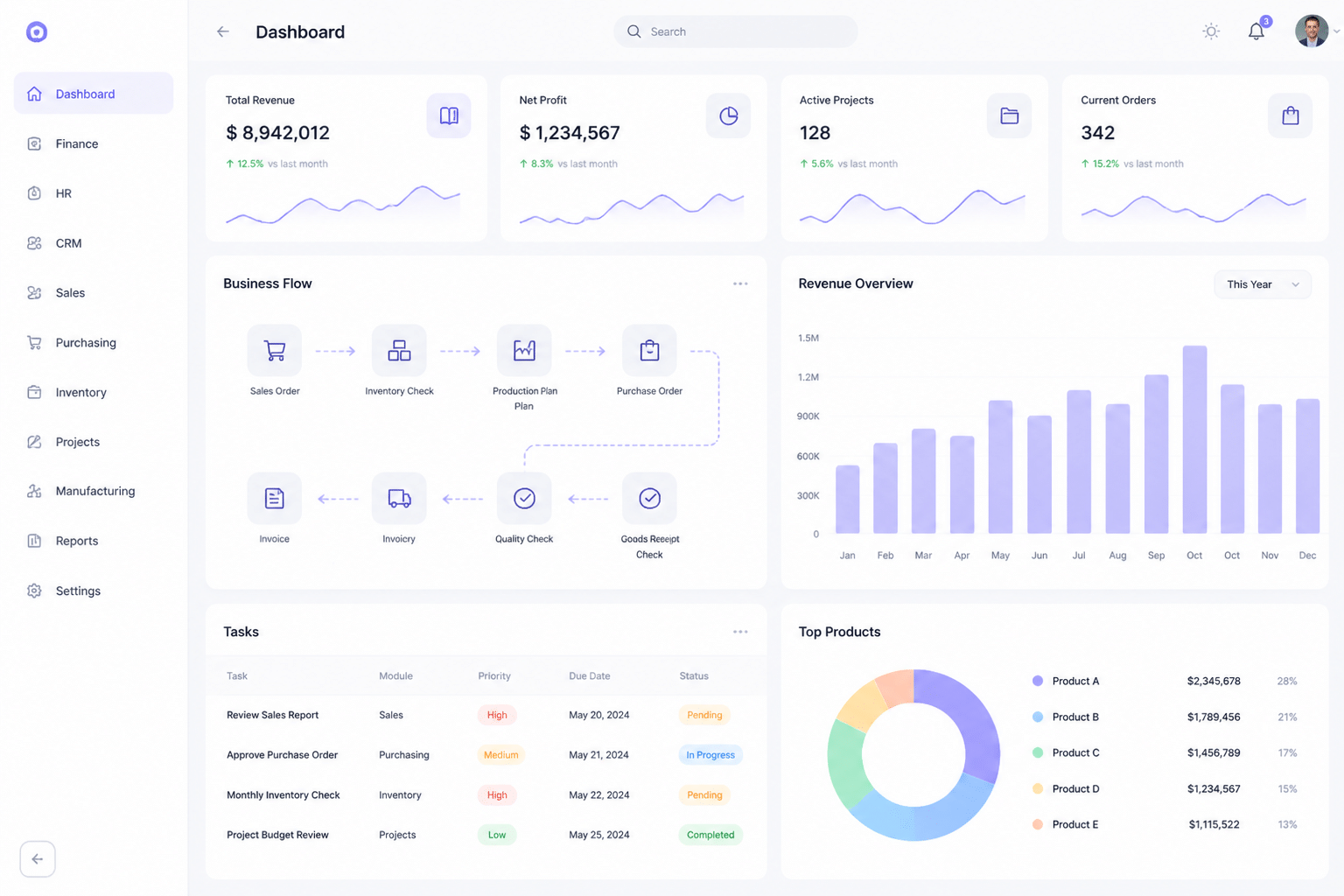
The fix is coming from an unexpected place: your phone. Modern ERP systems are borrowing the look and feel of consumer apps. Think clean tiles, search bars that actually work, and screens that adjust to whatever device you're holding.
Here's what that shift looks like in practice:
What you see | Older ERP screen | Modern, consumer-style ERP |
Layout | Dense menus and long data tables | Role-based home screen with simple tiles and charts |
Finding things | Memorized codes and deep menu paths | One search box, plain-language questions |
Mobile | Shrunken desktop screen, or nothing | Built for phones and tablets first |
Personalization | Same view for everyone | Dashboards shaped around each job |
Learning curve | Weeks of training | Mostly figure-it-out-as-you-go |
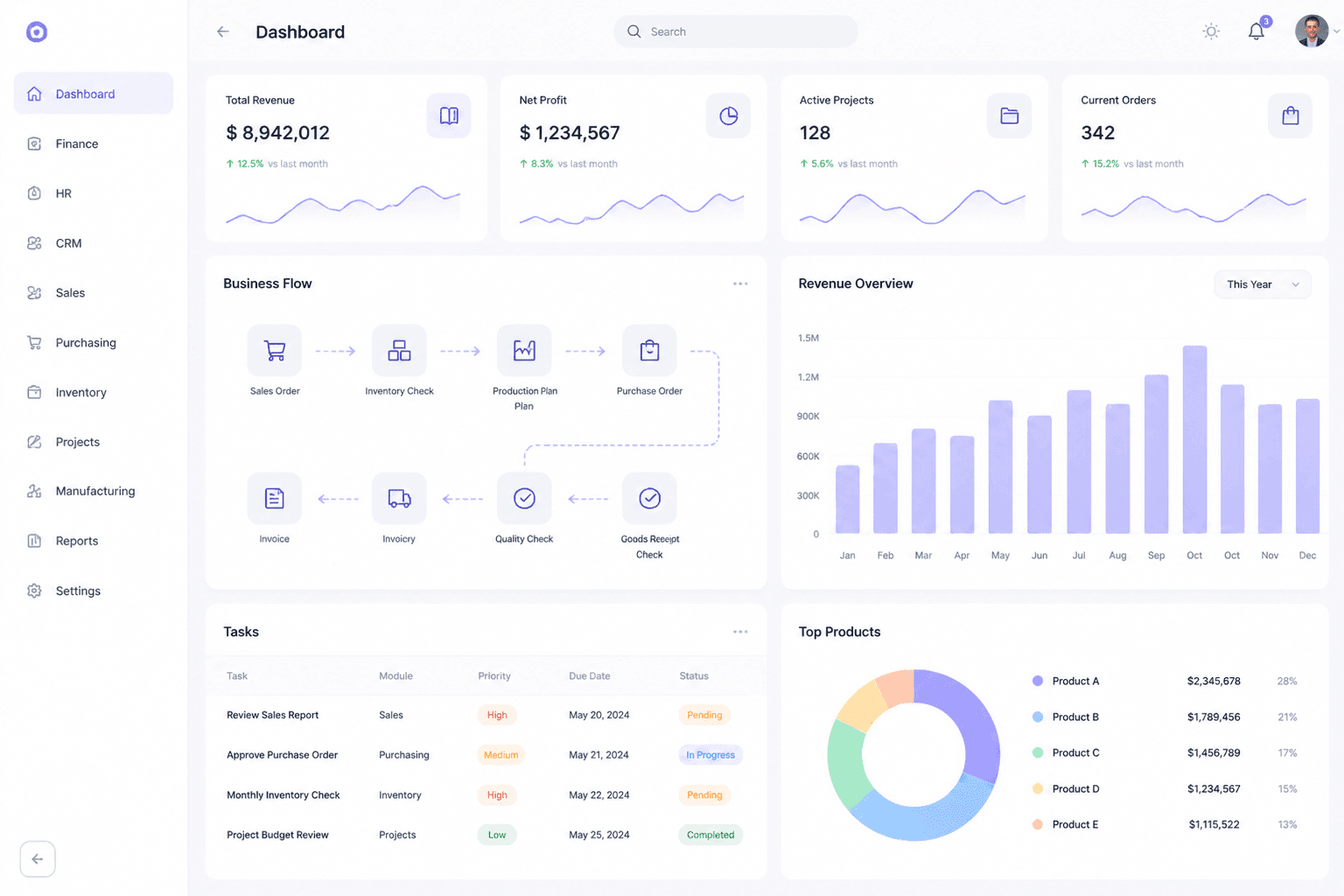
If you could slide between a legacy screen and a modern one, the difference would hit you in about two seconds. A warehouse lead on a tablet sees today's pick list and late orders. A sales rep sees open quotes. A CFO sees cash position. Nobody wades through menus meant for somebody else.
SAP's Fiori design and Oracle's browser-based cloud apps both lean this way. Fair warning, though: a pretty skin on top of a messy process is still a messy process. Design helps, but it can't rescue a broken workflow.
Analytics Where the Work Happens
OK, this next part is the one I like most. It's called embedded analytics.
In the old days, you ran a report, exported it, dropped it into a separate BI tool and waited for someone to build a chart. By then the moment had passed. Embedded analytics puts the charts, forecasts and alerts right inside the screen where you're already working. Oracle's cloud apps, for example, come with prebuilt analytics for finance, supply chain and HR.
So a finance user spots a budget variance, clicks into the transactions behind it, and sees a suggested next step. Never leaving the page. No analyst needed.
That's what "democratizing data" really means. Not a fancy slogan, just more people making better calls without waiting in a queue. And since design pros often argue that simple interfaces cut training time sharply, new hires get useful faster too (though I wouldn't promise any exact percentage).
The catch? Embedded analytics only works on clean, connected data. If your records live in five disconnected systems, the dashboard will happily show you nonsense. Teams often fix the integration first, and a modernization partner like Buildera can help with that groundwork before the shiny front end goes live.
So the trends are clear. The next question is how to actually get your company ready for them.
How to Prepare Your Organization for Next-Gen ERP
So you've seen the trends. Now comes the part nobody puts in a vendor demo: getting your own house ready.
Here's the thing. Lots of ERP projects wobble before anyone writes a line of code. Gartner analyst John Van Decker told The Register that bad business cases, underestimated complexity and unrealistic scope are common reasons these projects fail. The fix isn't glamorous. It's preparation.
Start With an Honest Audit of Your Technical Debt
Before you shop for anything, map what you already have. Every system. Every interface. Every custom patch that somebody wrote in 2014 and nobody dares touch.
Ask a few blunt questions. Which integrations break most often? Which reports still need a spreadsheet to make sense? Where does the data live, and who trusts it? TechTarget's readiness guidance specifically suggests checking how clean your data is before you commit to a project. I'd agree. Dirty data moves into the new system just fine, and then it ruins the fancy AI features we talked about earlier.
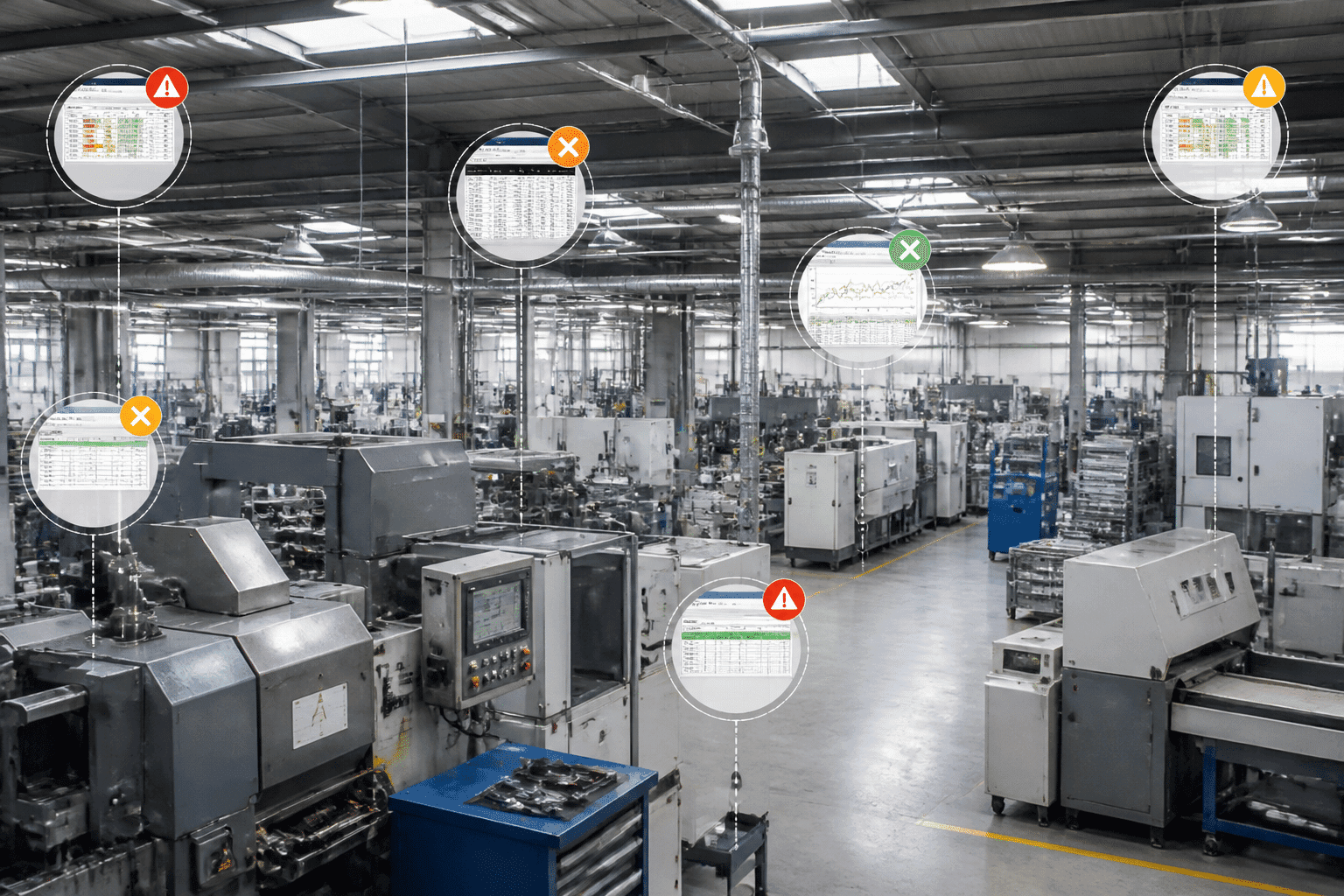
A simple red, amber and green score for each area works well. It's not scientific. But it gets everyone looking at the same picture.
Define Business Outcomes Before You Pick Features
This is where teams slip. They start with "we need AI agents" or "we want composable." Those are tools, not goals.
Start with the result instead. Close the books in 5 days, not 12. Cut manual order entry in half. Get inventory accuracy high enough that your website stops selling things you don't have. Then tie each result to a growth goal the CEO already cares about. If a feature can't connect to an outcome, it probably doesn't belong in phase one.
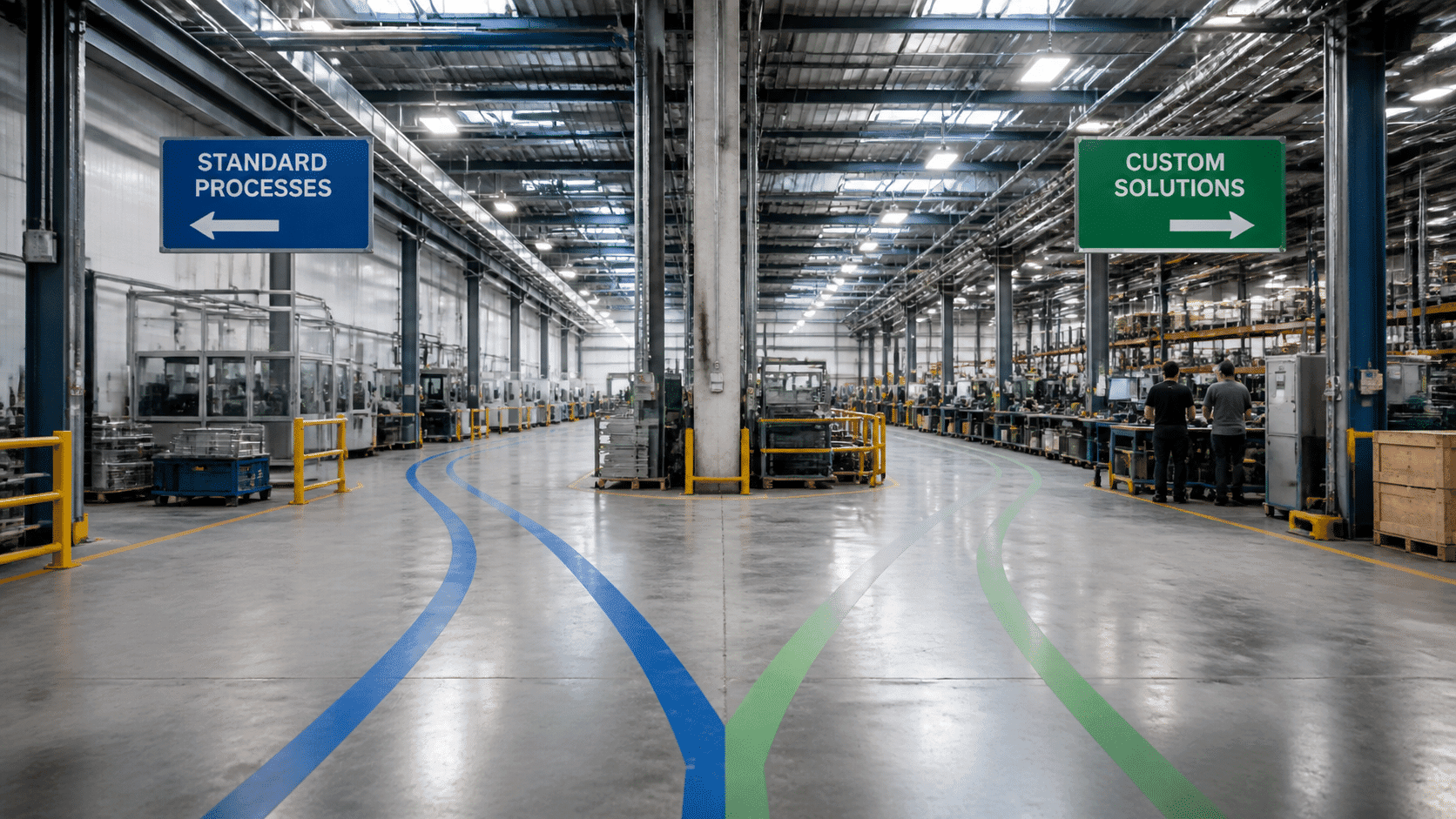
Rip and Replace, or Go Step by Step?
Pemeco's research frames the choice as optimize, upgrade or replace, not just "replace." That's worth remembering. Replacing is sometimes right, but it isn't automatically the smart move.
Approach | Rip and replace | Phased modernization |
Best when | The old system is truly unsupported or blocks the business | The core still works but parts hold you back |
Risk | One big cutover, high stakes | Smaller changes, easier to undo |
Speed to value | Slow, then sudden | Steady, one win at a time |
Fits with | A clean, well-funded program | Composable and API-first plans |
Most mid-sized companies I'd guess do better with phases. Pull out one painful capability, rebuild it, learn, repeat.
When should you bring in outside help? If nobody on your team has run a migration this size, if your integrations are a tangle, or if your internal engineers are already stretched thin. A partner like Buildera can handle legacy system modernization and the integration work while your staff keeps the business running. Just ask for named team members, similar past projects and real references.
Your 10-Point Readiness Assessment for ERP Modernization
We've packed the steps above into a downloadable checklist. Score each line red, amber or green, and you'll know where to start.
# | Check | Ready when |
1 | Systems inventory | Every application and interface is mapped |
2 | Technical debt | Custom code and risky patches are listed and ranked |
3 | Data quality | Duplicates and gaps are measured, with owners named |
4 | Process clarity | Key workflows are documented, with exceptions |
5 | Business outcomes | Goals have numbers and deadlines |
6 | Executive sponsor | One leader owns decisions and budget |
7 | Integration plan | APIs, security and partner links are scoped |
8 | Change plan | Training and communication start before go-live |
9 | Delivery capacity | Staff, budget and timeline are realistic |
10 | Approach decision | You've chosen optimize, upgrade, replace or phase it |
Score yourself honestly, and the next step gets a lot clearer.
Conclusion: Your ERP as a Catalyst for Future Growth
We started with a hostage story. So let's end with a way out.
The future of ERP rests on four pillars. Each one fixes a different piece of the problem:
Intelligent: AI in ERP spots issues early and handles routine work, while people approve the big calls.
Composable: smaller pieces connected by APIs mean you swap parts, not the whole system.
Vertical: industry cloud ERP starts with your sector's rules already built in.
User-centric: clean screens and built-in analytics get people to actually use the thing.
Here's the bigger point. A modern ERP isn't just a tool for keeping books straight. It's where your data, automation and decisions meet. Get that right, and it becomes a real edge over competitors. Get it wrong, and it quietly holds you back.
IBM's Arvind Krishna put it well in February 2026 when he said that the advantage will go to those who start early. He was talking about AI, but the same goes for your ERP plan.
So don't wait for 2027 to figure it out. Run the readiness check, pick one painful area and start small. And if you'd like a hand with legacy system modernization or connecting your systems, Buildera can help you map the first step.