
Why Cloud Computing is No Longer Optional in Modern Software Engineering
Ever shipped a feature that worked great on your laptop, then fell apart the second real users touched it? Yeah. That old pain is a big reason cloud computing has moved from “nice to have” to part of everyday software engineering.
Old-school on-premise setups can slow teams down fast. You wait for hardware, patch servers by hand, and guess at scaling before launch day. Cloud environments flip that around. They give developers more speed, more room to grow, and a much easier path to test, ship, and fix code.
And the shift is already here. One recent cloud forecast says over 95% of new digital workloads will land on cloud-native platforms by 2025 to 2027, up from just 30% in 2021. That’s a huge swing, and it changes how we build, not just where we build. Cloud-native software development is now part of modern software engineering practices, not a side skill.
But let’s be real. The cloud can feel messy at first. AWS for software engineers, Azure for developers, GCP for developers... there’s a lot to sort through. Which service do you pick? What changes in your code? How does DevOps and cloud computing affect your day-to-day work?
That’s what this guide is for. We’ll walk through the basics of cloud computing for developers, show how it fits into the software development lifecycle in the cloud, and help you build a clearer path toward scalable software architecture. If you’re a solo dev, part of a product team, or working with a firm like Buildera on a bigger modernization push, this should make the cloud feel a lot less scary. And a lot more useful.

Beyond Buzzwords: Deconstructing the Cloud for Software Development
I still remember the first time I saw a team argue over “the cloud” like it was one thing. It wasn’t. It never is.
For software engineering, the cloud is really a set of choices. And each choice changes how we build, ship, and fix code.
The three service models, in plain developer talk
Think of IaaS like renting a bare apartment. The walls are there, but you bring the couch, the stove, and probably the Wi-Fi router too. In cloud terms, you get the server, storage, and network setup, but you still manage the OS and your app. That’s why a lot of teams use it for custom setups or lift-and-shift moves.
PaaS is more like ordering food from Heroku, Vercel, or Render. You push code, and the platform handles the messy bits under it. Less server babysitting. More time writing features.
SaaS is even simpler. You just use the tool. Stripe’s API, for example, feels like this from a developer view. You plug it into your app and let the service do the heavy lifting.
Model | What you manage | Developer vibe | Common example |
IaaS | App, OS, configs | “I want control” | AWS EC2 |
PaaS | App code only | “Just run my code” | Heroku, Vercel |
SaaS | Almost nothing | “Just use it” | Stripe API |
The cloud ideas that actually matter
Here’s the deal. Three cloud terms show up all the time in software development, and they’re not just business words.
On-demand self-service: you spin up a server or database in minutes, not after three email threads.
Resource pooling: one big cloud system shares hardware across lots of users, while keeping each app separate.
Elasticity: your app can grow fast when traffic spikes, then shrink back down when things calm down.
That last one matters a lot. If your app gets hammered after a TikTok mention or a holiday sale, elasticity keeps it alive. No panic. No “sorry, the server is down” message on a Friday night.
Public, private, hybrid, and multi-cloud
You’ll run into a few deployment models too:
Public cloud: shared cloud services like AWS, Azure, or GCP. Most startups and product teams start here.
Private cloud: cloud tools kept for one company only. Common in finance, health care, and other strict setups.
Hybrid cloud: some systems stay on-premise, some move to cloud. A lot of older companies use this while modernizing.
Multi-cloud: using more than one public cloud. A team might use AWS for one app and Azure for another, often for pricing, region, or team reasons.
And honestly, this is where software engineering gets real. The cloud isn’t just about hosting. It shapes cloud computing for developers, cloud native software development, and the whole software development lifecycle in the cloud. No surprise, then, that cloud skills also show up in pay. Cloud-specialized engineers often earn around $135,000 to $152,000 in base pay, with senior cloud architects going higher, according to one salary guide cloud salary breakdown.
If your team is sorting through AWS for software engineers, Azure for developers, or GCP for developers, Buildera can help you map the right setup without turning it into a giant science project. The best cloud choice is the one that fits your product, your team, and your next release.
How the Cloud Transforms the Software Development Lifecycle (SDLC)
You know that moment when a release should feel exciting, but it just feels like risk? A tiny config mistake. A broken test. A server that only fails at 2 a.m. because, of course it does.
That’s where cloud computing starts changing the day-to-day feel of software engineering. Not in some fancy abstract way. Right in the SDLC, where teams build, test, ship, and fix code.
Infrastructure as Code makes setups repeatable
First, let’s talk about Infrastructure as Code, or IaC. That sounds a bit stiff, I know. But the idea is simple: your cloud setup lives in code, not in someone’s memory or a messy wiki page from last year.
Tools like Terraform and Azure Bicep let teams write down their server, network, and database setup in files. Then they can check those files into Git, review changes, and recreate the same environment again and again. Same app. Same rules. Fewer “it works on my machine” arguments. Thank goodness.
This fits modern software engineering practices really well because it keeps environments reproducible and version-controlled. If a dev, test, and prod setup all come from the same code, you cut down on weird surprises. And when something breaks, you can usually trace the change faster.
A lot of teams lean on Terraform for this, especially because it works across clouds. Azure-first teams may prefer Bicep, and AWS shops often use CloudFormation. But the goal is the same: stop clicking around in consoles like it’s 2009.
CI/CD turns releases into a habit
And then there’s CI/CD. This is where cloud computing for developers gets really practical.
Instead of waiting for a big scary release night, cloud-powered pipelines can test and deploy code every time someone pushes to GitHub or Azure Repos. GitHub Actions, AWS CodePipeline, and Azure DevOps all help with that. The flow is usually pretty similar: build, test, scan, deploy.
It sounds simple, but the payoff is big. The 2023 DORA State of DevOps Report says elite teams deploy on demand, with change lead time under one hour and change failure rates below 5% DORA’s 2023 report. That’s not magic. That’s automation plus good habits.
Here’s a quick look at how it changes the SDLC:
SDLC stage | Old way | Cloud way |
Plan | Manual handoffs | Shared tickets and repo notes |
Build | Local machines | Cloud build runners |
Test | Small, late testing | Tests on every push |
Deploy | One big release | Small, frequent releases |
Monitor | Wait for complaints | Logs, alerts, dashboards |
That table tells the story. Less guesswork. Less waiting. More steady progress.
I’ve seen teams go from “we deploy on Fridays and pray” to shipping several times a day. OK, not every team gets there right away. But the cloud makes that pace possible without turning everyone into night-shift firefighters.
Managed services take a lot off your plate
Now, this part is a big deal. Managed services.
When you use managed databases, message queues, or object storage, you’re not spending your time patching servers or babysitting backups. The cloud provider handles a lot of the dull stuff underneath. You still make choices, sure. But you’re not stuck doing every tiny ops task by hand.
Think of it like this:
Managed database: you focus on tables and app logic, not database maintenance
Message queue: your services can talk without tripping over each other
Object storage: store files, images, backups, and builds without buying extra hardware
That gives teams more room to build features, fix bugs, and move faster. And for companies modernizing older systems, this is often the moment the cloud starts to feel worth it. Not because it’s trendy. Because it gives engineering teams back their time.
That’s also why cloud skills show up so often in hiring. Engineers with cloud know-how often earn around $135,000 to $152,000 in base pay, with senior cloud architects reaching even higher. So yes, the SDLC gets better. And your career path can too.
If your team is trying to move from hand-built infrastructure to a cleaner, more scalable software architecture, Buildera can help you set up the cloud side without making it a giant headache. That matters if you’re working with AWS for software engineers, Azure for developers, or GCP for developers, and you want the software development lifecycle in the cloud to feel a lot less chaotic.
And honestly? That’s the real win. Better releases. Fewer late-night fixes. More time to build the thing people actually wanted in the first place.

AWS vs. Azure vs. GCP: A Software Engineer's Decision Framework
Ever pick a cloud just because a teammate said, “We use that one”? Yeah, been there. It sounds easy for about 30 seconds, then the real questions show up.
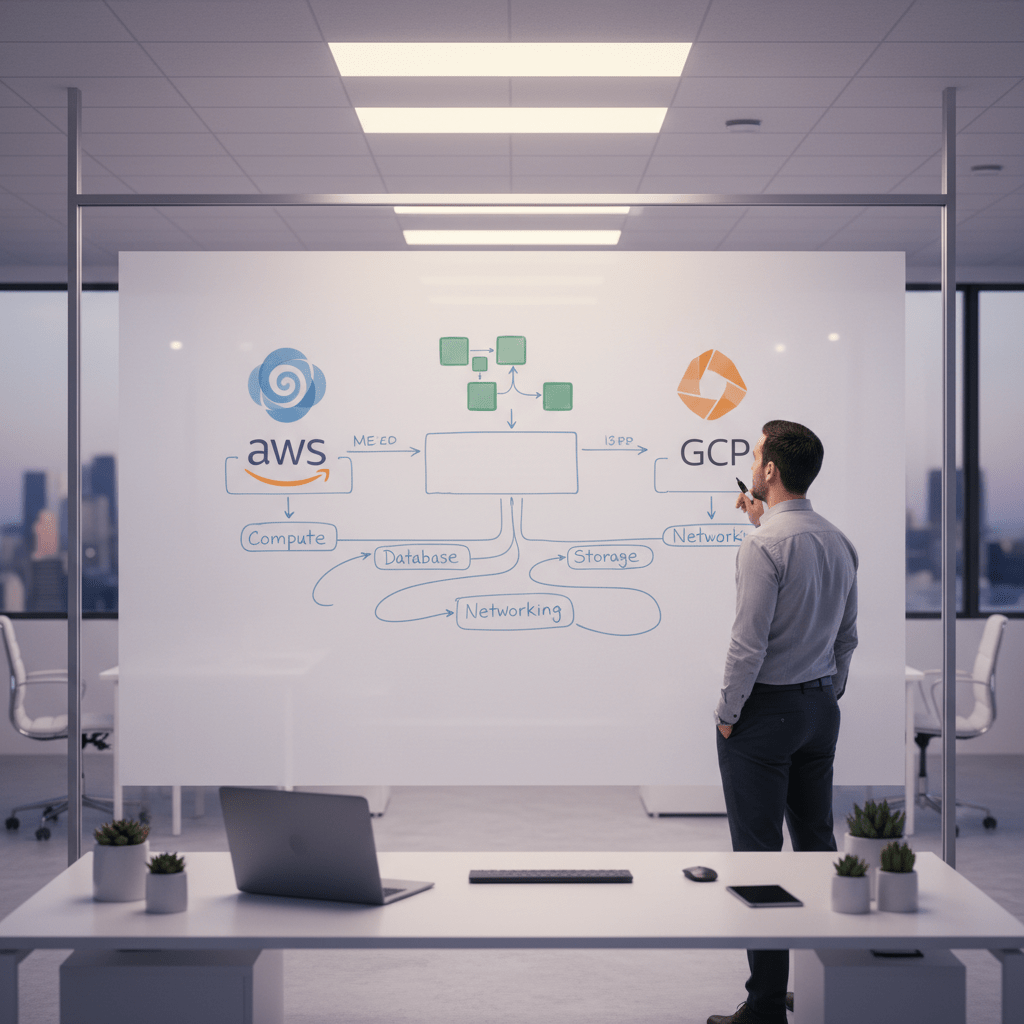
For software engineering, the big three each have a different feel. AWS is the giant with the most service choices. Azure fits well if your team already lives in Microsoft tools. GCP tends to win hearts with Kubernetes and data work. None of them are magic. But one of them may fit your team a lot better than the others.
Compute: the first thing most teams compare
If you need raw servers, you’ll look at EC2, Azure VMs, and Google Compute Engine. These are the basic building blocks for IaaS, and they all do the same broad job: give you machines in the cloud.
AWS EC2: huge choice, tons of instance types, lots of docs
Azure VMs: a natural fit for Windows-heavy shops and Microsoft stacks
GCE: clean setup, strong performance, and easy ties to other Google tools
Think of it like renting trucks. AWS gives you the biggest lot. Azure gives you the truck that fits your company garage. GCP gives you the one that starts fast and doesn’t make you dig through ten menus to use it. OK, that last part is a little opinionated, but you get the idea.
Serverless: less server babysitting, more code
Now for the fun part. Lambda, Azure Functions, and Cloud Functions are the serverless picks here. You write the code. The platform handles the rest.
That works really well for small APIs, background jobs, cron tasks, and event-based apps. And for light projects, free tiers can be generous enough to get moving without pulling out a credit card on day one. If you’re building a proof of concept, that matters.
One nice thing: serverless often pairs well with cloud native software development because you can ship small pieces fast. But if your app needs long-running tasks or very steady load, serverless may not be the best fit. Weird, right? A tool can be great and still not be right for every job.
Containers: where cloud teams start acting grown up
For container work, the names to know are EKS, AKS, and GKE. These are the managed Kubernetes services from AWS, Azure, and Google.
And here’s where a lot of teams feel the split:
EKS: broad AWS ecosystem, lots of enterprise use
AKS: nice if you’re already on Azure and want tighter Microsoft integration
GKE: often seen as the easiest home base for Kubernetes-heavy teams
If your team already speaks Kubernetes, GKE can feel very smooth. If your company already runs on Azure AD, .NET, and Microsoft 365, AKS might save you some friction. AWS? It’s the safe “we can probably do anything here” option.
So how do you pick?
Here’s a simple checklist you can use with your team:
Question | What to look at |
What skills do we already have? | AWS, Azure, or GCP experience in-house |
What does the app need? | Serverless, containers, databases, ML, storage |
What tools do we already use? | GitHub, Microsoft, Google, Terraform, Kubernetes |
How good is the docs? | Clear guides, samples, active community |
What about support? | Forums, Slack groups, local meetups, vendor help |
Can we test it cheaply? | Free tier, credits, and a small pilot project |
If you want the short version, start with team skill and project shape. Then check docs and community support. Those two get ignored way too often, and they save you a ton of pain later.
A few simple rules of thumb
Pick AWS if you want the widest service menu and a huge market footprint.
Pick Azure if your company already runs on Microsoft tools and identity systems.
Pick GCP if Kubernetes, data analytics, or clean cloud workflows are top of mind.
According to the Q1 2025 cloud market share data, AWS leads with about 30% to 32%, Azure sits around 22% to 23%, and GCP is near 12% to 13%. That market spread matters because it tells you where hiring, community help, and third-party tools often cluster. Cloud skills also pay. Engineers with cloud know-how often earn about $135,000 to $152,000 in base pay, with senior cloud architects going higher.
So yes, the choice has business value and career value too.
If your team is staring at AWS for software engineers, Azure for developers, or GCP for developers and feeling stuck, Buildera can help you sort through the tradeoffs without making it a giant migration drama. The best cloud is the one your team can ship with, support, and grow on.

The Cloud Skillset: What Every Software Engineer Needs to Know
You know that moment when a team says, “We’ll just move it to the cloud,” like that solves everything? Funny. It usually doesn’t. The real win comes when we learn the core skills that make cloud computing for developers feel normal, not scary.
First up: containers.
Containerization is not optional anymore
Docker and Kubernetes are showing up in job posts for a reason. They give us a clean way to package code so it runs the same way on a laptop, a test box, or a cloud server. Same app. Same setup. Way fewer surprises.
That matters in software engineering because cloud native software development leans hard on portable apps. And Kubernetes is no tiny side skill. The CNCF says 84% of organizations were using Kubernetes in production in 2023, and 66% were using it in multi-cloud or hybrid setups CNCF 2023 Annual Survey. So yeah, this stuff is real. Not just resume fluff.
A simple way to think about it:
Docker helps you package the app
Kubernetes helps you run lots of those packages
Containers help your code move across cloud platforms without a mess
And that’s why Docker and Kubernetes feel like a must-have skill set now. If you’re building for AWS for software engineers, Azure for developers, or GCP for developers, containers give you a shared base.
Serverless is great, but only if you get the event flow
Now for serverless. Or Function-as-a-Service, if you want the fancy label. I’d say the simple version is better: you write a function, the cloud runs it, and you pay for what you use.
That sounds easy. Sometimes it is. But there’s a catch. Serverless apps are event-driven, so you need to think about triggers, queues, timeouts, and how one action starts another.
That’s a big deal for cost-effective apps. A small API, image resize job, or form handler can run with almost no overhead. And under light load, many teams can keep costs very low on AWS Lambda, Azure Functions, or Google Cloud Functions. But if your app needs long jobs or tight control, serverless can get awkward fast. Weird, right? A tool can be great and still not fit every job.
Observability saves your sleep
This next part is pretty boring until it saves your weekend. Observability.
We’re talking logs, metrics, and tracing. The stuff that tells you what broke, where it broke, and why your app suddenly feels haunted at 2:13 a.m. In distributed systems, that’s not extra polish. It’s how you debug anything at all.
Cloud-native tools make this easier:
Cloud area | Common tools | What they help with |
AWS | CloudWatch, X-Ray | Logs, metrics, tracing |
Azure | Azure Monitor, Application Insights | App health and diagnostics |
GCP | Cloud Logging, Cloud Trace | Request flow and performance |
If you can’t see what your app is doing, you’re guessing. And guessing in software engineering is expensive.
The skills that keep showing up
If you’re building a cloud skill stack, start here:
Docker
Kubernetes
Serverless basics
Logging and tracing
Metrics and alerting
IaC tools like Terraform
CI/CD tools like GitHub Actions
These skills show up again and again in senior software engineer jobs, cloud engineer roles, and modernization projects. They also help explain why cloud skills pay more. Cloud-specialized engineers in the US often earn about $135,000 to $152,000 in base pay, while senior cloud architects can reach $145,000 to $180,000 cloud salary breakdown. Not bad for learning how to ship cleaner systems.
If your team wants help building this skill set into real work, Buildera can step in with cloud architecture, modernization, and hands-on software engineering support. Because the cloud isn’t just a place to host apps. It’s now part of how strong teams build, ship, and keep things running.
From Theory to Practice: Architecting a Simple Cloud-Native Application
OK, let’s make this real for a second. Say you want to build a tiny URL shortener or a survey app. Nothing flashy. Just something people can use without you babysitting a server all day.
Here’s the usual cloud-native setup: a static front end, an API, a function that does the work, and a database that stores the data. Clean. Simple-ish. And way easier to grow than the old one-box setup.
What the pieces do
Piece | Cloud option | What it handles |
Front end | S3, Azure Blob Storage, or static hosting | Serves the page fast |
API layer | API Gateway | Receives requests from the app |
Backend | Lambda or Azure Functions | Runs the app logic |
Database | DynamoDB or Cosmos DB | Stores links, votes, or form answers |
So the flow looks like this:
A user opens the app in a browser.
The page loads from object storage.
They click a button or submit a form.
The request goes to API Gateway.
A serverless function makes the short link, saves the record, or logs the survey answer.
The database keeps the data safe for later.
That’s it. No giant app server sitting there waiting for traffic that may or may not show up.
And this is where software engineering starts to feel different. In a monolith on one server, the web page, business logic, and database access are all tangled together. It can work. Sure. But scaling it usually means buying a bigger server, patching more stuff by hand, and hoping the whole thing doesn’t wobble when traffic jumps.
With the cloud-native version, each part does one job. If the front end gets more visits, object storage handles it. If traffic spikes at lunch time, the function layer scales out. If the database needs to store 10 links or 10 million, managed NoSQL services can handle the shift much better than a single box on a shelf somewhere.
That lighter setup also helps with cost. Under light use, a small serverless app often costs close to nothing, especially inside free tiers. And for a software engineering team, that means less time on server care and more time on product work.
The tradeoff? You do need to think a little differently. No all-in-one app server. More moving parts. But each part is small, and that usually makes the system easier to change later.
If your team is trying to build this kind of stack, Buildera can help with cloud architecture, modern app design, and the shift from legacy code to a setup that’s easier to ship and support. That matters whether you’re working with AWS for software engineers, Azure for developers, or GCP for developers.
One last thing. This kind of setup lines up with modern software engineering practices because it fits the software development lifecycle in the cloud: build fast, test often, deploy in small steps, and keep costs tied to use. That’s a pretty nice deal.
And honestly? For a lot of teams, it’s the first cloud project that really clicks.
Your Next Step: Embracing the Cloud in Your Software Engineering Career
Cloud work isn’t just “IT stuff” anymore. It’s part of how modern software engineering gets done. The big shift is pretty clear too: cloud-native apps are heading toward the norm, and engineers with cloud skills often earn more because they can build, ship, and fix things faster cloud-native adoption and pay data.
So what should you do next? Start small. Build the same app we talked about above. A URL shortener, a tiny survey app, or a simple note tool. Use one cloud, one front end, one API, one database. That’s enough to learn a lot.
If you want to get moving, here are the official starting points:
AWS Skill Builder
Microsoft Learn
Google Cloud Skills Boost
And if you want a free course, try AWS Cloud Practitioner Essentials or the freeCodeCamp cloud course.
If your team needs help turning cloud ideas into a real system, Buildera can help with cloud architecture, modernization, and software engineering support. Because the cloud isn’t the finish line. It’s the new starting point.
Ready to build software that actually works for your business?
Free discovery call · 15 minutes · No obligation