The Strategic Crossroads: Choosing an ERP That Fuels Growth, Not Friction
Only 27% of organizations finished their latest ERP project on time and within budget. 53% ran over.
That stat comes from a 2025 report covered by Enterprise Times. Ouch.
If you're a CTO or IT Director, you already know that picking erp software isn't a normal purchase. It's a ten-year bet on how your company will run. Get it right and teams move faster. Get it wrong and they spend years fighting the tool instead of serving customers.
Here's the core tension. Off-the-shelf erp solutions ask you to bend your processes to fit the software. Custom erp development flips that: you build the system around how your business really works. Neither road is free. One costs flexibility. The other costs time, money and long-term ownership.
And the tech isn't the whole story. Prosci's 2025 research found that people and change factors mattered six times more than technical ones. So this choice is about your team as much as your code.
This guide gives you a clear way to judge which path fits your company. We'll look at cost, speed, risk and fit, so your enterprise resource planning system helps you grow instead of slowing you down.
Foundations: What is Modern ERP Software and Why is it Your Digital Backbone?
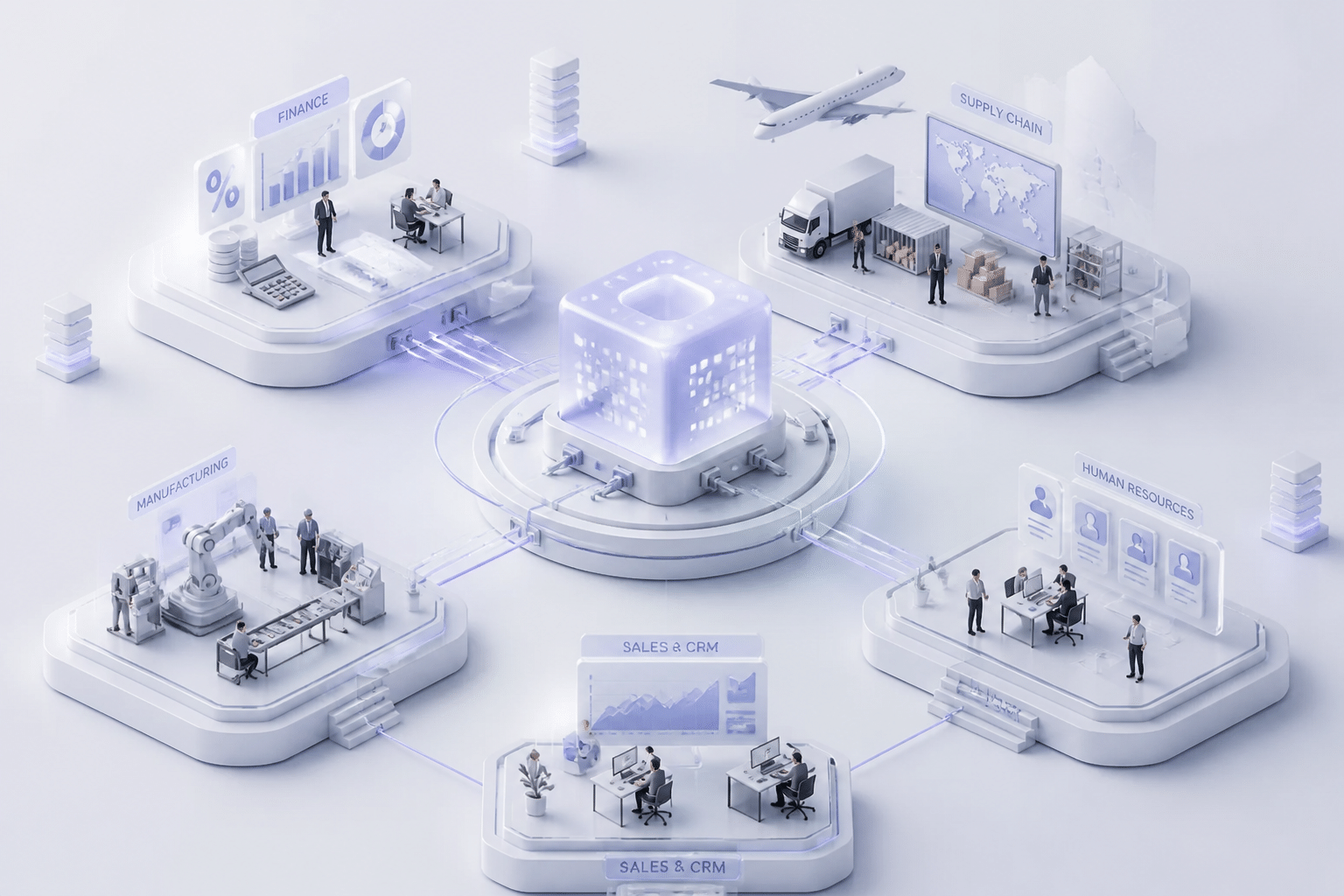
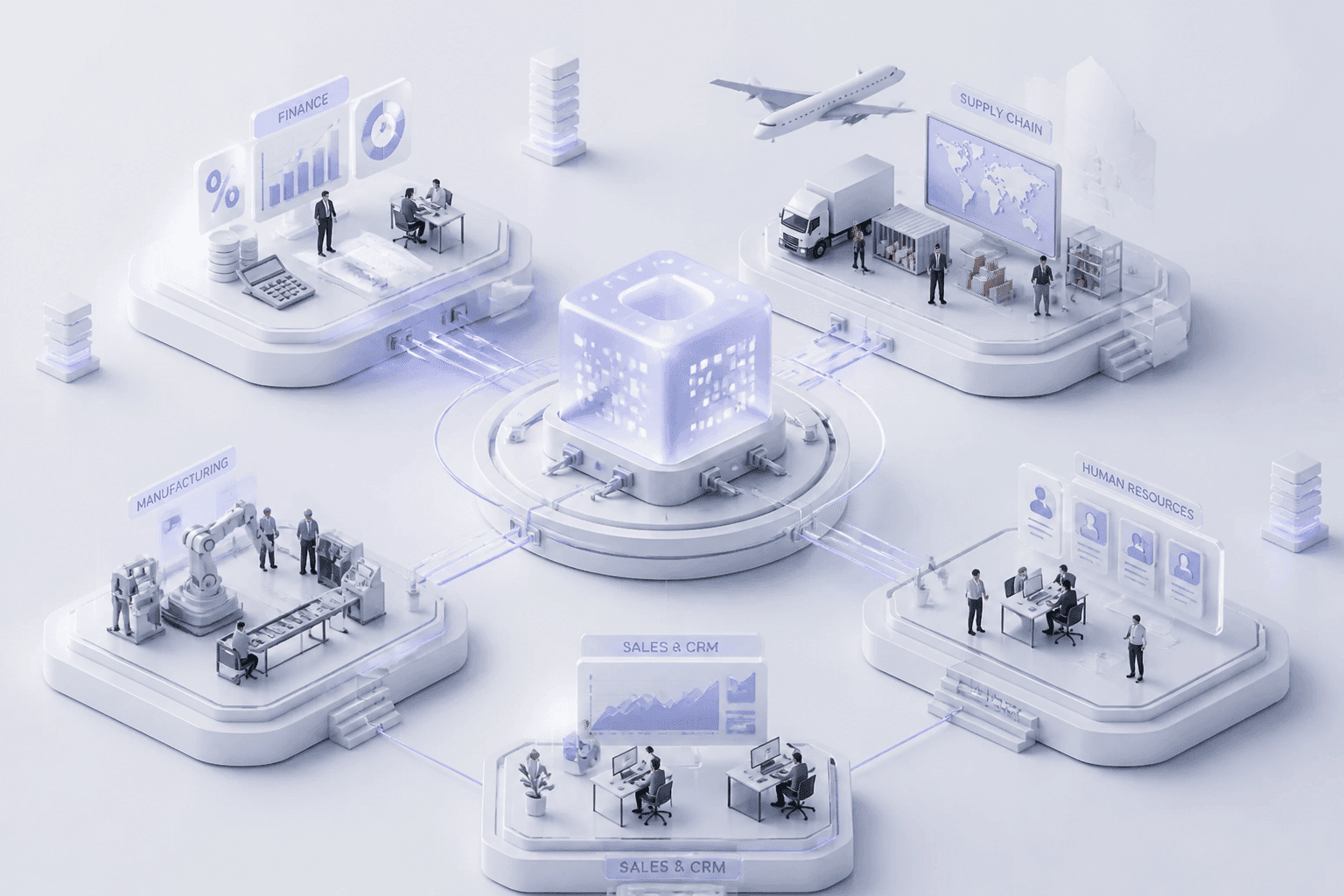
Picture your company as a body. Finance is the heart. Supply chain is the muscle. HR is the brain stem keeping people healthy and moving. Now picture those parts not talking to each other. That's a business without a good ERP.
What an ERP system actually does
An enterprise resource planning system is one shared platform that runs your core work: finance, HR, supply chain, manufacturing and services. Everyone pulls from the same data. No more "which spreadsheet is right?" arguments on Monday morning.
The best way I've found to explain it is the central nervous system idea. It carries signals between parts, so the whole body reacts as one.
Take a customer order. CRM logs the demand. Inventory checks stock. Procurement or production fills any gap. Warehouse ships it. Finance books the revenue. Dashboards update. One order, six teams, zero re-typing.
From MRP to an AI-powered core
ERP didn't start this way. It grew out of MRP (material requirements planning), a tool built for factories to figure out what parts to order and when. Then finance, HR and sales got added. Over time it became the whole company's record keeper.
Now it's changing again. ERP Research points to embedded AI, automation and real-time analytics as the big themes for 2026. Think invoice matching, fraud flags, demand forecasts and cash-flow predictions. In a plant, AI plus machine data can warn you before equipment breaks. That's a long way from a green-screen inventory list.
The modules that break down silos
Modern erp software usually bundles these building blocks. Here's how data moves between them:
Module | What it handles | Data it shares |
Finance | Ledger, payables, receivables, budgets, reporting | Costs and revenue to every other module |
Procurement | Purchasing, suppliers, approvals | Spend and supplier data to Finance and Supply Chain |
Supply chain and inventory | Stock, warehouses, logistics, planning | Availability to CRM and Manufacturing |
Manufacturing | Production plans, work orders, quality | Output and costs to Inventory and Finance |
CRM | Leads, quotes, orders, service | Demand signals to Supply Chain |
HR | Payroll, time, hiring, performance | Labor costs to Finance and Projects |
Analytics and AI | Dashboards, forecasts, alerts | Insights back to every team |
IoT and integrations | Sensors, APIs, workflows | Live machine and partner data into the core |
See the pattern? Each module feeds the others. That's what kills silos. And it's also why the build-or-buy question matters so much: this backbone touches everything. Next, let's look at the first path, off-the-shelf.
The Case for Off-the-Shelf (OOTB) ERP Solutions: Speed, Standards, and Predictability
Let's be fair to the packaged option first. Off-the-shelf ERP solutions are popular for good reasons, and for plenty of companies they're simply the right call.
Faster go-live and a smaller first check
Speed is the big one. With a packaged system, the software already exists. You configure it instead of building it. Acumatica projects, for example, run about 2 to 4 months for a simple setup and 8 to 14 months for a complex one. Business Central usually lands somewhere between 3 and 9 months for mid-sized manufacturers.
Now compare that to building from scratch. One 2026 cost report puts upper mid-market ERP projects that involve heavy customization at $900,000 to $2.5 million. A subscription spreads that spend out. Your first-year bill is smaller, and your cash stays free for other projects.
One catch. "Off-the-shelf" doesn't mean "no work." You still need data migration, testing and training. It just cuts out the build.
You also get pre-built modules shaped by industry best practices. Finance, procurement, inventory and HR workflows have been tested across thousands of companies. If your process looks like most other companies in your space, that's a head start you didn't have to pay to design.
Built-in support, updates and documentation
Big vendors ship regular updates, security patches and new features. They also publish thick libraries of guides, training courses and user forums. If your in-house IT team is small (say, five people covering everything from laptops to the network), that matters a lot. Somebody else carries the load of keeping the platform current.
And when something breaks at 2am on quarter-end? There's a support line. With a custom build, that line is your own team.
A bigger pool of people who know the system
Talent shortages are real. Hiring a developer who knows your homegrown code can take months, and losing that person hurts. Popular platforms like NetSuite, Dynamics 365 and Acumatica have large partner networks and lots of experienced consultants. You can usually find an implementation specialist faster, and swap one out if the relationship goes sour.
The trade-offs at a glance
What you get | What you give up |
Faster implementation timelines | Less room to shape unique workflows |
Lower upfront investment than a ground-up build | Per-user fees that grow with headcount |
Proven, industry-tested modules | Process changes your team may not love |
Vendor support, updates and documentation | Limited say over the product roadmap |
Large pool of certified consultants | Add-ons and connectors can cost extra |
So the packaged route buys you speed and predictability. The question is what it costs when your business does things differently, and that's where custom starts to look interesting.
The Strategic Advantage of Custom ERP Development: Building Your Competitive Moat
Packaged software is built for the average company. But you didn't build yours to be average, did you?
Here's the other side of the coin. When your pricing rules, stock logic or approval chains are the reason customers pick you, a generic workflow can water that down.
"Your edge lives in your process, your logic, and your data."
That line comes from Jan Baan, founder of Baan Corporation, in a 2026 LinkedIn post. It's a social post, not a formal paper, but the idea holds up. Let's see why.
Workflows that only you have
Custom erp development lets you build the system around how your business really runs. Not how a vendor thinks it should run.
Picture a retailer with its own stock allocation rules across 120 stores and a web shop. Or a healthcare group that has to tie a patient visit to a claim, a payer contract and a payment. Standard modules model the typical case. Your case has exceptions. Lots of them.
With a custom build, those exceptions become features. That's real business process optimization, because people stop doing workarounds and the software does the heavy lifting. And a rival can't license your edge. Everyone on the same package gets the same workflow, which is kind of the point.
Goodbye, franken-stack
You probably have a few systems nobody wants to touch. A billing tool from 2009. A proprietary pricing engine. A partner portal held together by scripts.
Off-the-shelf connectors rarely fit these. You end up with a franken-stack: parts stitched together, each one a little different, none of them quite talking. Cursive Tech lists brittle integrations and manual data copying as classic signs a company has outgrown its packaged system.
A custom ERP flips that. Integration is designed in from day one. Here's what you can wire straight into the core:
Legacy billing or inventory systems, wrapped in clean APIs
Proprietary pricing, scheduling or allocation tools
Machine and sensor feeds from the shop floor
Partner and supplier portals
This also makes legacy system modernization less scary. You can replace old pieces one at a time instead of ripping everything out in one go.
Growth on your own roadmap
What happens when you buy a company, open a new channel or add a legal entity in another country? With a packaged product, you wait for the vendor's next release. Or you pay for an add-on that may not exist yet.
Custom systems evolve when you do. You decide what ships next quarter. That's what truly scalable ERP solutions look like for a fast-moving company.
You don't have to build everything, either. Zaptiva describes a modular approach where you modernize step by step, keeping what works and replacing what doesn't. Partners like Buildera often build these custom pieces around a stable core.
But let's be honest. Owning the roadmap also means owning the bills and the people. Next, we'll put both paths side by side so you can weigh that trade properly.
The Decision Framework: A Head-to-Head Comparison of Custom vs. OOTB ERP
OK, we've seen both sides. Now let's put them in one place. When I'm weighing a big software choice, I want a scorecard, not a pep talk. So here's one.
Strategic Scorecard: Custom ERP vs. OOTB ERP
Factor | Custom ERP | OOTB ERP |
Big build cost up front, then hosting, security and a maintenance team | Smaller start, then license fees, support, add-ons and price increases every year | |
Scalability and flexibility | Grows on your schedule, since you own the roadmap | Grows within the vendor's limits, plus whatever add-ons exist |
Implementation speed and time-to-value | Slower. Discovery and build come first | Faster. You configure instead of build |
Competitive differentiation | High. Your special rules become the software | Low to medium. Rivals can run the same workflow |
User adoption | Great if built around real workflows, shaky if the screens feel rough | Familiar to many hires, but standard flows can feel awkward |
Vendor lock-in | You own the source code and the data model | You rent the platform and follow the vendor's terms |
Ongoing talent need | A dedicated product and engineering team | Admins plus a partner network |
No column wins every row. That's the point. Your job is to find which rows matter most to your company.
What the money really looks like
TCO is where most debates get loud, so let's slow down.
With off-the-shelf, the bill keeps showing up. You pay license or subscription fees, support contracts and charges for customization or connectors. And the price tends to creep. One 2026 ownership benchmark flags yearly escalation clauses in the 3 to 9% range.
Custom flips the shape of the bill. You pay for the initial build, then hosting, security, backups and people to keep it alive. One cost guide puts annual maintenance at roughly 15 to 20% of the original development spend. Not tiny. But also not a per-user fee that grows every time you hire.
Here's my honest take: custom isn't automatically cheaper over ten years, and neither is SaaS. A five and ten year model that counts training, lost productivity, upgrades and internal staff time will tell you more than any average will. Build one for both paths, with low, expected and high cases.
Lock-in versus ownership
Vendor lock-in sounds like a scary phrase, but it's really just a switching cost. After five years on one platform, your data, reports, integrations and staff habits all point at it. Leaving gets expensive, and the vendor knows it.
Owning your code changes that. You decide when to upgrade, what to build and which hosting to use. Nobody can retire a feature you rely on.
But (and it's a big but) ownership means you also own the risk. If two key developers quit and the documentation is thin, you're the one stuck. Lock-in doesn't vanish with custom. It just moves from a vendor to your own team.
Don't skip adoption
A fast, cheap system nobody uses is a bad deal. Huron points to a common gap on the off-the-shelf side: training ends at go-live, with no one to lean on while new habits form. Custom has its own trap. Developers build what looks tidy, not what the warehouse team needs at 6am.
Either way, put real users in your demos and testing. Buildera often starts custom projects this way, with frontline workflows first and architecture second.
So which factors tip your scale? Next, we'll look at the real-world scenarios where custom clearly wins.
When Custom ERP Development is the Winning Strategy: Real-World Scenarios
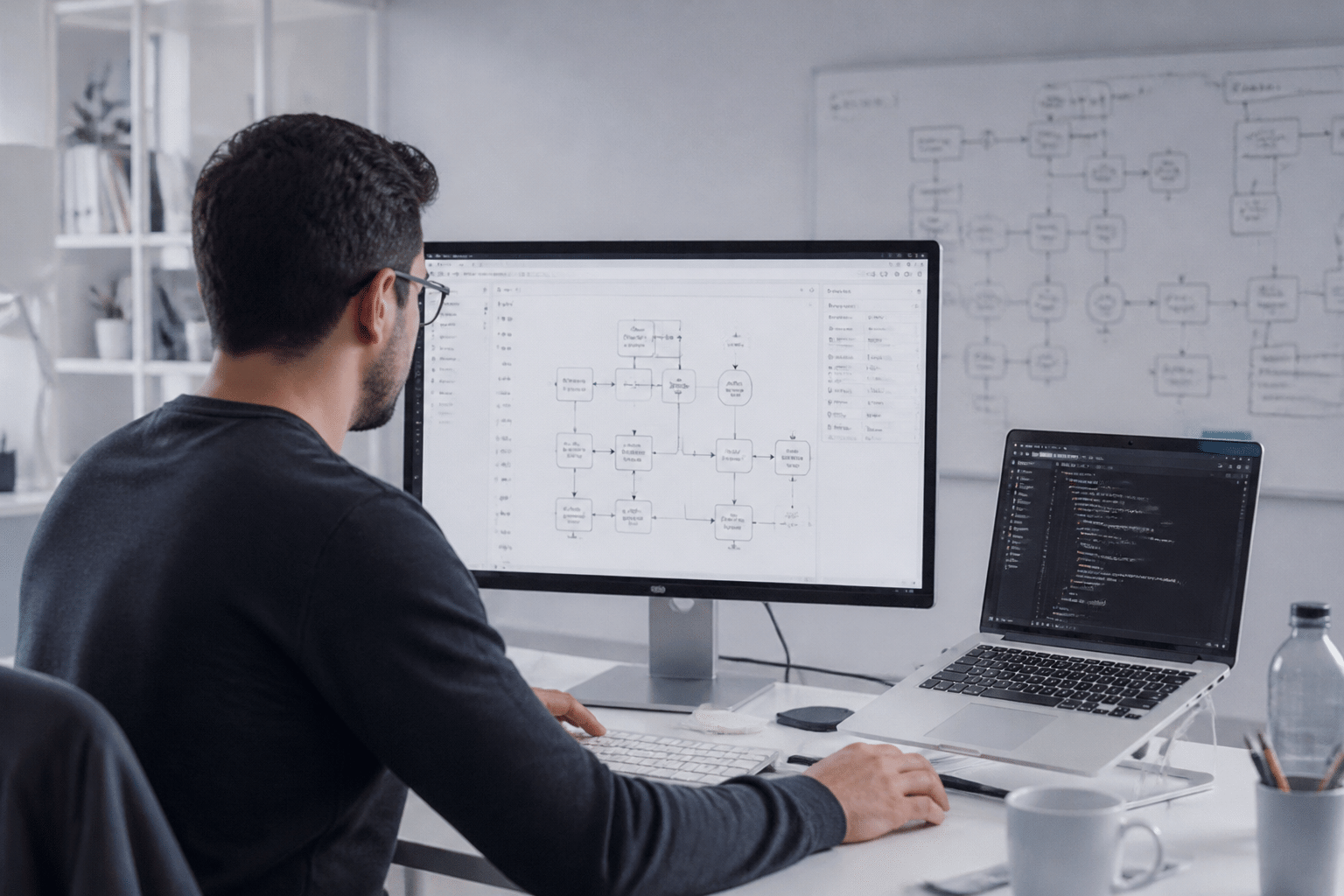
So far we've talked in the abstract. Let's get concrete. Here are three situations where custom erp development tends to beat a packaged system.
A quick note: these are composite examples, not named client stories. I couldn't find a verified, audited case study to quote, and I'd rather be upfront than invent numbers. Use them as patterns to compare against your own shop.
Scenario 1: A multi-facility healthcare provider
A patient visit isn't a normal sales order. It links a clinical event, a coded service, a payer contract, a claim, maybe a denial, and finally a payment. Standard billing modules assume a tidier order-to-cash flow.
And the rules keep moving. Guidehouse's 2026 revenue cycle research found regulatory compliance was a top concern for 34% of respondents. HIPAA controls, audit trails and access rules affect how the system is built, not just how it's switched on.
Mini Case Study: Healthcare group, 8 facilities
The problem: Each site tracks encounters and claims a little differently. Billing staff patch the gaps with spreadsheets, and every new rule means another workaround.
The custom approach: Build a billing and compliance layer that follows the encounter from visit to payment. Role-based access and audit logs go in from day one. The packaged finance core can stay as the ledger.
What to measure: Days in accounts receivable, claim denial rates, hours spent on manual reconciliation, and audit prep time.
Scenario 2: A fast-growing online retailer
Retail looks simple until you try to answer "how many can we actually sell?" Stock sits in stores, warehouses, returns bins and in-transit trucks. Omnichannel inventory means coordinating reservations, allocation, transfers and fulfillment in near real time. Add a loyalty program with its own tiers and perks, and a standard pricing table runs out of room fast.
Mini Case Study: Online retailer, 3 sales channels
The problem: The web shop oversells popular items. Loyalty perks are applied by hand. Marketing and warehouse teams work from different numbers.
The custom approach: A bespoke allocation engine ties logistics, inventory and marketing automation together. Loyalty rules live in the system, not in someone's head. Customers see accurate stock and the right perks.
What to measure: Oversell and stockout rates, order cycle time, return handling time, and repeat purchase rate.
Scenario 3: A large real estate or construction firm
Construction money doesn't move like retail money. Costs are tied to projects, phases and subcontractor milestones. Payments depend on progress, retainage and change orders. Equipment and materials move between sites.
A generic ledger can record all that. It just can't manage it well.
Mini Case Study: Development firm, 12 active sites
The problem: Project costs live in spreadsheets. Subcontractor approvals happen over email. Nobody knows where a given asset is until someone calls the site.
The custom approach: Build project costing around the firm's own cost codes and approval chains. Add subcontractor workflows and live asset tracking by site, feeding back into finance.
What to measure: Budget variance by project, payment cycle time, asset utilization, and how fast month-end closes.
What these three have in common
See the pattern? In each case the hard part isn't the ledger. It's the exceptions around it: claims, loyalty rules, subcontractor payments. Those are the places where a custom layer pays off.
That doesn't mean ripping out your whole system. Buildera often starts by building just that differentiating layer. Next, we'll look at how to get there step by step.
Beyond the Binary Choice: The Modernization Pathway from OOTB to Custom
Here's something the build-versus-buy debate often skips. Most of you aren't starting fresh. You already run an off-the-shelf system, and it's creaking.
So the real question isn't "custom or packaged?" It's "what do we do with the thing we already have?" And no, the answer isn't always a rip and replace.
Keep the core, build around it
The smarter move for many teams is a hybrid model. You keep the packaged ERP for stable, standard work like the general ledger, purchasing and basic controls. Then you add custom modules or small services for the processes that set you apart.
Think of a custom logistics module that plugs into an off-the-shelf finance core. Shipping rules, carrier choices and route logic live in your own code. Costs and revenue still flow into the ledger you already trust.
There's a real technical pattern behind this. A 2025 case study on decomposing a large industrial ERP shows teams pulling out one business capability at a time, exposing it through stable APIs and running it next to the old system. No big-bang rewrite. Just steady, low-drama change.
One rule worth stealing: keep custom logic out of the ERP core. Core changes make upgrades painful. Side-by-side services don't.
Have you outgrown your ERP? A decision path
Not sure where you stand? Walk through these questions in order. The warning signs listed by Tier2 Systems cover a lot of the same ground.
Step | Ask yourself | If yes | If no |
1 | Do teams keep spreadsheets or email as a shadow system of record? | Go to step 2 | Go to step 3 |
2 | Is the gap a missing report, setting or form? | Configure it or buy an add-on | Go to step 3 |
3 | Does adding a site, entity or product line take months of consulting? | Go to step 4 | Go to step 4 |
4 | Are integrations brittle, manual or unavailable? | Build an integration layer or side service | Go to step 5 |
5 | Does a process that wins you customers fight the standard workflow? | Build a custom module around the core | Stay on standard and tune it |
6 | Is customization blocking vendor upgrades, with costs still rising? | Consider replacing or re-platforming the core | Keep the core and extend at the edges |
Most companies land on steps 4 or 5. That's good news, because those answers don't require a full replacement.
Where Buildera fits
This is the territory where Buildera works. As a partner in legacy application modernization, the team helps you decide what stays, what gets wrapped in APIs and what's worth building new. Then you evolve the stack one piece at a time, in the order your business actually needs.
It's less "big leap" and more "smart next step." Next, we'll pull it all together into a decision you can defend.
Your ERP is Your Future: Make a Strategic Investment, Not Just a Purchase
So where does that leave you? Here's the short version.
The right erp software choice comes down to three things: how your company really runs, who you're up against, and where you want to be in ten years. If your processes look like everyone else's, a packaged system is probably the smart, calm pick. If your edge lives in your pricing, your claims flow or your stock rules, custom starts to make sense.
And for companies that want to lead their market, custom work can stop being a cost line. It becomes an investment that compounds, because every new rule, channel or site builds on what you already own. Most teams don't need to go all in, either. Keep the stable core. Build the layer that wins you customers.
I can't hand you one answer without knowing your shop. That's the honest part. But you don't have to guess alone.
Buildera's experts can look at your systems, your costs and your growth plans, then help you map an ERP strategy that holds up for the next decade.
Ready to build software that actually works for your business?
Free discovery call · 15 minutes · No obligation