The Build vs. Buy Dilemma: Scaling Your Business with the Right Software
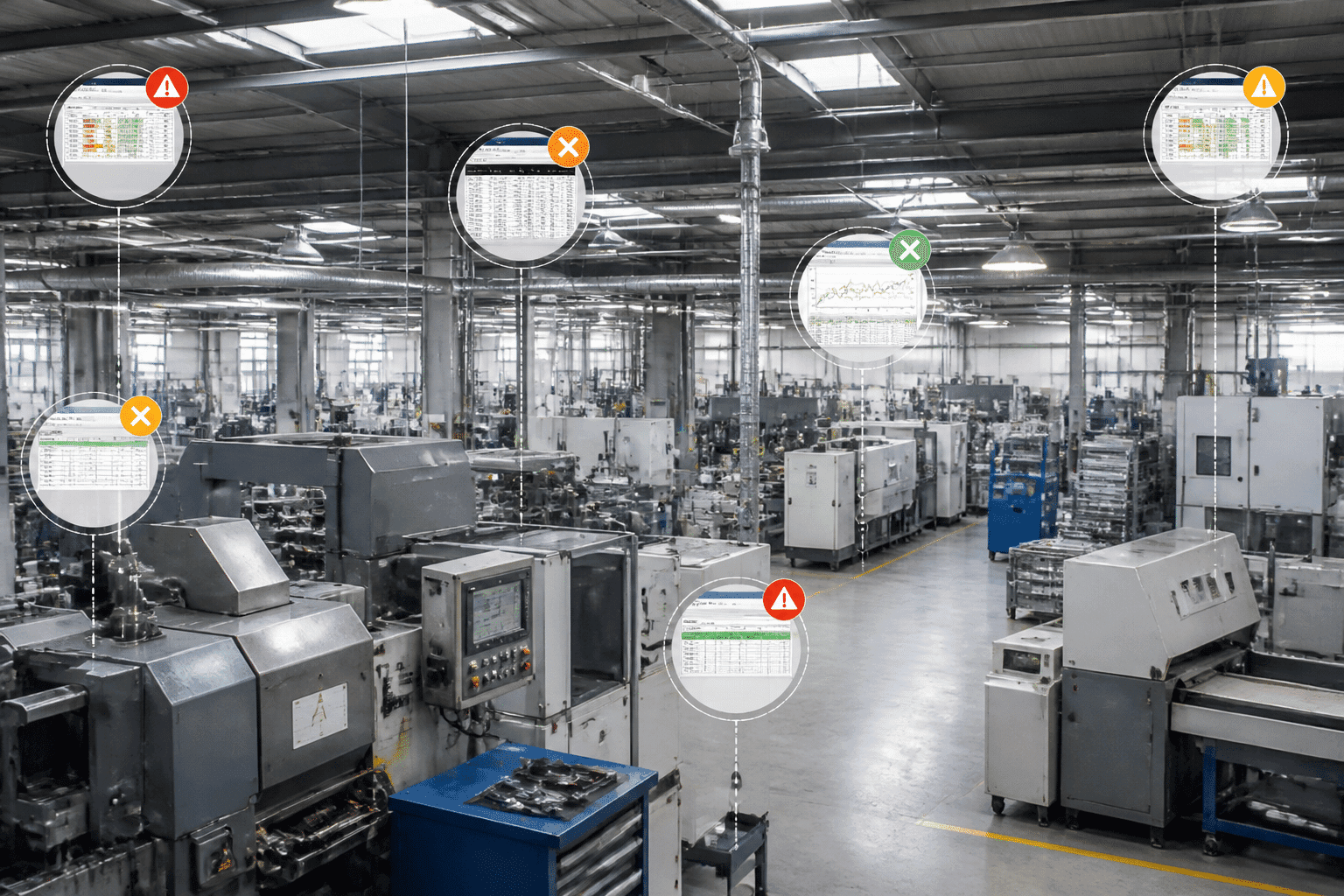
Ever had that moment when your team starts duct-taping tools together just to get through the week? Yeah, that’s usually the sign. Your business has outgrown the software you started with.
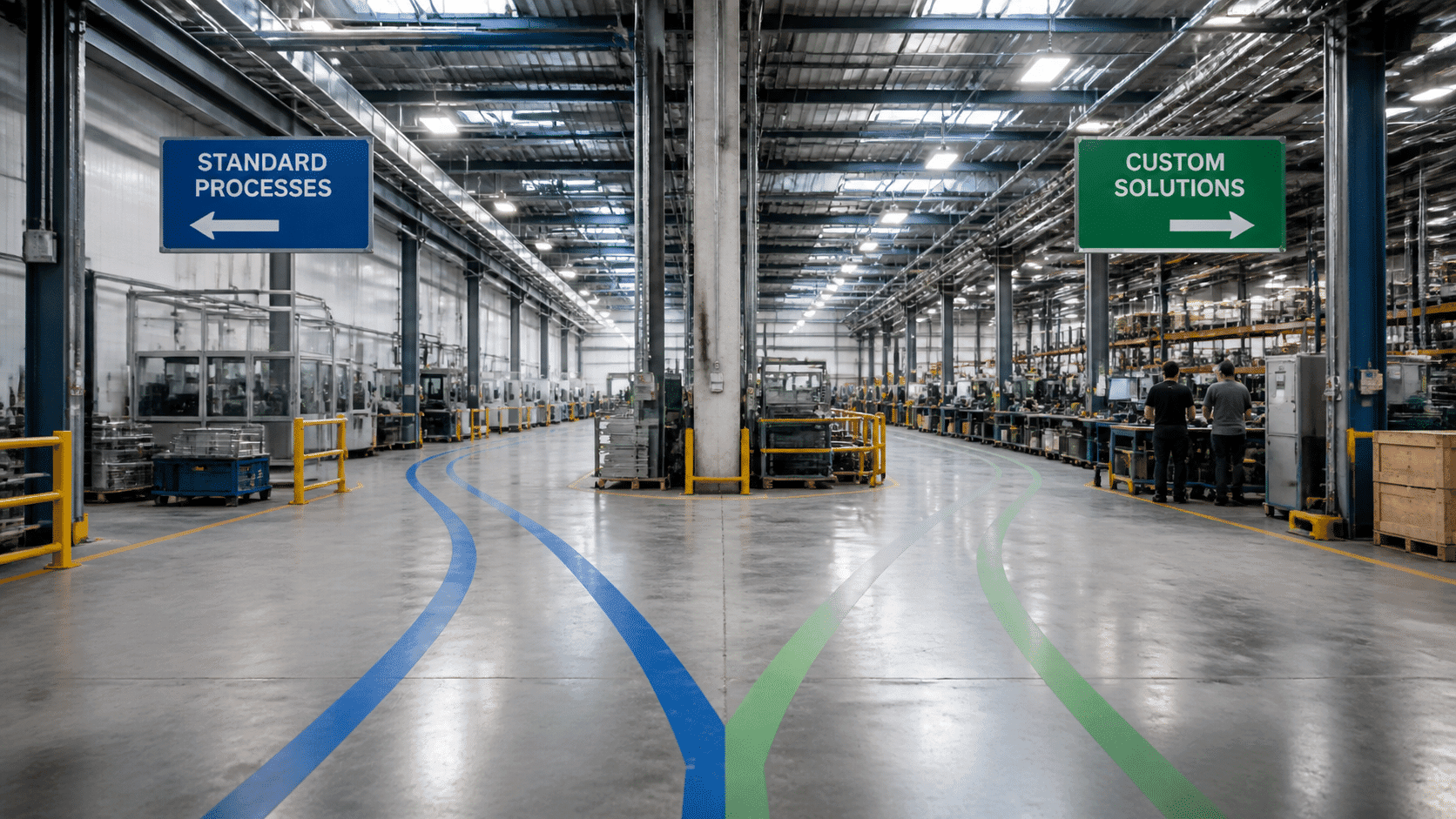
A lot of growing companies hit this wall. The CRM no longer fits the sales flow. The project tool can’t track the real work. The ERP makes simple tasks feel weirdly hard. And then the big question shows up: do we build custom software, or do we buy off-the-shelf software and make it work?
That choice is bigger than a feature list. It touches budget, speed, daily efficiency, and even your long-term edge in the market. Recent SMB research shows 40% of small and midsize businesses say the current environment has changed how they use and manage software, and 1 in 2 have already changed their tech stack Codat's small business software report. Plus, growing SMBs are twice as likely to run an integrated tech stack as declining ones Salesforce SMB research.
So this is not just a tech choice. It's a business choice. And if you're working with a software engineering company or a software development partner, this guide will help you see what fits best.

What happens when your tools stop keeping up?
The pain usually starts small. A manual export here. A spreadsheet there. Then someone says, “We’ll fix it later.
Later comes fast.
For growing teams, the real issue is fit. Off-the-shelf software can be great for common jobs. But if your workflow has special steps, unique rules, or deep system links, generic tools can slow everyone down. That’s where custom software development starts looking less like a luxury and more like a smart move.
And this isn't a tiny market choice either. The global SaaS market is already worth hundreds of billions of dollars, while the custom software development market is also growing fast as more companies look for bespoke software solutions and custom application development that match how they actually work SaaS market overview, custom software market report.
Build vs. buy software, in plain English
Here’s the short version:
Option | What it means | Best for |
Off-the-shelf software | A ready-made product you can use fast | Common needs, fast setup, lower upfront cost |
Custom software | Software built for your exact business | Unique workflows, long-term control, deep integration |
Customized COTS | A standard product with added setup or API tweaks | Teams that need some fit, but not a full rebuild |
COTS vs custom is really about fit and ownership. With bespoke software, you get a solution built from scratch for your needs, and you usually own the code and IP. With customized COTS, the vendor still owns the core product, even if you add layers on top ISACA's comparison of COTS and bespoke software.
That difference matters a lot once your business starts scaling.
The real decision is bigger than price
A cheap subscription can look great at first. But the total cost of ownership software buyers care about is more than the monthly fee. You’ve got setup time, training, add-ons, workflow gaps, and the cost of people working around the tool instead of through it.
And yes, off-the-shelf tools can be fast. HubSpot CRM can go live in days for a basic setup, while mid-market ERP systems like NetSuite often take months to roll out. Subscription prices may start around $15 to $150 per user each month, but those fees stack up fast as teams grow.
Custom work takes longer up front. That’s true. But it can also save money later if the software becomes part of your core operation instead of just another monthly bill.
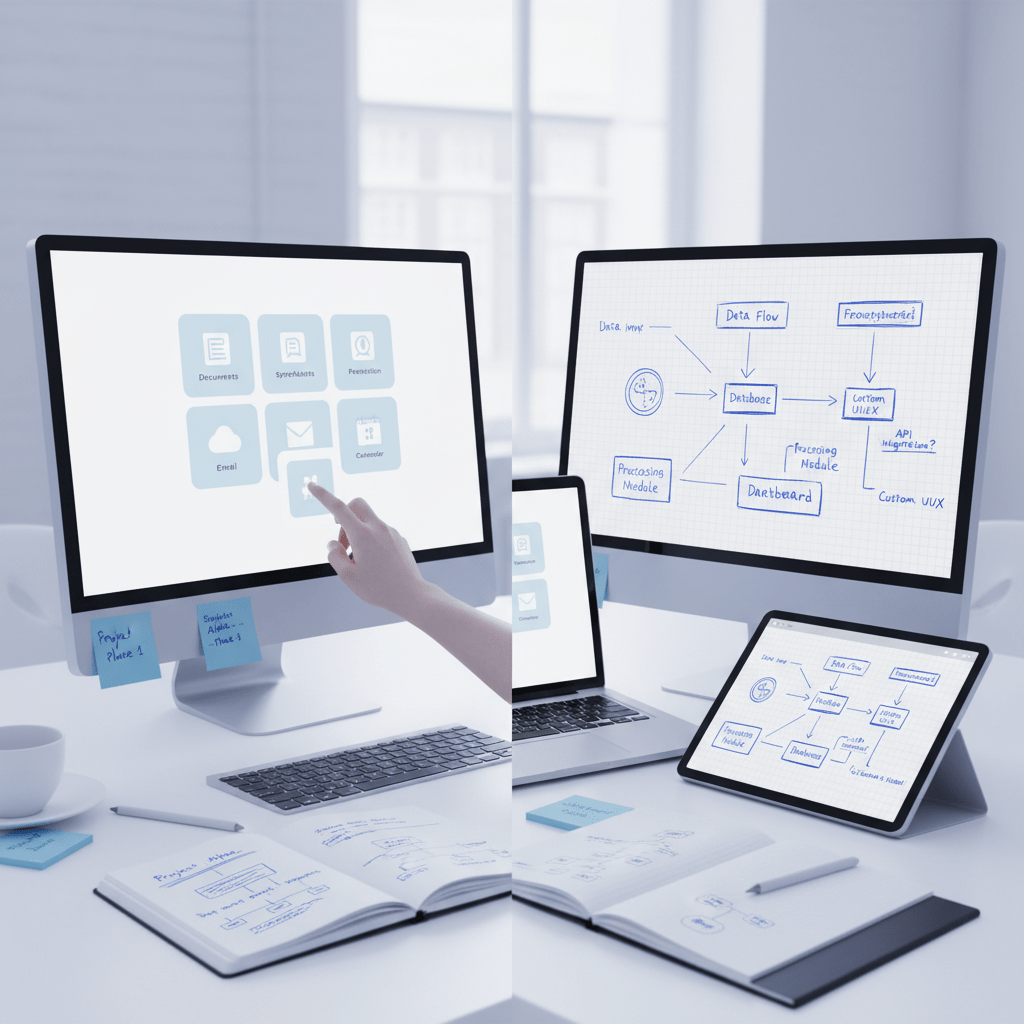
So which path makes sense?
A good rule of thumb is simple: if a COTS tool covers most of what you need, buy it. If your business logic is unusual, or if software is part of how you win, build it.
Actually, wait, there’s a better way to say it. If off-the-shelf software fits about 80% of your key needs, it’s usually worth checking whether the last 20% can be handled by process changes instead of custom code.
That’s the build vs buy software question in one line. And it’s the one we’ll keep coming back to in the rest of this guide.
Defining the Playing Field: Custom Software vs. Off-the-Shelf Solutions
A lot of teams hit this question right after a messy week. You know the one. Sales needs one thing, ops needs another, and the software in the middle just sort of shrugs.
So let’s make the setup clear.
COTS software means Commercial Off-the-Shelf software. It’s ready-made and public. You buy it, sign in, and start using it. Think Salesforce for CRM, QuickBooks for accounting, or Jira for project tracking. It’s built for a broad group of users, so it usually works best for common business needs.
Custom software is the opposite in a lot of ways. It’s built from scratch by a software engineering company or a software development partner for one business, one set of workflows, and one goal. These are often called bespoke software solutions or custom application development projects. The software is shaped around how your company already works, or how you want it to work.
And here’s the part people miss. The best choice is not the same for everyone. Not even close.
Option | Simple meaning | Good fit for |
Off-the-shelf software | Ready-made software you can use fast | Common needs, lower setup time, simpler budgets |
Custom software | Built for your exact business rules | Unique processes, deep integrations, long-term control |
Customized COTS | A standard tool with extras added on | Teams that need some fit, but not a full rebuild |
This is why the build vs buy software choice gets tricky. A growing company might be fine with off-the-shelf software today, but a year from now it may need something tighter, faster, and more connected. On the other hand, custom software development takes more time up front, so it only makes sense if the fit really matters.
Actually, wait, that last part is the key. It’s not about which option sounds better. It’s about which one fits your context.
If you want a simple rule, here it is: choose the tool that matches your day-to-day work without making your team fight it every afternoon.
The Case for Off-the-Shelf Software: Speed and Affordability
If your team needs a new tool by Friday, off-the-shelf software starts to look pretty sweet. No long build cycle. No giant planning maze. Just sign up, set it up, and get moving.
That fast start is a big reason lots of growing teams choose COTS software. It usually costs less upfront, which helps startups and lean teams keep cash in hand. And the pricing is often easy to guess. A plan might run $15 to $150 per user each month, so budgeting feels a lot less scary than a full custom build.
But speed comes with tradeoffs. Ready-made tools can have feature bloat, which means you may pay for stuff you never use. They can also miss the way your team really works. If your sales process has odd approval steps, or your ops team needs a very specific workflow, the software may force your people to bend around it. That gets old fast.
There’s also the data side. With off-the-shelf software, the vendor usually owns the core product and the rules around it. So if you outgrow the tool, switching can get messy. Vendor lock-in is real. Annoying, too.
Here’s the deal:
Best fit for off-the-shelf software | Why it works |
HR and payroll | Common tasks, lots of standard features |
Accounting | Fast setup, predictable monthly fees |
Startups testing a market | Quick launch without a huge build |
Tight budgets | Lower upfront cost and less risk |
A software engineering company can help you spot when a standard tool is enough and when it’s just slowing you down. That’s where Buildera comes in for teams that need a software development partner later, not right away. If you’re still early, though, buying can be the smarter first move.
And that’s usually the sweet spot. Buy fast. Learn fast. Then decide if you need custom software development later.
The Power of Custom Software: Building Your Competitive Edge
You know that feeling when a tool finally fits? Not almost. Not close enough. It just clicks. And for a growing business, that can be a big deal.
That’s where custom software starts to shine. Instead of making your team bend around a standard product, custom software development lets the software match your business logic. Your steps. Your rules. Your weird little handoffs that only make sense inside your company. That kind of fit can save time every day, and it can also cut down on those annoying workarounds that pile up fast.
Actually, wait. It’s more than comfort. It can become part of your edge.
When your software is built for your exact process, you’re not paying for a bunch of features you’ll never touch. You’re also creating something that belongs to you. That means your business owns the IP, which can add real long-term value. Think of companies like Amazon and Netflix. They didn’t just buy generic tools and hope for the best. They built systems that helped define how they work.
Here’s the upside in plain language:
Benefit of custom software | Why it matters |
Matches your business rules | Fewer workarounds and less manual cleanup |
Creates your own IP | You own the code, not the vendor |
Scales with you | Easier to grow without switching tools every year |
Builds a moat | Harder for competitors to copy your setup |
But let’s be real. Custom software is not the easy road.
It usually takes more money up front. It takes longer to build, too. A solid MVP might take 2 to 4 months, and a full rollout can run 6 to 12 months depending on how complex things get. Plus, you need a reliable software development partner who can keep the project moving without turning it into a mess. I’ve seen teams pick the wrong partner and spend months untangling the fallout. Not fun.
So when does it make sense?
Custom software is a strong fit when the software is part of how you win. That could mean core operations, complex integrations, or a process that gives you a real market edge. If your business depends on deep links between systems, or if you’re trying to modernize old tools that slow everyone down, bespoke software solutions can be worth the investment.
And if you’re still weighing build vs buy software, here’s a simple way to think about it: buy for common needs, build for the stuff that makes your business different.
If you’re looking for a software engineering company that can help with custom application development, legacy modernization, or product engineering, Buildera works with teams that need more than a quick patch. That kind of support matters when your tech is no longer a side task. It’s the business.
And once you own the software? That’s a whole different game.
A Head-to-Head Comparison: Total Cost of Ownership, Scalability, and More
You know that funny moment when a “cheap” tool starts acting expensive? At first, it feels like a win. Then the add-ons show up. Then training. Then the workaround spreadsheet no one wants to own. And suddenly the budget is doing cartwheels.
That’s why the build vs buy software choice is really about total cost of ownership software buyers feel over time, not just the sticker price. A COTS tool may look lighter on day one. But over 3 to 5 years, those monthly fees can stack up fast, especially as your team grows. A custom build can be pricey up front, but it may pay back more slowly and steadily if it replaces lots of manual work and keeps your team from bouncing between tools.
Here’s a simple way to look at it:
Cost area | Off-the-shelf software | Custom software |
Upfront cost | Lower | Higher |
Monthly fees | Keeps going | Usually none for seats |
Add-ons and upgrades | Often extra | Built into the plan |
Long-term fit | Limited by vendor roadmap | Shaped around your needs |
And yes, the timeline matters too. HubSpot CRM can go live in days for a basic setup, while a mid-market ERP like NetSuite can take 3 to 6 months, and sometimes longer if the company is messy (which, let’s be honest, many are). Custom software usually takes longer to ship, but it can map to your process much better. That means fewer detours later.
The same goes for scaling. With off-the-shelf software, you’re tied to the vendor’s product roadmap. If they don’t add the feature you need, you wait. If they change pricing, you feel it. If they retire a feature, well, that’s your problem now. With custom software development, your software can change as your business changes, whether that means new teams, new rules, or a new market.
That’s why a lot of growing teams end up in a hybrid setup. They buy standard tools for common jobs like email, payroll, or basic CRM. Then they work with a software engineering company or a software development partner to build the parts that make their business different. It’s a pretty normal move, actually. Big companies do this all the time.
Think about the best-known examples. Netflix built parts of its streaming stack in-house. Amazon did the same with core systems that later shaped its scale. Those weren’t vanity projects. They were business moves.
And here’s the plain truth: if your software just supports the work, buying often makes sense. If the software is the work, custom application development may be worth the longer road.
So before you sign anything, ask:
Will this tool still fit us in 3 years?
How much will subscriptions cost by then?
What breaks if we need a new workflow?
Can it connect cleanly with our other systems?
If the answers feel shaky, that’s your signal to slow down and talk with a software engineering company like Buildera. A good team can help you compare COTS vs custom in a way that matches your actual goals, not just the sales pitch.
And that part matters more than people think. Because the cheapest path today can become the most annoying one tomorrow.
Your Decision Framework: 5 Questions to Ask Before You Choose
You know that weird moment when everyone in the room nods, but nobody really agrees? That’s the build vs buy software decision in a nutshell. And if you’re talking with a software engineering company, you need a clean way to sort the noise from the real fit.
Here’s a simple check you can use today.
1) Is this software tied to revenue?
Ask this first. If the tool supports sales, delivery, pricing, or a core service you sell, custom software development starts to look much more serious. If it’s just helping with a common task like payroll or basic email tracking, off-the-shelf software may do the job just fine.
2) Can a COTS tool cover 80% of what we need?
That 80% rule gets talked about a lot for a reason. If COTS vs custom leaves you with only a small gap, it’s usually cheaper to adjust your process than build from scratch. But if that last 20% controls speed, customer experience, or daily ops, that gap can get expensive fast.
3) What matters more right now: speed or control?
Use this quick scorecard. Give each item a score from 1 to 5.
Factor | Buy COTS | Build Custom |
Time to launch | 5 | 2 |
Fit for unique workflow | 2 | 5 |
Upfront budget | 5 | 2 |
Long-term control | 2 | 5 |
Ease of scaling | 3 | 5 |
Add up the side that matters most to your business. If speed and low cost win, buying usually makes sense. If your workflow is one of a kind, custom application development may be the better bet.
4) Do we need a full build, or just a hybrid setup?
A lot of teams don’t need all-or-nothing. They buy standard tools for things like accounting or project tracking, then build custom pieces around the parts that make them different. That hybrid path is common for growing companies, and it often works better than forcing one tool to do everything.
5) What happens if we grow fast?
This one gets skipped too often. If you expect more users, new locations, or more system links in the next 12 to 24 months, think past today’s setup. A tool that feels fine now can turn into a blocker later. If that risk feels real, talk with a software development partner early, not after the mess starts.
A simple way to read your answers
Mostly 4s and 5s for speed and budget? Buy COTS.
Mostly 4s and 5s for fit and control? Build custom.
Mixed scores all over the page? Go hybrid.
And honestly, that’s the point. The best software choice is the one that helps your team work without fighting the tool every day.
If you want help sorting that out, Buildera can step in as a software engineering company that helps teams compare options, modernize old systems, and build only what truly needs to be custom.
Choosing Your Partner: How to Select the Right Software Engineering Company
You can buy the fanciest tool on the shelf and still end up stuck. I’ve seen it happen. The software looked fine, but the rollout got messy, the team got frustrated, and the “simple” fix turned into a monthly headache.
If your path is custom, the partner you pick matters a lot. A good software engineering company does more than write code. They help you sort the real problem, shape the plan, and keep the project from drifting off course. That matters because SMBs are already feeling the squeeze. One recent report found that 40% say the current software setup has changed how they manage their business, and 1 in 2 have already changed their tech stack Codat SMB software report.
So what should you look for?
1) Real technical skill
Ask what the team has built before. Not just “Do you do custom software development?” Ask for examples that match your stack, your scale, or your pain points. If you need legacy app work, cloud help, or web and mobile builds, the team should be able to talk through the tradeoffs without sounding fuzzy.
2) Industry know-how
A software development partner that knows your field can save a lot of back-and-forth. Retail, healthcare, and real estate all have different rules, and the software should reflect that. If they’ve done similar work, they’ll probably spot risks faster.
3) A process you can follow
Ask if they use Agile, Scrum, or another clear method. You want to know how work moves, who owns what, and how changes are handled. No one likes surprise scope creep. Nobody. A solid team will show you a path from discovery workshops to development sprints, then user acceptance testing, or UAT, and post-launch support.
4) Strong communication
This one gets skipped too often. But it’s the deal-breaker sometimes. You want regular updates, one main point of contact, and plain language. If they can’t explain what’s happening in simple words, that’s a bad sign.
A quick engagement flow
Stage | What usually happens |
Discovery | Goals, users, and current pain points are mapped out |
Workshops | The team digs into workflows and edge cases |
Sprints | The build moves in short rounds with reviews |
UAT | Your team tests the software before launch |
Post-launch support | Bugs, tweaks, and small upgrades are handled |
Red flags to watch for
They won’t share client references
The price looks weirdly low
There’s no clear project manager
They can’t explain IP ownership
The process feels vague or rushed
And that last one? Big warning sign.
If you’re comparing vendors, ask for a discovery workshop before you sign anything. Ask who will be in your day-to-day contact. Ask how they handle changes. And if you want outside proof, look at verified reviews on places like Clutch.
Buildera works as a software engineering company for teams that need more than a quick patch. If you’re ready for custom application development, legacy modernization, or a better software development partner, that’s the lane we live in.
So if the software choice is custom, don’t just pick a vendor. Pick a team you can actually work with.
From Decision to Deployment: Your Path Forward
If your team has ever stared at a half-working tool and said, “Well... this’ll do for now,” you already know the trap. The build vs buy software choice can feel small at first. But it shapes how fast you move, how much you spend, and how much control you keep.
Here’s the simple truth. Off-the-shelf software is great for common work like CRM, payroll, accounting, and project tracking. Custom software development is the better fit when your process is different enough to matter, or when the software itself helps you win. That’s why so many growing businesses use a hybrid setup. Buy the standard stuff. Build the parts that set you apart.
The best teams don’t pick based on price alone. They use a real decision framework. They ask about fit, ownership, speed, and long-term cost. They think about total cost of ownership software, not just the first bill. And they check whether the software will still make sense after the next round of growth.
If you’ve already found that COTS vs custom points toward a custom path, that’s where Buildera can help. As a software engineering company, we work with teams that need custom application development, legacy modernization, and a software development partner who can turn a messy idea into something solid.

Ready to sort out what should be bought and what should be built? Let’s map it out together.
Ready to build software that actually works for your business?
Free discovery call · 15 minutes · No obligation