The Crossroads of Manufacturing IT: Choosing the Right ERP Foundation for Growth
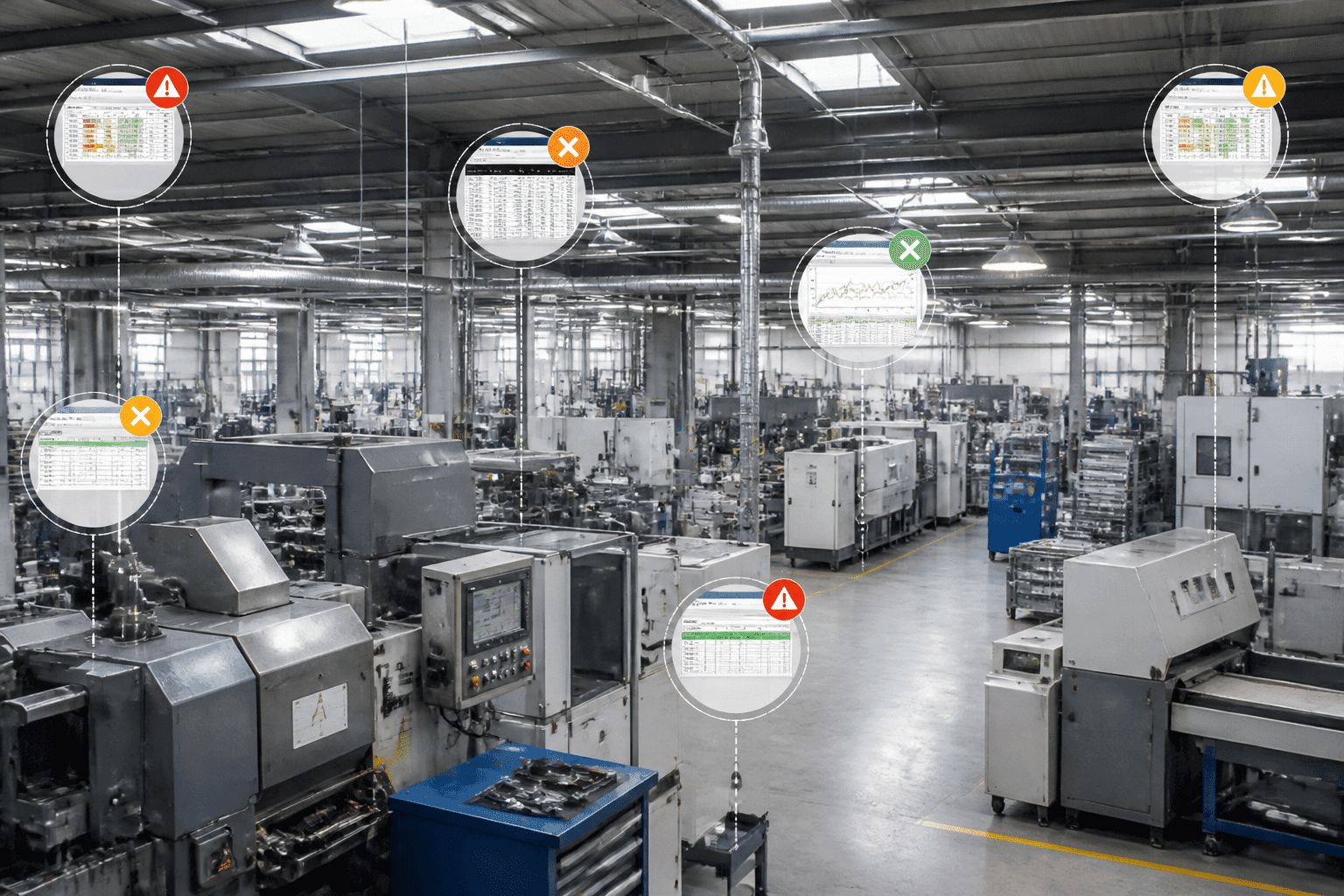
Picture this. A global manufacturer buys a few competitors and suddenly owns 45 U.S. sites. Fourteen of them still run the same 30-year-old ERP system for operations, procurement and accounts payable. Then the vendor says support is ending. That's not a hypothetical, by the way. It's a real Grant Thornton case study, and honestly, it sounds a lot like what many IT teams quietly worry about.
If you're a CTO or IT Director at a manufacturer, you already know the pressure. Supply chains swing without warning. Customers want faster quotes and cleaner traceability. And the system that holds your orders, inventory and costs together was probably built for a calmer era.
The Big Question on Every Shortlist
Here's the debate. Is a classic on-premise setup still a smart bet? Or is cloud the clear winner? The market is leaning one way: Mordor Intelligence reports that cloud made up 55.4% of manufacturing ERP spending in 2025. But a market trend isn't a plan for your plants. Your data, your customizations and your risk tolerance all matter.
So I won't tell you cloud always wins. (It doesn't.) Some manufacturers have solid reasons to keep systems close to the shop floor. Others are stuck paying to babysit servers they'd happily hand off.
What You'll Get From This Guide
This article gives you a practical way to weigh erp software for manufacturing options against your business goals, not just a feature checklist. We'll look at how each model works, compare them side by side, check out the hybrid middle ground, and walk through a decision framework. Plus, we'll talk about the partner who builds it all, because that choice can make or break the project.
Ready? Let's start with what's actually different under the hood.
Foundations: Understanding On-Premise vs. Cloud ERP Architecture
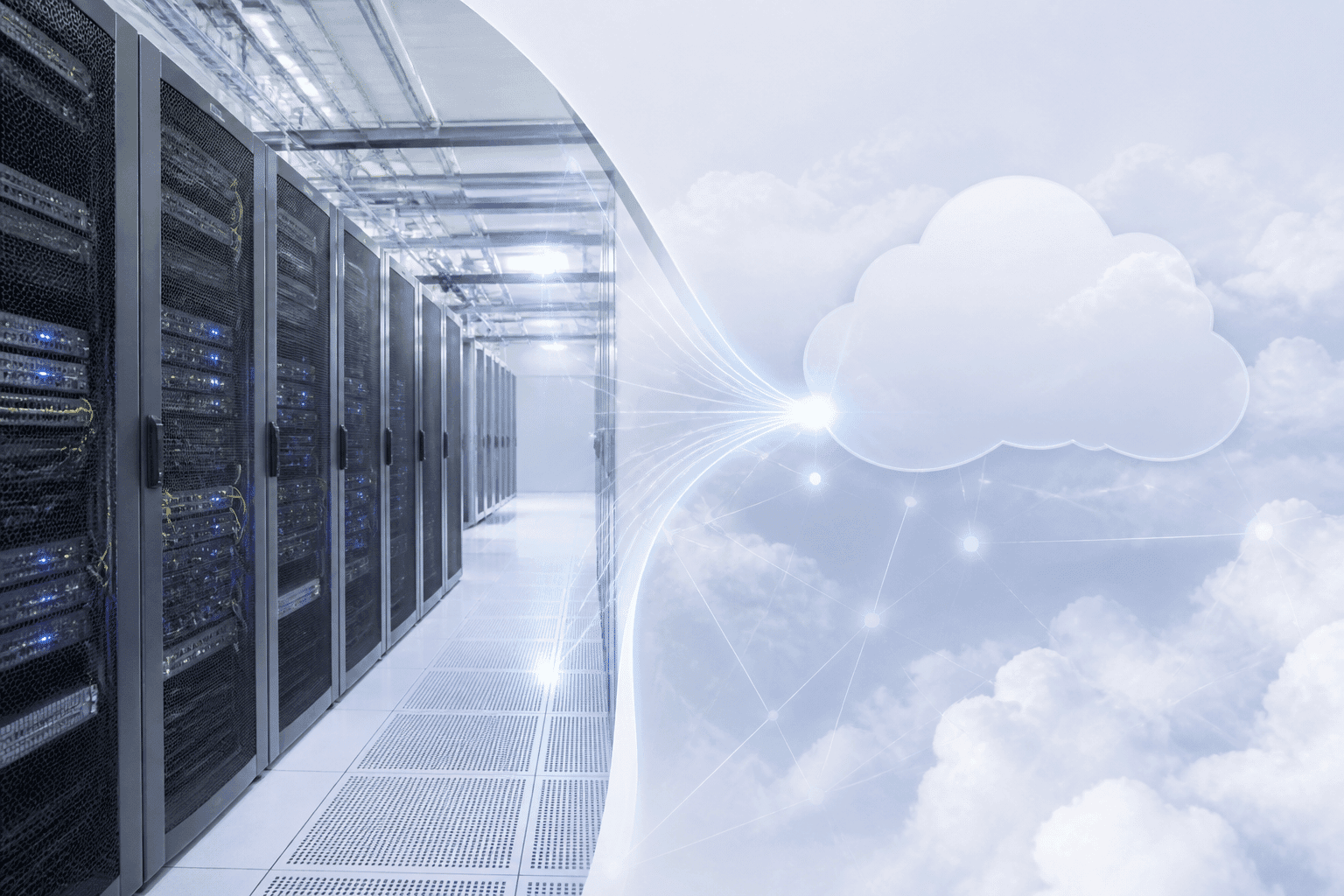
Before we compare costs and risks, let's get the basics straight. Both models run your orders, inventory and costs. The difference is where the system lives and who looks after it.
Two Ways to Run Your ERP
Think about housing. Owning a house means you pay a big chunk up front. You fix the roof, mow the lawn and replace the water heater at 2am. But you decide what to paint, what to knock down and who gets a key.
Renting a luxury apartment with a management service is different. You pay monthly. Someone else handles repairs, security and the elevator. You can't knock down a wall, though. (Try asking.)
That's pretty much the split between on-premise and cloud.
On-Premise ERP
With on-premise erp systems for manufacturers, the software sits on servers in your own building or data center. Your internal IT team runs it. That means patching, backups, security and upgrades are all on you.
The money side is heavy at the start. You buy hardware and perpetual licenses, which is capital spending (CapEx). Oracle describes on-premises applications as software sold with a perpetual license and annual maintenance fees. It gives you control. It also gives you the keys to every problem.
Cloud-Based ERP (SaaS)
Cloud erp for manufacturing industry setups are hosted by the vendor. Your people log in through the internet. You pay a subscription, so it's operating spending (OpEx), and the vendor handles servers, patches and updates.
One extra wrinkle. Cloud comes in two flavors. In multi-tenant, many customers share one platform but their data stays separate. In single-tenant, you get a dedicated environment and more say over upgrade timing. SAP uses an apartment building comparison for multi-tenant, which fits our analogy nicely.
Side-by-Side Basics
Here's a quick look at the core differences. We'll get deeper into cost, security and control in the next section.
Feature | On-Premise ERP | Cloud-Based ERP (SaaS) |
|---|---|---|
Hosting | Your servers, your site | Vendor's data centers |
Pricing model | Big upfront CapEx, then maintenance fees | Recurring subscription (OpEx) |
Maintenance | Internal IT handles patches and upgrades | Vendor handles infrastructure and updates |
Accessibility | Usually on the company network or VPN | Any approved device with internet |
Simple enough, right? But the real trade-offs show up once you line these up against your plants, your people and your budget. That's where we're headed next.
The Strategic Showdown: A 7-Point Comparison for Manufacturing Leaders

OK, time to put the two models in the ring. Here are seven points that tend to decide things for plant-heavy businesses. I'll be straight with you: no side wins all seven. That's kind of the point.
Money, Speed and Room to Grow
1. Total Cost of Ownership (TCO)
The sticker price is the smallest part of the story. Total cost of ownership is everything you pay over the life of the system, and on-premise erp systems for manufacturers hide a lot of it.
Think servers, storage, networking and disaster recovery. Then add the people who patch, back up and guard it all. Then the upgrade projects, which eat weeks of testing. Cloud swaps most of that for a monthly or yearly subscription. It's easier to predict. But you still pay for implementation, data cleanup and integrations, and subscriptions never really stop.
Now, long-term projections. I looked for a solid, independent 5 to 10 year TCO study for mid-sized manufacturers and couldn't find one I'd trust. So if a vendor flashes a precise "you'll save 37%" number, ask to see the math. A fair model for any total cost of ownership on-premise erp comparison should include:
Licenses or subscriptions
Implementation, data migration and customization
Hardware refreshes, backup and disaster recovery
Internal IT labor and security
Upgrades and testing
Integrations with MES, PLM and warehouse systems
Downtime and exit costs
The usual shape? On-premise is front-loaded, with another bump when hardware ages out. Cloud is flatter, though it can creep up as users and modules grow.
2. Scalability and Agility
Adding a production line to an on-premise system can mean buying more hardware, waiting for delivery and scheduling a weekend of work. Adding users in a cloud system is often a contract change and a few clicks. That gap matters most when demand swings or you buy another company.
Aptean's customer stories are a good example. ASK Chemicals unified 18 production facilities on one cloud ERP, and Pipp Mobile Storage Solutions used cloud to support acquisitions without major hardware upgrades. Those are vendor-reported results, so treat them as examples, not guarantees.
Pull quote: 18 plants on one platform. That's what a shared operating model can look like in the cloud.
3. Implementation Speed and Deployment
On-premise projects are slow for a simple reason. You have to build the house before you can move in. Servers get ordered, installed and tested before anyone touches a work order. Cloud skips that step. And multi-tenant systems, with standardized processes, usually go live faster than heavily customized ones.
But speed isn't everything. One 2025 analysis says only 49% of ERP projects go live on schedule. Most delays come from messy data, unclear scope and rushed testing, which hit both models. Cloud removes the hardware delay. It doesn't remove bad planning.
Pull quote: Only 49% of organizations go live on schedule, no matter where the system lives.
Risk, Fit and Connections
4. Security and Compliance
Here's a myth I hear a lot: "If it's in our building, it's safer." Honestly? Not automatically. A locked server room doesn't help if patches are three months late or your one security person just quit.
Big cloud vendors run dedicated security teams around the clock. SAP, for example, lists ISO/IEC 27001, 27017, 27018, ISO 22301 and SOC 2 reports for its cloud services. Those cover security management, cloud controls, privacy, business continuity and audited controls.
Still, a logo isn't proof. If you serve defense customers and need CMMC, or you follow ISO 9001 or AS9100, check the exact product, hosting region and report dates. A company's certificate may not cover your module. Ask about:
Encryption in transit and at rest
Multi-factor sign-in and role-based access
Backup and recovery times
Audit logs
Where your data lives
On-premise can absolutely meet strict rules. It just puts the work on you.
5. Customization and Integration
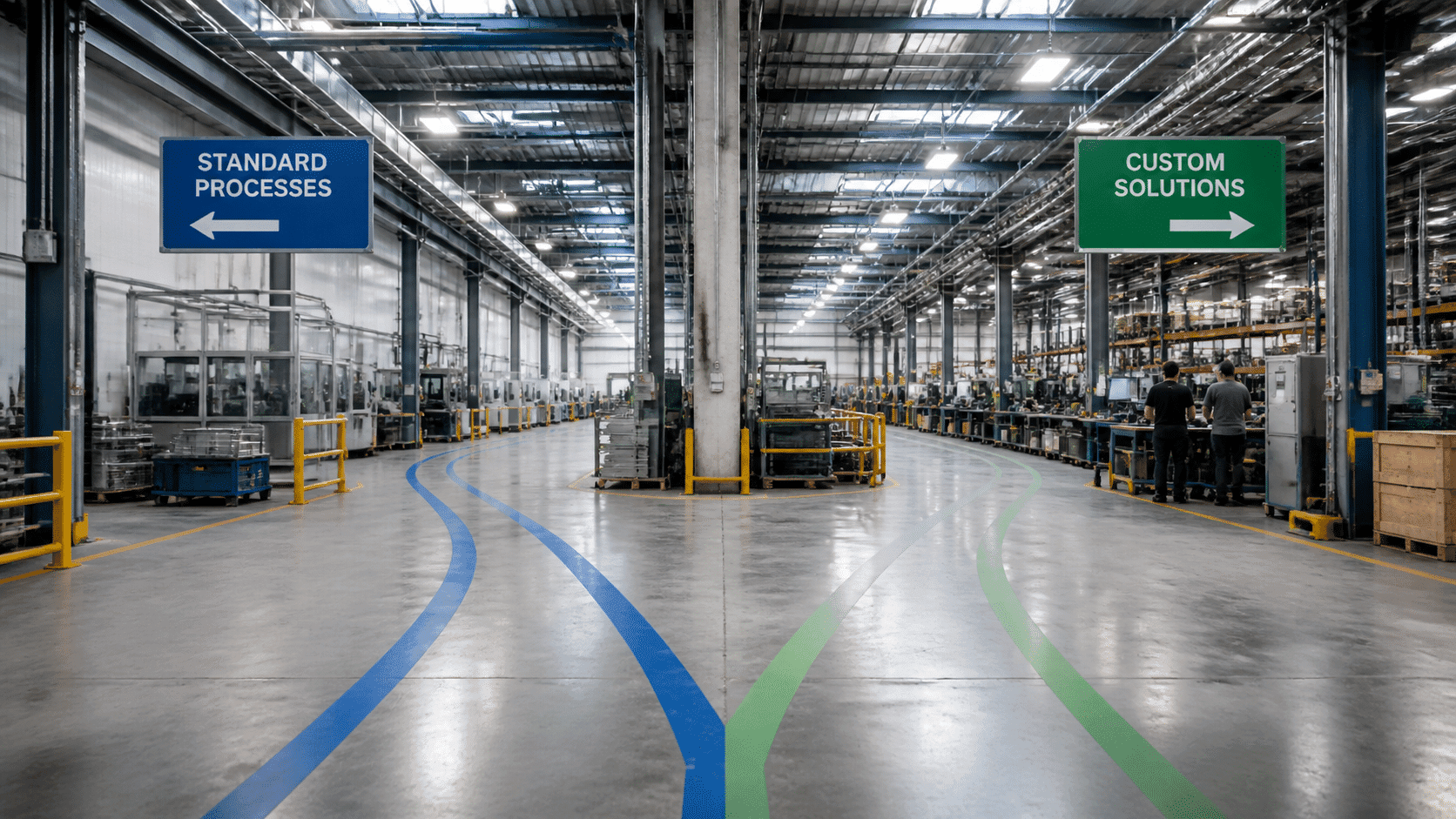
This is where on-premise earns its keep. You can change almost anything: screens, logic, odd routings your shop has used since 1998. The catch is that every change makes upgrades harder later.
Cloud leans on configuration. You adjust settings and add extensions without touching the core. SAP, for instance, offers a multitenant public edition built around a clean core, plus a single-tenant private edition for buyers who want more control over customization and upgrade timing. Less freedom, fewer headaches.
Integration is the part nobody can skip. Both models need APIs to talk to your MES, PLM, CRM and shop-floor systems. Platforms like Boomi, MuleSoft and SAP Integration Suite show up on most iPaaS comparisons for this reason. When off-the-shelf connectors fall short, custom work fills the gap, and that's where a firm like Buildera typically gets involved, building the connectors around a standard ERP core instead of rewriting the core itself.
Clayton, a manufacturer, started rolling out Oracle Cloud SCM as one platform for supply chain, manufacturing and logistics. That's the kind of consolidation clean APIs make possible.
Daily Life After Go-Live
6. Data Accessibility and Analytics
Picture a plant manager at 6am, checking a late shipment from her phone before she even parks. Cloud ERP makes that normal. Any approved device, any location. On-premise usually means the company network or a VPN, which works but feels like a locked door with a long hallway.
Then there's analytics. Many cloud platforms now bundle AI and machine learning for forecasting, scheduling and spotting oddities. Legacy systems struggle here. A 2025 Moor Insights & Strategy research brief for QAD put it bluntly: "These platforms were built as transaction recorders, not resolution systems, for a stable supply era that no longer exists." (It's a vendor-sponsored brief, so read it with that in mind.)
The results people report are real, if not universal. SAP says FUWO nearly halved its monthly close, improved forecast accuracy by 30% and lifted on-time delivery by 15% after automating finance and supply chain processes. And NOI Technologies describes a client whose order-to-cash cycle fell 20% after moving to a cloud-hosted ERP.
Pull quote: 30% better forecast accuracy and 15% better on-time delivery at FUWO (vendor-reported).
7. Maintenance and Upgrades
If you've lived through an on-premise upgrade, you know the drill. Freeze the system, copy the data, test every custom piece, pray, then fix what broke on Monday. Many teams just put it off for years. That's how companies end up with 30-year-old systems and a vendor sending an end-of-support letter.
Cloud flips that. The vendor pushes updates on a schedule, often monthly or quarterly. A packaging manufacturer that moved to Infor CloudSuite Industrial cited monthly-release support among its reasons, along with scalability, security and real-time data. The trade-off? You get updates when the vendor ships them, so you need a plan to test your integrations each time. Single-tenant options give you more say over timing.
The 7 Points at a Glance
Here's the quick scorecard. Ratings show how heavy each factor is for you (Low, Medium or High), and the last column shows who usually has the edge. Your plants may differ.
Point | On-Premise ERP | Cloud ERP | Usual Edge |
|---|---|---|---|
1. Upfront cost | High | Low | Cloud |
1. Long-term cost predictability | Medium | High | Cloud |
2. Scalability and agility | Low | High | Cloud |
3. Deployment speed | Low | High | Cloud |
4. Built-in security staffing | Depends on your team | High | Cloud, but verify |
4. Control over data location | High | Medium | On-premise |
5. Deep customization | High | Medium | On-premise |
5. Integration through APIs | Medium | High | Cloud |
6. Remote access | Medium | High | Cloud |
6. Built-in AI and analytics | Low | High | Cloud |
7. Upgrade effort | High | Low | Cloud |
Cloud wins most rows. But look at where on-premise holds on: control and customization. If those two matter more than the rest, that's a real answer, not a wrong one. And if you want a bit of both, there's a middle path worth a look next.
Is There a Middle Ground? The Rise of Hybrid ERP Solutions
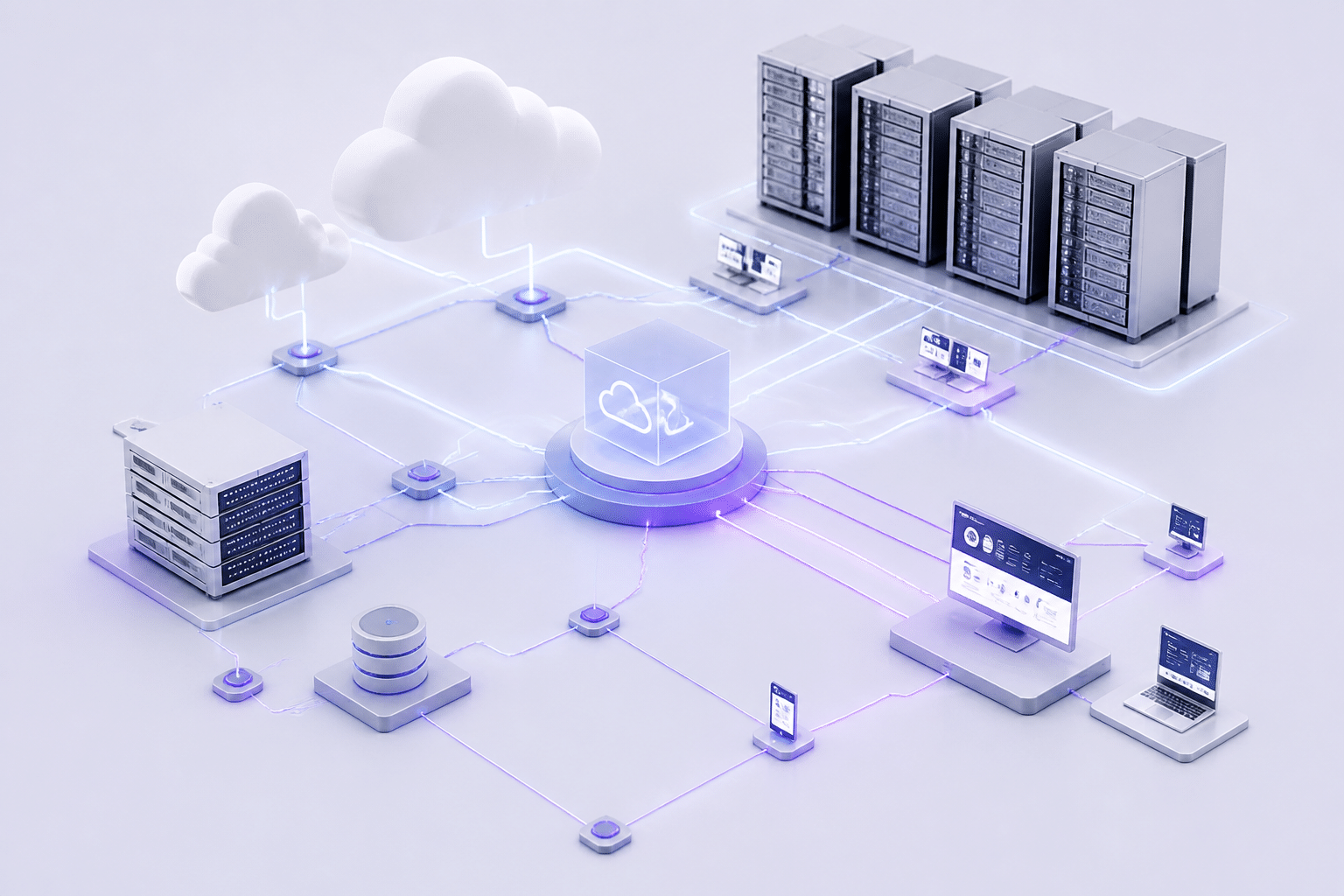
Here's something I like about hybrid ERP. It admits that real companies are messy. Not every plant, process or contract fits neatly into "all cloud" or "all on-premise."
How Hybrid ERP Works
Think of it as a two-tier setup. Your core system, often finance or shop-floor operations, stays on-premise. Then cloud apps handle specific jobs like CRM, HR or supply chain planning. Everything connects through APIs and shared data.
A real example: Piller Blowers & Compressors kept its existing SAP S/4HANA investment, then added SAP S/4HANA Cloud Public Edition for its international operations. The cloud side covers sales, finance, production, aftersales and quality, with shared master data between the tiers. That's hybrid erp for manufacturing in plain action.
Here's how the pieces usually fit together:
Layer | Typical home | Example jobs |
|---|---|---|
Core system of record | On-premise | Financials, shop-floor control, costing |
Cloud applications | Vendor-hosted | CRM, HR, supply chain planning, analytics |
Integration layer | Middle (iPaaS or APIs) | Syncing orders, inventory and master data |
When Hybrid Makes Sense
Hybrid isn't a cop-out. For some manufacturers it's the smartest path. Three situations stand out:
Unique compliance needs. Maybe a contract says certain data must stay on your own servers. Keep that data close, and move everything else.
Complex legacy ties. A heavily customized core, wired into old machines, can be risky to rip out. Leave it, and build around it.
Phased modernization. Not ready for a big-bang switch? Move one function at a time. That's a calmer form of legacy erp modernization for manufacturers.
The two-tier idea is also handy after acquisitions. A parent company keeps its customized system at headquarters, while newer plants or subsidiaries start on standard cloud ERP.
The Catch: Integration and Data Sync
Now the honest part. Hybrid means more moving parts. Two systems must agree on what an item, a customer or an inventory count actually is. If sync slips, you get duplicate records, mismatched stock and finger-pointing between teams.
Tools help. Boomi, MuleSoft, Oracle Integration Cloud and Informatica are all common choices for linking on-premise and cloud pieces. But a tool is only half the answer. Someone has to design the data rules, handle security across both sides and fix things at 3am when a feed breaks.
I'd say hybrid works best with a skilled technology partner who owns the whole ecosystem. That's the kind of custom integration work Buildera does around standard ERP cores.
So how do you decide between all three models? That's the next step.
A Decision Framework: How to Choose the Right ERP for Your Manufacturing Business
You've seen the trade-offs. Now comes the hard part: picking one. Choosing an ERP system for production isn't a gut call, and it shouldn't be a vendor beauty contest either. Here's a simple path you can follow.
Four Steps to a Smart Evaluation
Step 1: Assess your current state and technical debt
Start with an honest look at what you have. Map how orders, purchasing, production, quality and shipping really work today, not how the manual says they work. List every custom patch, spreadsheet workaround and fragile connection. That's your technical debt, and it tells you how hard a move will be. Then check your data. Messy item masters, BOMs and routings will hurt any new system from day one.
Step 2: Define future-state business goals
Write down what "better" means in numbers. Maybe it's faster quotes, tighter inventory accuracy or a shorter financial close. Maybe it's adding two plants without adding headcount. Pick a few measurable targets and set today's baseline. Without them, you can't tell if the project worked.
Step 3: Judge vendor expertise in manufacturing
A generic system often struggles with multi-level parts lists, shop-floor control and job costing. So ask for proof. Request references from manufacturers with a similar size and process type, whether discrete or process. Then insist on a scripted demo using your own data, not a polished sales deck.
Step 4: Run a real TCO analysis
Build a five-year model for each option, using the cost list from our earlier comparison. Show a base case, a cautious case and an upside case. Compare cloud, on-premise and hybrid against the same requirements. And don't let a low license price win if it depends on heavy customization.
Questions to Ask Every ERP Vendor
Bring this list to every demo. It comes from manufacturing-focused checklists like the Simple Manufacturing ERP evaluation checklist, which covers BOMs, lot tracking and audit trails.
Industry fit: Can you show a full quote-to-production-to-shipment flow with our data?
Traceability: Can you run a mock recall using lot and serial genealogy?
BOM management: How do you handle engineering changes, substitutions and scrap?
Integration: Which MES, CAD, CRM and warehouse systems connect out of the box?
Support: What are your service levels, and who's my named contact after go-live?
Roadmap: What's planned for AI, upgrades and plant-floor connectivity over the next three years?
Exit terms: How do I get my data out if things go wrong?
Build Your Own Decision Matrix
Here's a simple scorecard. Give each factor a weight from 1 to 5 based on how much it matters to you. Score each option from 1 to 5. Multiply, then add it up.
Factor | Your weight (1-5) | On-premise score | Cloud score | Hybrid score |
|---|---|---|---|---|
Total cost over five years | ||||
Scalability and new plants | ||||
Deep customization needs | ||||
Data location and compliance | ||||
Integration with MES and PLM | ||||
Upgrade effort | ||||
Internal IT capacity | ||||
Speed to go-live |
The highest total isn't an automatic winner. But it shows you where your priorities really sit.
Get the Whole Team in the Room
Here's something that trips up a lot of projects. IT picks the system alone, and then operations refuses to use it. Bring in IT, finance, operations, supply chain and quality from day one. Guidance on common ERP failure causes points to unclear scope and weak buy-in again and again. So set up a steering committee with real authority to make decisions.
Once you've got a front-runner, the next question is who will build it with you.
Beyond the Platform: Why Your Implementation Partner is as Critical as the Software

Here's a thing I wish more buyers heard before signing. The software is only half the job. The other half is how it gets built, wired up and handed to your people.
You can pick the perfect system and still end up with a mess. Picking was the "what." Now we're talking about the "how."
Why Good Software Still Fails
The numbers are rough. Gartner estimates that 55 to 75% of ERP projects miss their stated goals. Panorama Consulting's figures, as reported in secondary analyses, put discrete manufacturing even higher. Definitions of "failure" vary, so take any single number loosely. The pattern is still clear.
The causes rarely sound like "the software was bad." They sound like this:
Messy BOMs and routings moved over without cleanup
Scope that grew every month
Too little testing before cutover
Training squeezed into the last week
Every old spreadsheet workaround copied into the new system
That last one stings. I've seen teams pay good money to rebuild their bad habits in a shiny new tool.
So implementation, customization and change management aren't extras. They're the project.
What a Software Engineering Partner Actually Does
Off-the-shelf ERP rarely fits a plant perfectly. There's usually a gap: a legacy MES, a machine data feed, a quality process nobody wants to change. Someone has to bridge it.
That's where a software engineering partner like Buildera comes in. The idea is to keep the ERP core standard, then build custom APIs, workflows and connectors around it. You get the upgrade path of a standard system without losing the processes that make your shop yours. For companies dealing with legacy erp modernization for manufacturers, that also means careful data migration and a plan for old systems that can't be switched off on day one.
A good partner also pushes back. They'll ask whether a custom change is really needed, or whether a setting will do. Honestly, that question saves more money than most discounts.
Filling the Talent Gap and Getting Value Faster
Now the pain point many IT leaders quietly carry. You don't have enough people. Your best engineers already run the current system, and hiring ERP and integration specialists takes months (if you find them at all).
A partner adds skilled hands without a long hiring cycle. One 2025 analysis reports an 85% success rate among organizations using software consultants. That doesn't prove consultants cause success. Project size and sponsorship matter too. But it fits what most of us see in practice.
Key benefits of a strategic implementation partner:
Manufacturing know-how for BOMs, routings, traceability and job costing
Custom integrations with MES, PLM, CRM and warehouse systems
Clean data migration and tested cutover plans
Change management and user training, not just technical delivery
Faster go-live with fewer surprise change orders
Post-go-live support so problems don't pile up
When you shop for one, ask for references from manufacturers like you, named team members and before-and-after metrics. A certificate is a screen, not proof.
The software gets you the platform. The partner gets you the payoff. Next, let's pull it all together.
Conclusion: Building Your Future-Ready Manufacturing Enterprise
So, where does all this leave you?
If I had to boil it down: for most modern manufacturers, cloud wins on agility, scalability and predictable costs. It's easier to grow, easier to update and easier to connect. But on-premise still earns its spot when you have tight data rules or deep customization. And hybrid is a solid bridge when you can't (or shouldn't) rip everything out at once.
Here's the honest part. There's no universal winner. The right call depends on your plants, your people, your customers and where you want to be in five years. Skip the vendor hype and run the real evaluation: map your current state, set numbers for "better," build a five-year cost model and check your partner as hard as you check the software.
One more thing worth keeping in mind. Looking ahead to 2027 and beyond, analysts at Constellation Research point to composable, AI-ready ERP, a standard core with modular pieces connected by APIs. That's another reason to keep the core clean and build around it.
Quick Takeaways
Cloud ERP usually fits growing manufacturers best, thanks to scalability, faster rollout and steadier costs.
On-premise and hybrid still make sense for strict compliance, heavy customization or phased modernization.
Your best choice comes from your own goals, data and five-year numbers, not a market trend.
The implementation partner can matter as much as the platform.
Ready for the Next Step?
Choosing your next manufacturing ERP is a big decision, and you don't have to make it alone. If you want a second set of eyes on your options, the team at Buildera can help you design an ERP setup that fits your plants, connects your systems and gets you ready for what's next. Start the conversation before your current system makes the decision for you.
Ready to build software that actually works for your business?
Free discovery call · 15 minutes · No obligation