
Why Your Disconnected Systems Are Costing More Than You Think

58 minutes. Every day. Per person. That's how long knowledge workers reportedly spend searching for information scattered across disconnected systems. One estimate puts the cost at about $12,400 a year for each worker, according to a 2025 Asana study as summarized by Kent.
You know that sinking feeling when finance and sales show you two different revenue numbers? Same quarter. Same customers. Different answers.
If you're a CTO or IT Director, you've probably lived this. The ERP holds orders and invoices. The CRM holds customer notes. The warehouse system holds stock counts. Nobody sees the whole picture, so people fill the gaps with spreadsheets, copy and paste, and a lot of "can you send me the latest version?" emails.
The damage adds up fast. Duplicate work. Slow reports. Customer records that don't match. Even PepsiCo had to deal with this. Its team set out to turn a disparate and siloed data landscape into a unified, trusted source of truth for better decisions.
Here's the shift I'd like you to make. ERP integration isn't a plumbing job you hand to a junior developer. It's a growth and resilience decision. When your systems talk to each other, you can react faster, serve customers better, and stop paying people to be human data pipes.
This guide walks you through it, step by step. We'll cover the strategy, the systems worth connecting, the traps to avoid, and how to pick the right partner, whether that's one of the big erp software companies or a custom engineering team. First, let's look at why this matters so much for the business.
The Strategic Imperative: Unlocking Business Value with ERP Integration
Here's a question worth asking in your next leadership meeting. Is ERP integration on the IT roadmap, or is it on the business plan? If it's only on the IT roadmap, it probably won't get the money or the attention it needs.
Let's fix that.
Tie It to Goals the Board Already Cares About
Most leadership teams talk about three things: digital transformation, happier customers, and beating the competition. ERP integration touches all three.
Take customer experience. A customer calls and asks, "Where's my order?" If sales, finance, and the warehouse each hold a piece of the answer, your rep has to hunt around. If they're connected, the answer takes seconds. Retail shows this well. One 2026 market analysis says integrated commerce platforms can sync inventory changes within seconds, instead of waiting on nightly batch updates. That's the gap between "yes, it's in stock" and a sorry email.
And digital transformation? It's hard to transform anything when your core data lives in five places. About 70% of these projects miss their goals, according to one 2025 analysis of widely reported research. Nobody can pin that on integration alone. But messy, disconnected data is a regular suspect.
From Saving Time to Making Better Calls
Most people stop at efficiency. Fewer manual steps, fewer errors. Good, but that's the small prize.
The bigger win is speed of decision. When orders, inventory, billing, and customer data sit in one connected flow, leaders stop arguing about whose number is right. They argue about what to do next. That's agility.
Here's how the two worlds compare:
Siloed systems | Integrated systems | |
|---|---|---|
Data flow | Manual exports, spreadsheets, email | Automatic, shared across apps |
Reports | Late, often disputed | Timely, one version of the truth |
Customer view | Pieces in each department | One full record |
Reaction to change | Weeks of rework | Adjust workflows, keep the data |
Fuel for analytics | Conflicting, duplicate records | Clean, consistent history |
Not bad for something that sounds like plumbing, right?
Getting Ready for AI Before You Need It
Everyone wants AI right now. But AI is only as good as the data you feed it. Gartner points out that ERP data gets far more valuable when it's combined with information from other enterprise sources. That's what lets generative AI, predictive analytics, and machine learning actually automate work instead of just producing another report.
So clean, connected data is step one. Forecasting tools need consistent history. Anomaly checks need records that agree with each other. If your customer shows up three different ways, the model learns three different customers.
Modern integration also keeps you flexible. Connect through APIs and a clear architecture, and swapping in a new tool later is a smaller job. Often a much smaller one. That's the real meaning of future-proofing. It's not predicting the next big thing. It's being able to plug it in when it shows up.
So what should you connect first? That's next.
Key Systems to Integrate for a 360-Degree Business View

So where do you start? You can't connect everything on day one, and you shouldn't try. I'd start with the three spots where disconnected data hurts the most: customer data, order and stock data, and reporting.
Here's a quick map before we get into each one.
System to integrate | Key benefits | Data exchanged |
|---|---|---|
CRM (Salesforce, HubSpot) | One customer view, from lead to support | Accounts, contacts, quotes, sales orders, invoices, fulfillment status |
E-commerce (Shopify, Magento, BigCommerce) | Real-time inventory, faster order-to-cash | SKUs, prices, stock levels, orders, payments, shipping updates |
Supply chain (SCM, WMS) | Fewer stockouts, clear supplier visibility | Purchase orders, receipts, shipments, lead times, supplier data |
BI (Tableau, Power BI) | Reports everyone trusts | Cleaned, combined data from all the systems above |
CRM: Seeing the Whole Customer
Your sales rep closes a deal in Salesforce. Then finance bills the wrong amount because the quote never reached the ERP. We've all seen some version of that story.
When the CRM and ERP are connected, accounts and contacts line up with ERP customer records. Opportunities and quotes turn into sales orders. Then invoices, stock, and delivery status flow back, so your support team can answer "where's my order?" without a Slack scavenger hunt. Common Salesforce-to-ERP patterns cover exactly these mappings, and event-based updates can push new orders to users in near real time.
The same idea works with HubSpot. Marketing sees which leads became paying customers. Finance sees which customers pay late. Everyone works from the same record.
E-Commerce and Supply Chain: Order-to-Cash Without the Copy and Paste
Online stores move fast. A product sells out at 2pm, and if your store doesn't know, you've just sold something you don't have.
Connecting Shopify, Magento, or BigCommerce to your ERP fixes that. Orders drop straight into the ERP, stock counts update, and invoices and shipping details go back to the store. Greytrix described a mid-sized multichannel retailer that linked Shopify with Sage 300c to sync inventory between physical stores and online sales.
Then add supply chain systems. Purchasing, supplier, transport, and delivery data meet in one place, which is the whole point of ERP and supply chain integration. My rule of thumb: use live API or event updates for things that change by the minute, like stock moves and shipment status. Use scheduled batches for history and analytics.
BI Tools: Reports You Can Actually Trust
Here's the funny part. Plenty of teams buy Tableau or Power BI first, then wonder why the dashboards start fights. Pretty charts on messy data are still messy.
A connected ERP gives BI tools one clean source to read from. One Futurum analysis of ERP-embedded AI recommends pulling transactional, operational, and analytical data into one trusted home. That cuts conflicting reports and speeds up deeper analysis.
So a planner can spot a demand spike while there's still time to reorder. A CFO can see margin by customer without waiting for month-end.
One caution. Off-the-shelf connectors cover the common paths well, but heavily customized ERPs often need something built for them. That's where a custom engineering firm like Buildera usually comes in. Before any of this works, though, you'll have to get past a few predictable roadblocks.
Navigating the Top 3 ERP Integration Challenges
Nobody gets a clean run. But the good news is that ERP integration challenges tend to repeat. Three of them show up on almost every project, so let's look at each one before it finds you.
Challenge 1: Legacy Systems That Can't Talk
That 15-year-old ERP still runs payroll, so nobody wants to touch it. Fair. But it probably has years of technical debt, thin documentation, and no modern API. Connecting it to Shopify or Salesforce can feel like plugging a USB stick into a typewriter.
The tempting fix is "rip and replace." Scrap it all and start fresh. Sounds clean, right? It rarely is. A 2025 vFunction study, as summarized by ONEiO, found that 79% of organizations had at least one failed modernization project, at an average cost of around $1.5 million.
A calmer route is legacy system modernization in slices. Wrap the old system in an API layer first. Then move one function at a time. This is the kind of work a custom engineering partner like Buildera does often, because off-the-shelf connectors don't help when there's nothing to connect to.
Challenge 2: Data Mapping and Governance
Here's a small example. One system says "Acme Corp." Another says "ACME Corporation Inc." A third has a typo. Your integration now has three customers, and your reports are back to arguing.
Mapping means deciding which field in system A matches which field in system B, and what happens to the messy ones. Governance means deciding who owns the answer. Without both, you don't get a single source of truth. You get faster copies of the same mess.
Start by profiling your data before you move any of it. Count the duplicates, blanks, and odd formats. Then name a business owner for customers, products, and suppliers. Not an IT owner. A business one.
Challenge 3: Security and Compliance
Every new connection is a new door. Data in transit between your ERP, CRM, and store can be intercepted if you're sloppy. And compliance rules (GDPR, HIPAA, PCI) don't stop at the edge of one system. They follow the data wherever it goes.
The basics go a long way. Encrypt every connection with TLS. Use OAuth 2.0, and give each integration only the access it needs, as this guide to ERP token security explains. Keep short-lived tokens, separate credentials per integration, and audit logs that show who touched what.
The Common Pitfalls Checklist
Print this one. Check it against your plan before kickoff.
Pitfall | What it looks like | Quick fix |
|---|---|---|
Lack of a clear integration strategy | Teams build one-off connections as needs pop up | Write down the target setup and which system owns which data |
Poor data quality | Duplicates and mismatched IDs move into the new flow | Profile and clean data before any migration |
Underestimating change management | Staff keep using their old spreadsheets | Train early and involve skeptical users in testing |
Ignoring legacy limits | Plans assume APIs that don't exist | Audit every system's connection options up front |
Security added last | Shared logins, open endpoints | Build access rules and logging into the first design |
Spot two or three of these in your own plans? Good. That means you're catching them early. Next, let's talk about who should help you fix them.
Choosing Your Partner: Off-the-Shelf Connectors vs. Custom Integration

You've seen the challenges. Now comes the fork in the road. Do you buy a ready-made connector, or build something made for your business?
Honestly, both are fine. The trick is knowing which one fits your situation.
When Off-the-Shelf Connectors Do the Job
Many erp software companies sell connectors, and a lot of third-party tools do too. They're great for simple, standard, point-to-point links between popular platforms. Think Shopify to your ERP for orders and stock. Or HubSpot to your ERP for customer records. The paths are well worn, so setup is quick and the price is easy to guess.
If you've got fewer than five systems that rarely change, a connector is probably all you need. Don't overbuild. (I've seen teams spend six months on something a $300/month tool could have handled.)
But connectors have limits. They shine with standard workflows, like moving customer, order, and invoice data. They struggle with custom fields, multi-step approvals, and high-volume syncing. One 2026 assessment of iPaaS tools points to a limit of 10,000 requests per five minutes, and warns that big data transformations can turn into a bottleneck without custom code.
When Custom Integration Engineering Makes Sense
Now picture the other side. Your ERP has custom objects. Your warehouse system was built in 2009. An order has to pass three approvals and a tax rule before it ships. A connector can't guess any of that.
This is where a custom engineering partner like Buildera earns its keep. Custom work fits when you need:
Links to legacy or bespoke systems with no modern API
Complex business logic, like exception routing or industry-specific math
Multi-system workflows that cross ERP, CRM, store, and supply chain
Clear ownership of performance, security, and monitoring
It also helps with legacy system modernization. A team can wrap the old system in an API layer first, then connect everything else to that. You get custom ERP development where it counts, and you don't have to rip anything out.
There's a trade-off, of course. You pay more up front. A 2026 cost breakdown aside, most estimates put projects with three to five systems anywhere from $75,000 to $300,000, plus maintenance each year. Connectors cost less on day one but add subscriptions as you add apps.
Side by Side: How They Compare
Criteria | Off-the-Shelf Connectors | Custom Engineering Partner |
|---|---|---|
Flexibility | Fixed to what the vendor supports | Built around your exact processes |
Scalability | Hits request limits and per-app fees | Designed for your volume and growth |
Speed of initial setup | Days to weeks | Weeks to months |
Long-term cost | Recurring fees that grow with each app | Higher upfront, more control later |
Handling legacy systems | Weak when no API exists | Strong, with API layers and staged moves |
Custom logic | Limited | Fully supported |
Vendor dependence | Tied to the connector roadmap | You own the integration layer |
How to Decide Without Overthinking It
Ask yourself four questions:
How many systems are we connecting, and how often will that change?
Do we have custom fields, odd workflows, or old software in the mix?
What will volume look like in three years?
Is this a quick fix or a long-term plan?
Mostly "few, no, small, quick fix"? Start with a connector. Mostly "many, yes, big, long-term"? Talk to a custom partner.
Many teams land on a mix. Keep simple links on connectors, and build custom for the tricky, high-change ones. And whichever way you lean, compare costs over three to five years, not just the first invoice. Once you've picked a direction, you'll need a clear plan to carry it out.
A 5-Step Framework for a Successful ERP Integration Project
You've picked a direction. Now what? This is where good intentions either turn into a working system or a pile of half-finished connections.
I like a simple five-step path. Here's the whole thing at a glance, so you can see where we're headed.
Step | Phase | Main question it answers |
|---|---|---|
1 | Discovery and strategic planning | What are we fixing, and why? |
2 | Architecture and solution design | How will the data actually move? |
3 | Agile development and testing | Does it work, and does it keep working? |
4 | Deployment | How do we switch on without breaking things? |
5 | Post-launch support | How do we keep it healthy? |
Step 1: Discovery and Strategic Planning
Start with the business goal, not the tool. "Cut order-to-cash time" is a goal. "Install a connector" is not.
Write down two or three outcomes you can measure. Then audit every system in the mix: versions, owners, APIs, spreadsheets that quietly run a department (you know the ones). Note which system owns customers, products, and invoices. A short strategy document should also list known weak spots, like that old warehouse tool with no API.
The result is a roadmap. Which links come first? Which can wait? Keep it short enough that people will actually read it.
Step 2: Architecture and Solution Design
Now map the data flows. What moves from where to where, how often, and what happens when something fails?
This is where you pick your patterns. A few direct links work fine for a small, steady setup. Middleware or an iPaaS hub makes more sense as the app count grows, since adding a new tool means one new connection instead of many. Event-based updates suit things that change by the minute, like stock. Scheduled batches suit reporting. Many teams end up with a hybrid, and that's perfectly OK.
Design for growth, too. Ask what happens at three times today's order volume. If this is cloud ERP integration, check API limits now, not after launch. And build security in from day one: encrypted connections, narrow access, and logs.
Steps 3 to 5: Build, Launch, and Keep It Healthy
Step 3: Agile development and testing
Build in small slices. Ship one flow, like orders from the store into the ERP, test it, then move to the next. Short cycles let users catch problems while they're cheap to fix.
Testing needs real effort here. Cover the basics:
Interface and field-mapping checks, including bad and duplicate records
End-to-end runs of full workflows like order-to-cash
Load tests at 100%, 150%, and 200% of expected demand, as one ERP testing guide suggests
Security checks on roles, tokens, and inputs
User acceptance testing with a few skeptics in the room, not just fans
Budget roughly two to four weeks for that last one. It always takes longer than people hope.
Step 4: Deployment
Resist the big-bang launch. Roll out in phases: one team, one region, or one product line first. Keep a rollback plan handy and reconcile totals (open invoices, stock counts) before and after the move. Boring? Yes. Also what keeps your Monday morning calm.
Step 5: Post-launch support
Go-live isn't the finish line. Plan a hypercare period with daily reviews of failures and defects. Then keep watching: alerts for failed messages, dashboards for sync delays, and a named owner for every integration. APIs change. Volumes grow. Tune as you go.
If your team is stretched thin or your stack includes aging software, a custom partner like Buildera can run these steps alongside your engineers. Once the system is live, you'll want proof it's paying off. That's next.
Measuring Success: How to Calculate the ROI of Your Integrated System
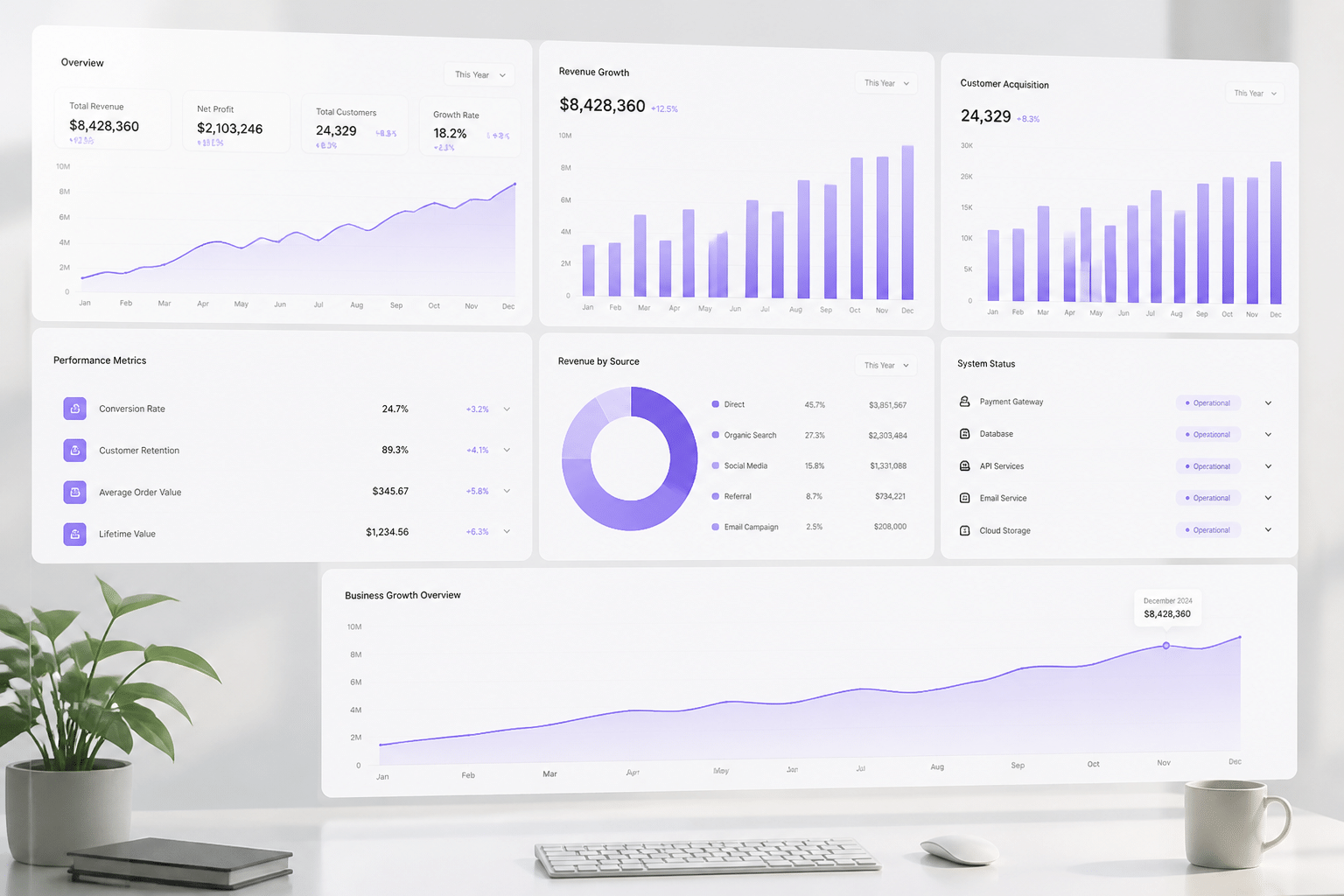
You've launched. The connections hum along. Then your CFO asks the question that makes every IT leader sweat: "So what did we get for the money?"
Let's make sure you have a real answer.
Start With the Numbers You Can Count
Pick a few hard KPIs before kickoff. Not twenty. Four or five. And write down today's number first, because you can't show progress without a starting line.
Good ones to track:
Hours spent on manual data entry each week
Order processing time, from click to shipped
Inventory holding costs
Financial close time
Order-to-cash cycle time
Here's a sample dashboard. The numbers are made up for illustration, so swap in your own.
Metric | Before integration | After integration | % improvement |
|---|---|---|---|
Manual data entry (hours/week) | 120 | 45 | 63% |
Order processing time | 48 hours | 18 hours | 63% |
Order-to-cash cycle time | 52 days | 38 days | 27% |
Inventory holding cost (per year) | $400,000 | $300,000 | 25% |
Financial close time | 10 days | 7 days | 30% |
For a sense of what's possible, a 2025 manufacturing study reported 63% faster order processing and 30% lower inventory-holding costs after integrated ERP adoption. Treat that as a hopeful example, not a promise. Results swing a lot by company and scope.
Count the Benefits That Don't Show Up on an Invoice
Some wins are real but sneaky. Better data accuracy means leaders stop debating numbers. Customers get answers faster. Staff stop acting like human copy machines, and they usually notice.
The trick is turning those into dollars, even rough ones:
Better decisions: Hours saved getting from question to answer, times the hourly cost of the people involved. Add avoided stockouts or rush freight.
Happier customers: Fewer wrong shipments times the cost of a return. Or retained customers times their yearly margin.
Productive employees: Minutes saved per task, times headcount, times pay rate.
Label these as estimates. Be conservative. Your finance team will trust you more for it.
A Simple ROI Formula You Can Use Today
Here's the math, and it's friendlier than it looks. Oracle's ROI framework puts it this way:
ROI % = (total benefits - total costs) / total costs x 100
Costs should include build or licenses, training, data cleanup, and yearly support. Benefits include labor savings, lower inventory costs, and extra profit from sales you'd have missed. Use profit, not raw revenue.
Quick example. Say costs total $200,000 and benefits over three years hit $350,000. That's $150,000 net, so ROI is 75%.
One more tip: look at three years, not one. MYOB suggests a three-year view because costs land early while gains build over time. Some well-run projects aim for payback in 14 to 24 months, but there's no trusted universal average, so don't let anyone sell you one.
So you've got the proof. What's left is pulling it all together.
Building Your Future-Ready, Unified Enterprise
Let's step back for a second. Where did we start? With people burning 58 minutes a day hunting for data, and two departments showing two different revenue numbers. Where are we now? With a plan to fix it.
Here's the big idea. ERP integration isn't a one-time install. It's a journey from scattered tools and spreadsheet patches to one connected, nimble business. You pick the goals, connect the systems that hurt most, clean the data, test hard, and measure what you get back.
And the timing is good. One set of market reports projects the enterprise application integration market growing from $23.01 billion in 2025 to $45.21 billion by 2030. Lots of companies are making this same move. The ones who plan it well will pull ahead.
But here's the part I'd underline twice. The partner you choose matters more than almost any tool. A good connector can be perfect for a simple setup. A custom engineering team earns its keep when you've got legacy software, odd workflows, or volume that outgrows the off-the-shelf options. Honestly, the best choice is the one that fits your messy reality, not the one with the shiniest brochure.
So if your stack is getting harder to connect, don't wait for it to break. Compare priorities, map the risks, and pick your next practical step.
### Ready to Unify Your Technology Stack?
Got a legacy system with no API? Workflows that no connector understands? Let's talk it through. Buildera works with CTOs and IT leaders on custom integration and legacy system modernization, with no pressure and no pitch deck. Start a conversation with Buildera about your current setup and the next integration decision worth making.
Ready to build software that actually works for your business?
Free discovery call · 15 minutes · No obligation